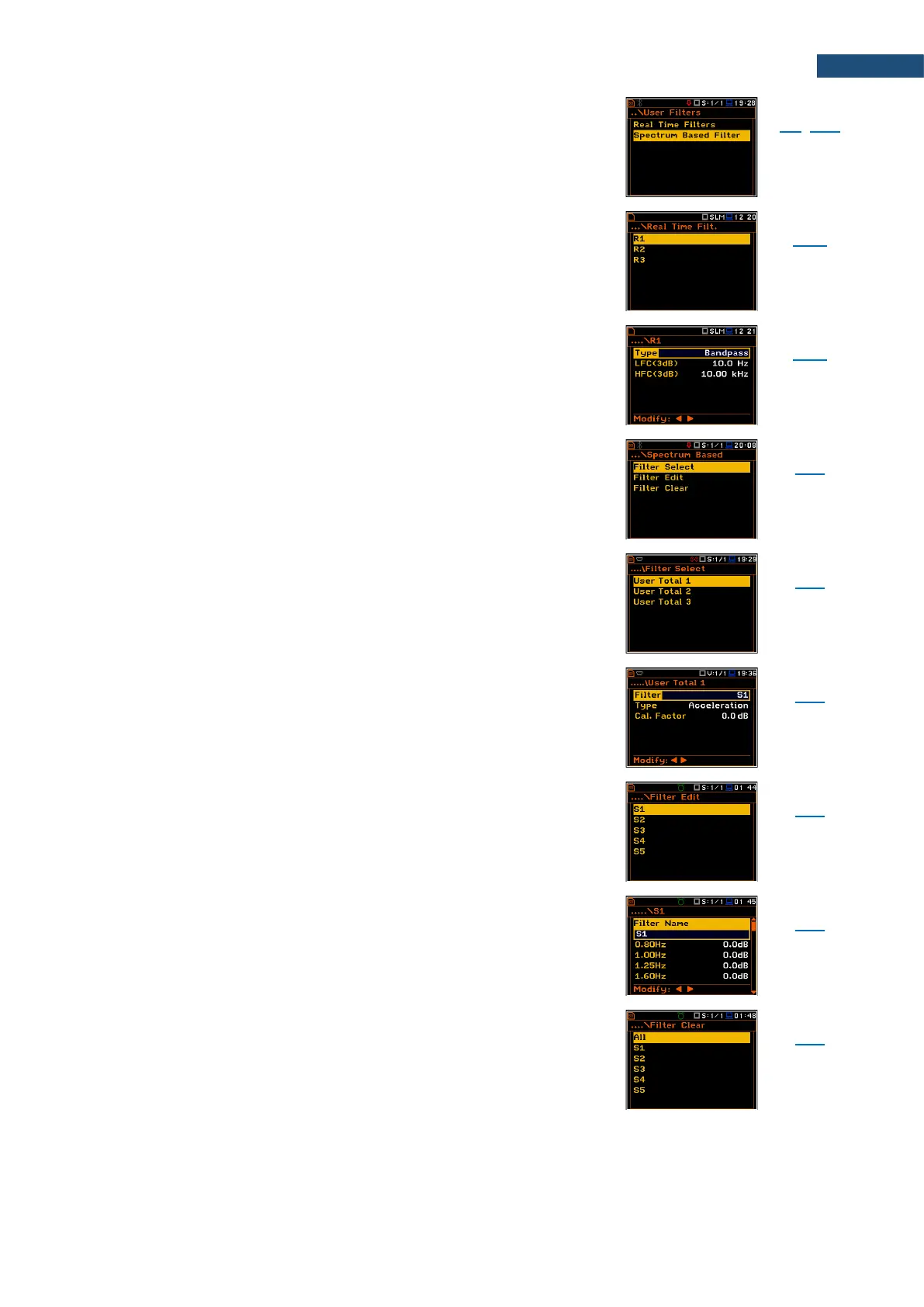
Screen that enables configuring user filters: Real Time
Filters and Spectrum Based Filter.
Screen that enables configuring three real-time user
filters: R1, R2 and R3.
Screen that enables configuring parameters of the
selected real-time user filter: filter Type (Highpass,
Bandpass or Lowpass) and frequency corners: low
frequency corner - LFC(3dB) and low frequency corner -
HFC(3dB).
Screen that enables setting user filters for total results of
the 1/1 Octave - 1/12 Octave analysis in screens: Filter
Select, Filter Edit and Filter Clear.
Screen that allows you to assign the user filter to the
additional Total result with the use of the User Total 1,
User Total 2 and User Total 3 screens.
Screen that allows you to select the user filter (S1, S2,
S3, S4 or S5) to the user Total x result, set the calibration
factor and, in case of vibration measurements, type of
integration filter for measuring Acceleration, Velocity or
Displacement.
Screen that allows you to select the user filters for editing
in the screens: S1, S2, S3, S4 or S5.
Screen that allows you to edit coefficients of the selected
user filter and to change the name of the filter (Filter
Name).
Screen that allows you to clear values of the user
coefficients of octave or third octave filters. It is possible
to clear all sets of coefficients (All) or to clear the selected
set (Sx).



 To Next Page