26
FLIGHT PHASES
PREFLIGHT
J43126AA 00
© THALES AVIONICS S.A.
AIRBUS A318/319/320/321
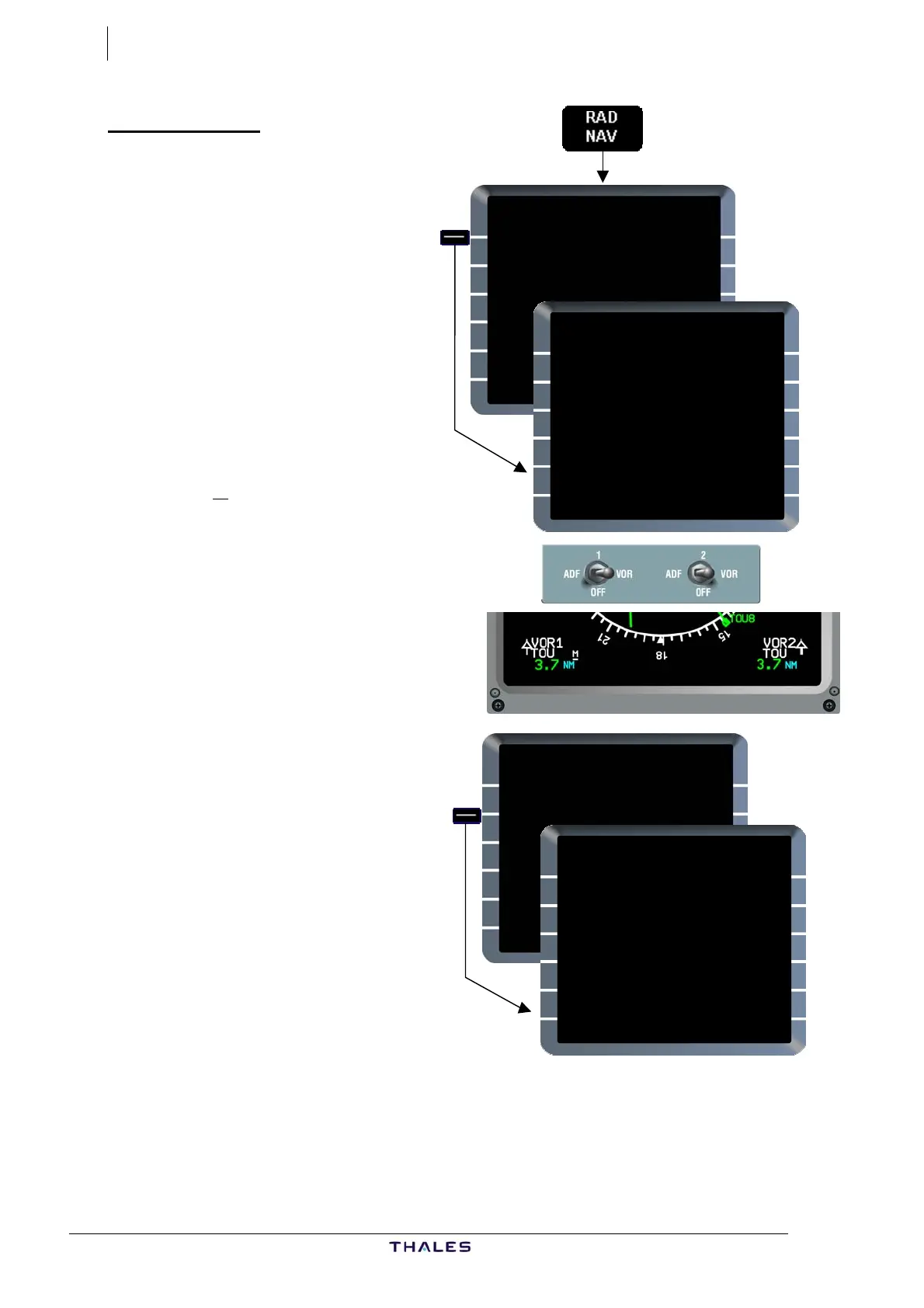
RAD NAV page
RAD NAV key..................Press
RAD NAV page is displayed.
Check auto-tuned navaids (in
small font).
According to SOPs, tune manually
VOR/DMEs required for initial
departure.
Auto-tuned navaids may be
overwritten.
VOR1/FREQ [1L]............Enter
Ex: TOU
Ident is then shown in large font.
On ND the M symbol appears
when a VOR is forced manually
(VOR 1 on picture).
CRS [2L].................. Complete
Ex: 144.
If localizer of opposite (or
another) RWY is to be used for
departure, enter and complete
the ILS and CRS fields [3L]/[4L]
as appropriate.
The amber message
"RWY/LS MISMATCH" will appear
in the scratchpad. Clear.
If ADF(s) is required, enter and
complete fields [5L]/[5R] as
appropriate.
(See Part III: Ch 7.2 - RAD NAV
page).
RADIO NAV
VOR1/FREQ FREQ/VOR2
&TOU/117.70 117.70/TOU
CRS CRS
[ ] [ ]
ILS /FREQ CHAN/ MLS
TBS/110.70 [ ]/[ ]
CRS SLOPE CRS
F144 -.- [ ]
ADF1/FREQ FREQ/ADF2
[ ]/[ .] [ .]/[ ]
144
RADIO NAV
VOR1/FREQ FREQ/VOR2
&TOU/117.70 117.70/TOU
CRS CRS
144 [ ]
ILS /FREQ CHAN/ MLS
TBS/110.70 [ ]/[ ]
CRS SLOPE CRS
F144 -.- [ ]
ADF1/FREQ FREQ/ADF2
[ ]/[ .] [ .]/[ ]
RADIO NAV
VOR1/FREQ FREQ/VOR2
&TOU/117.70 117.70/TOU
CRS CRS
[ ] [ ]
ILS /FREQ CHAN/ MLS
TBS/110.70 [ ]/[ ]
CRS SLOPE CRS
F144 -.- [ ]
ADF1/FREQ FREQ/ADF2
[ ]/[ .] [ .]/[ ]
TOU
RADIO NAV
VOR1/FREQ FREQ/VOR2
&TOU/117.70 117.70/TOU
CRS CRS
[ ] [ ]
ILS /FREQ CHAN/ MLS
TBS/110.70 [ ]/[ ]
CRS SLOPE CRS
F144 -.- [ ]
ADF1/FREQ FREQ/ADF2
[ ]/[ .] [ .]/[ ]



 To Next Page