FMS DEGRADED OPERATION
10 FMGC RESETS or FAILURES
Triple reset of one FMGC (Cont'd)
On the opposite side:
MCDU:
− The failure is confirmed by POSITION MONITOR page on which the
affected FM position is dashed.
− If engaged the onside AP is not affected.
FMA: Indicates auto-systems degradation.
RECOVERY
On the affected side:
The A/C is operated in SINGLE mode
with the remaining FMGC.
FMA...............................Check
Use opposite AP.
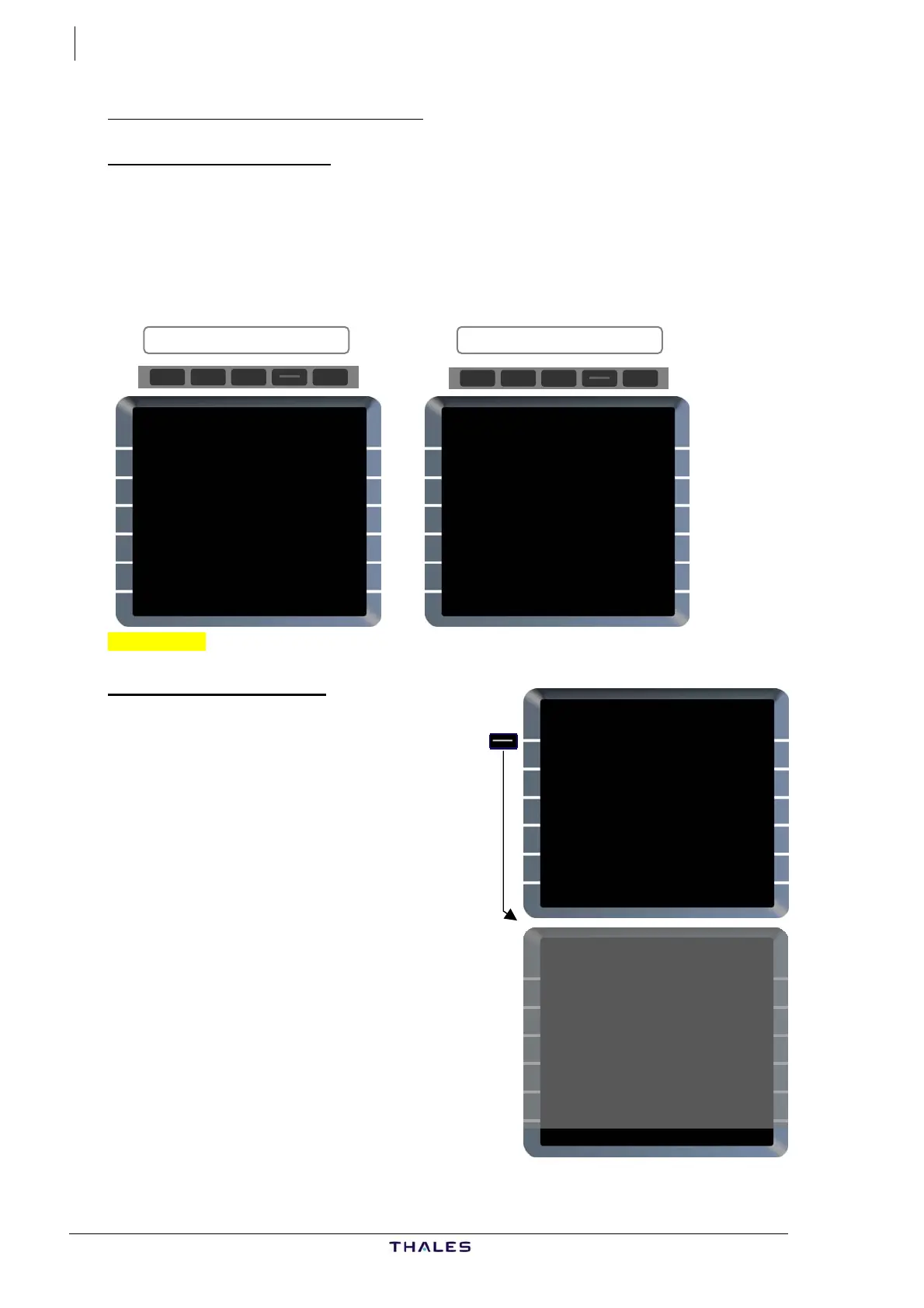
MCDU menu page displays:
AFFECTED SIDE OPPOSITE SIDE
FM1 IND RDY
MCDU MENU
<FMGC (OPP)
<ACARS
<AIDS
<CFDS
RETURN>
SELECT DESIRED SYSTEM
FM1 IND RDY FM2
POSITION MONITOR
FMGC1 ----.--/-----.--
FMGC2 5116.6N/00007.0E
3IRS/GPS
GPIRS 5116.7N/00007.1E
MIX IRS 5117.6N/00007.8E
IRS1 IRS2 IRS3
NAV 0.8 NAV 1.0 NAV 1.4
SEL
<FREEZE NAVAIDS>
MCDU MENU
<FMGC (OPP)
<ACARS
<AIDS
<CFDS
RETURN>
SELECT DESIRED SYSTEM
− FMGC (OPP) prompt in [1L] field,
− SELECT DESIRED SYSTEM message
(white) on scratchpad.
FROM AEC001 {}
UTC SPD/ALT
T-P 1631 / FL199
BRG320° 4
BIG 1635 250/ FL71
TRK334° 8
(DECEL) 1637 250/ 4610
BIG 0
BIG80 1637 129/ "
C273° 6NM
ILL75 1640 " / *2660
DEST UTC DIST EFOB
EGLL27L 1643 26 4.3
OPP FMGC IN PROCESS £$
WAIT 2 minutes to be sure that
the FM is in degraded mode.
THEN,
FMGC prompt [1L] page .Press
MCDU displays the last FMS page
used, with OPP FMGC IN PROCESS
message (amber) on scratchpad.
Select MCDU pages as desired.
J43126AA 00
© THALES AVIONICS S.A.
AIRBUS A318/319/320/321



 To Next Page