111
DISPLAYING TOMOGRAMS
3.5. Volume
On/Off
"On" is default. Show or hide the tomogram by "On/Off".
3.5.1. Cropping
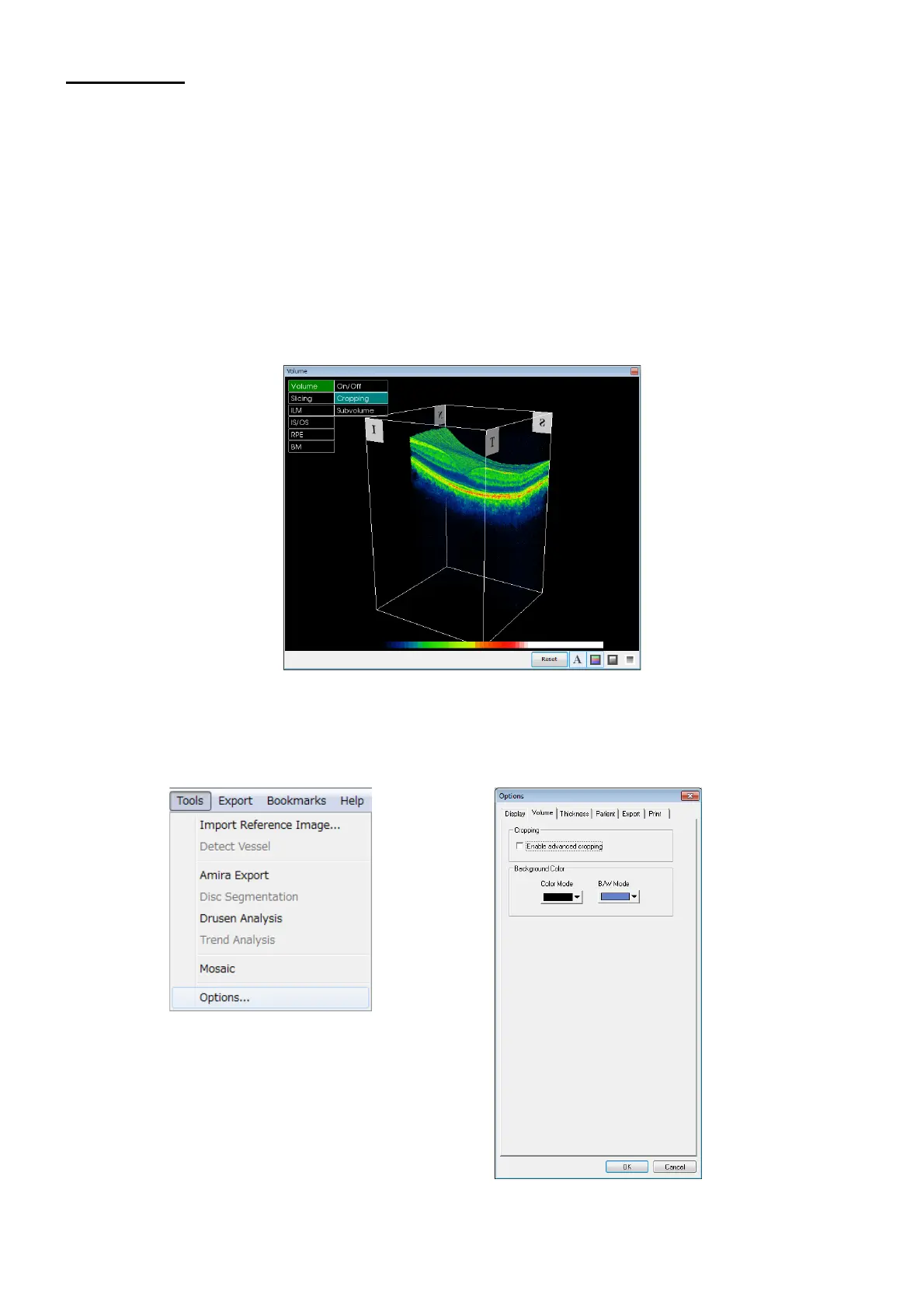
This function is used to crop (=trim, and display part of the image).
Basic Cropping
The system default cropping method is basic cropping, which consists of choosing the X, Y, or Z plane on
the auxiliary tomogram display area and then moving the slider in the window. Basic cropping allows the
image to be cropped in one direction at a time.
Advanced Cropping
To enable advanced cropping functions described in this section, follow this path: Tools Options
Volume.
Place a check in the Enable advance cropping check box, and then click OK.












 To Next Page