Service Procedure Icons
The following icons appear throughout this service manual to bring attention to
specific important details of a service procedure.
Critical Process is used to highlight:
• installing safety equipment (shields, guards, seat belts, brakes and R.O.P.S.
components) that may have been removed
• dimensions or settings that must be maintained for proper machine operation
• a specific fastener tightening sequence
• component orientation that may not be obvious
Critical Torque
This icon is used to highlight an assembly torque requirement that is different
than what is recommended in the Standard Torque Tables; refer to Torque
Specifications, page 2–4.
Fluid Specifications is used to highlight fluid specifications and capacities that
are less common, and may not appear on the machine service decal or in the
machine Operator’s Manual
Note: Refer to the service decal on the machine and the machine Operator’s Manual
for commonly used fluid specifications and capacities.
Safety and Instructional Decals
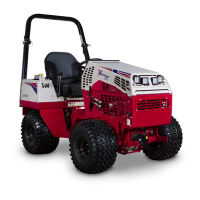
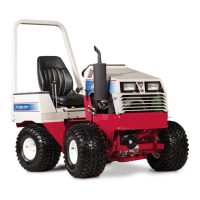
There are many safety and instruction decals affixed to the Ventrac 4520. If any
decals become illegible or damaged, install a new decal. Decal part numbers are
listed in the Parts Manual. Order replacement decals from an Authorized Ventrac
Dealer.
4520P Preface:
09.40003Rev 00



 To Next Page