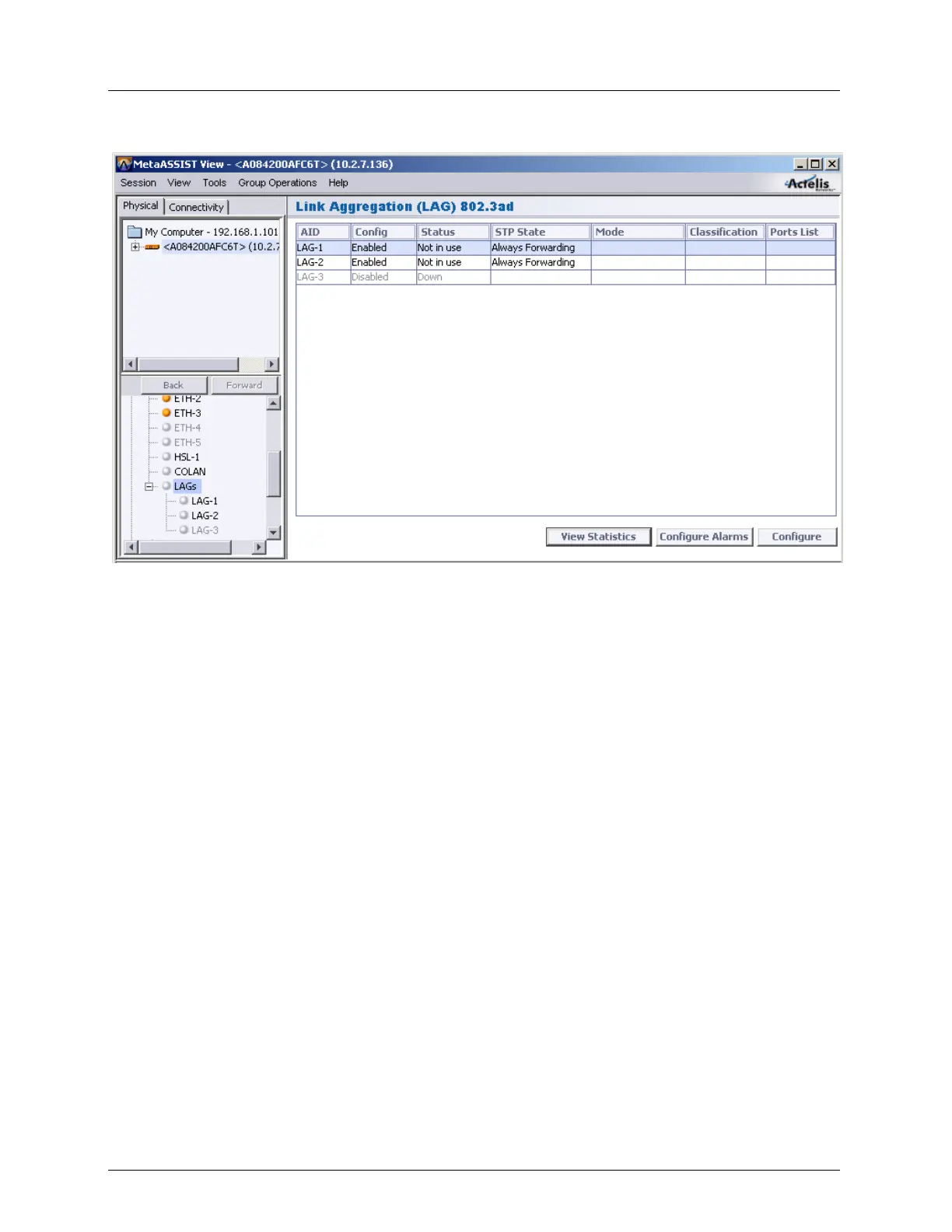
Equipment and Port Configuration Static Link Aggregation (LAG)
Configure Alarms - alarm configuration for the selected port
LAG Specific Pane- details and attributes of the individual LAG view. In addition to the
Alarms display and configuration options that are standard in this type of display, and
options described in the Glance View above, the pane contains the following areas:
Configuration - shows the current parameter definitions and provides access to the
LAG port configuration (Configure button) options. the Suspend button is used to
stop the LAG port operation.



 To Next Page