Monitoring Copper Line Monitoring
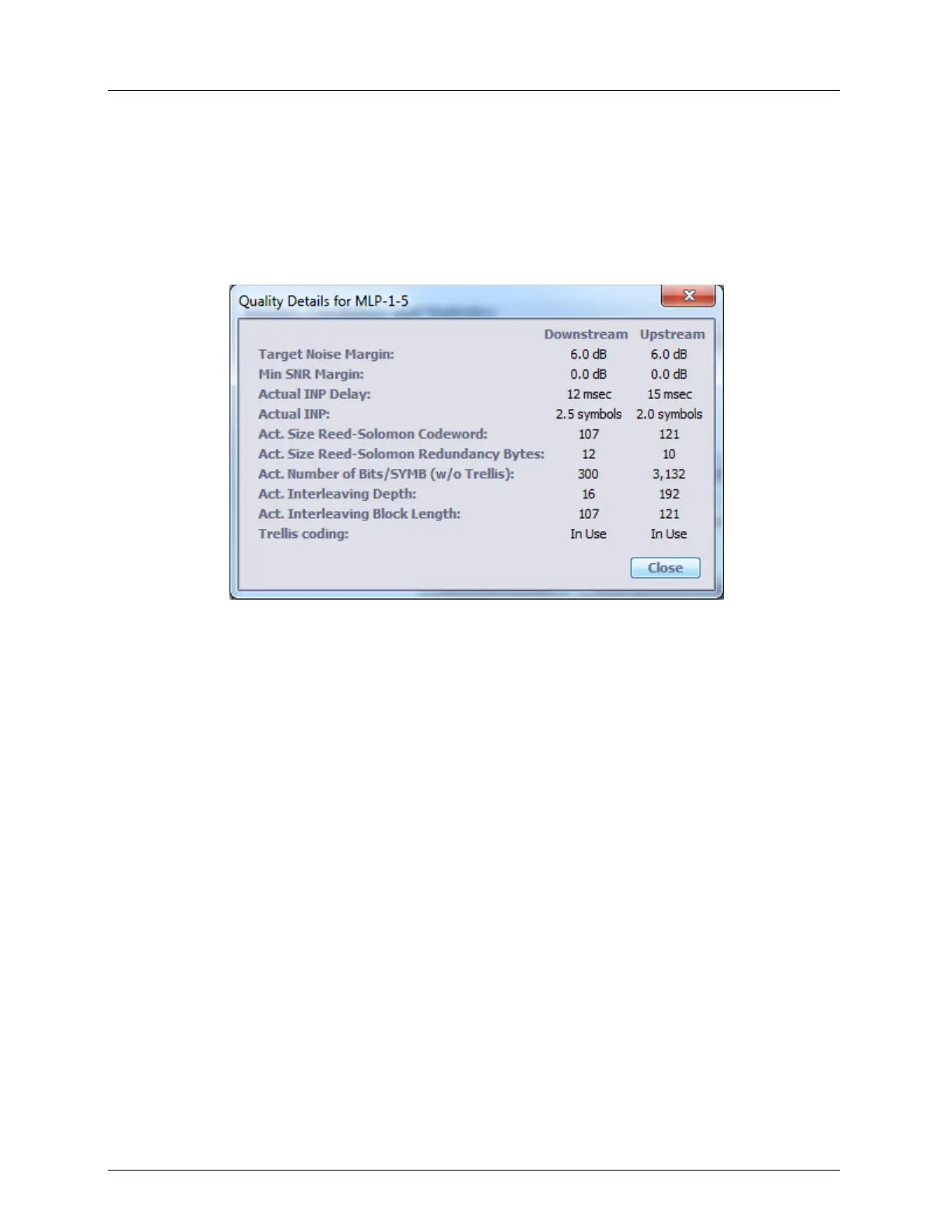
View Quality Details
To view Quality Details
In the Network Element tree, under Modem Ports, select the modem port of interest (i.e.
MLP-1-1) and in the displayed pane Details area, click the Quality Details button. The
following information appears.
Loop Diagnostic Tools
The following tools are provided for Cooper Loop diagnosis:
INM Graph (on page 13-53)
DMT Sub-carrier analysis (on page 13-54)



 To Next Page