Identification Rules Definition Ethernet Service Configuration
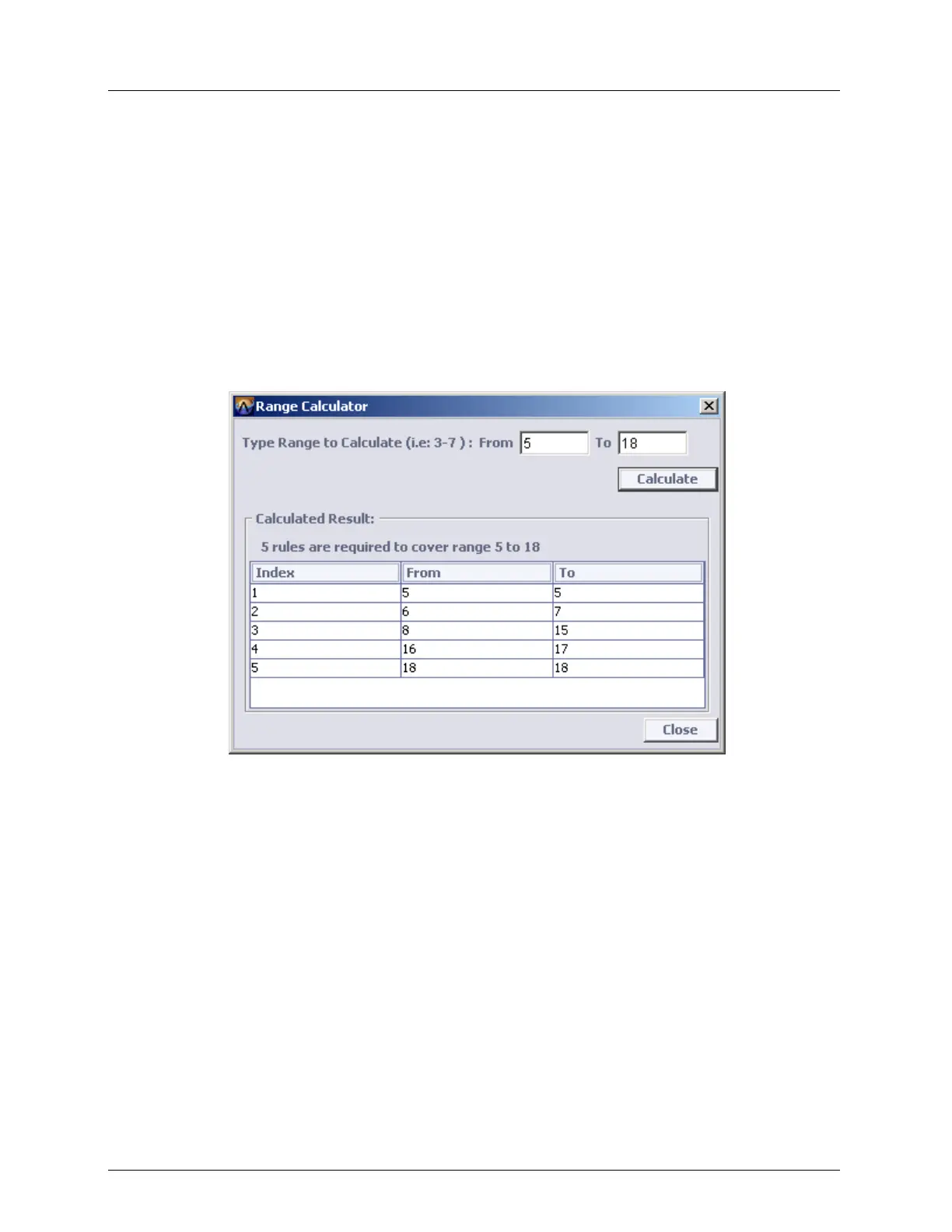
Range Calculator Dialog
In order to ensure a certain range of attributes (i.e. COSs, VIDs etc.) is being covered by the
applied rules, the system provides a Range Calculator dialog. This dialog allows calculating
the FROM – TO ranges which cannot be covered by a single RULE, according to the HEX
MASK limitations (see Calculating the Range Covered by a Rule (on page 10-21)).
To Determine the number of Rules required for covering a range of an attribute
1. In the Network Topology tree, under Ethernet Services, in the Identification Rules
pane, click the Range Calculator button. The Range Calculator dialog appears.
2. Type the range to be covered by the rules (In the example above the range 3-7 is being
examined).
3. Click the Calculate button. The number of required rules, and the range covered by each
of them is displayed.
4. Click Close to exit the dialog.



 To Next Page