Ethernet Performance Monitoring Monitoring
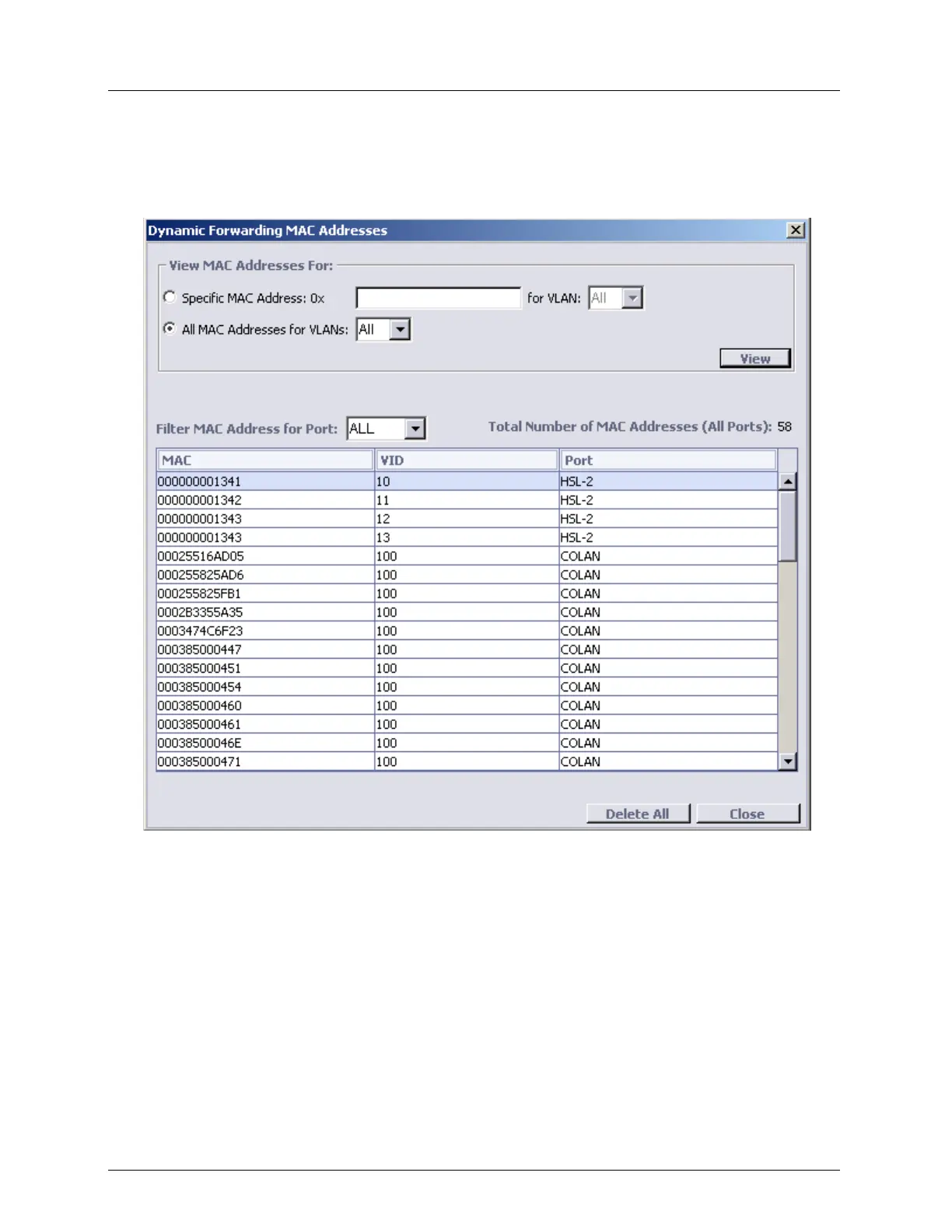
5. To view MAC addresses, learned in particular VLAN, in the View MAC Addresses For
area select the All MAC Addresses for VLANs option and from the list box, select
<VLAN ID>.
6. Click View. The MAC addresses are displayed.
7. To filter the display, from the Filter MAC Address for Port list box, select ALL,
COLAN (MGMT), specific ETH or HSL.
8. To delete the database, click Delete All.
Ethernet Service OAM MEP Performance
MEP performance can be monitored through the MEP Pane (on page 11-11): under
Ethernet Services, choose Service OAM, select the relevant MEG and choose the specific
MEP to be monitored).
Two types of analysis tools are available:
PM tools - detailed descriptions for monitoring instructions are provided in Error
Counters, Measurements and Threshold Alerts (on page 13-12).



 To Next Page