Modem Profiles Management Model Spectral Profiles
Resetting All Spectral File Definitions
NOTE: It is recommended you back-up the profile settings before you reset the definitions.
To delete all spectral file definitions
1. In the Network Elements tree, under Modem Profiles, select Spectral Profiles.
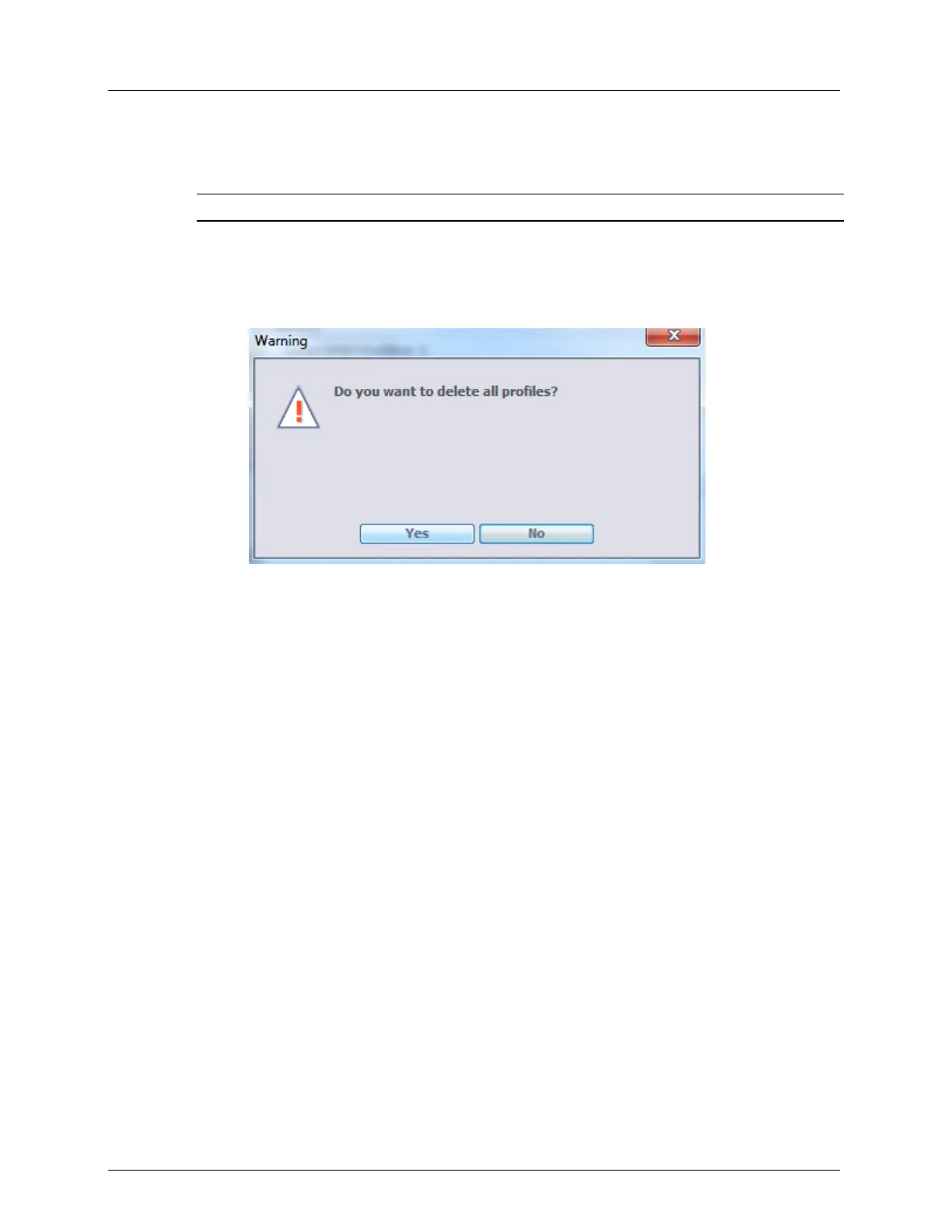
2. Click the Reset DMT-SMODE button at the bottom of the pane. The following dialog
appears.
3. Click Yes to delete all definitions.



 To Next Page