Spectral Profiles Modem Profiles Management Model
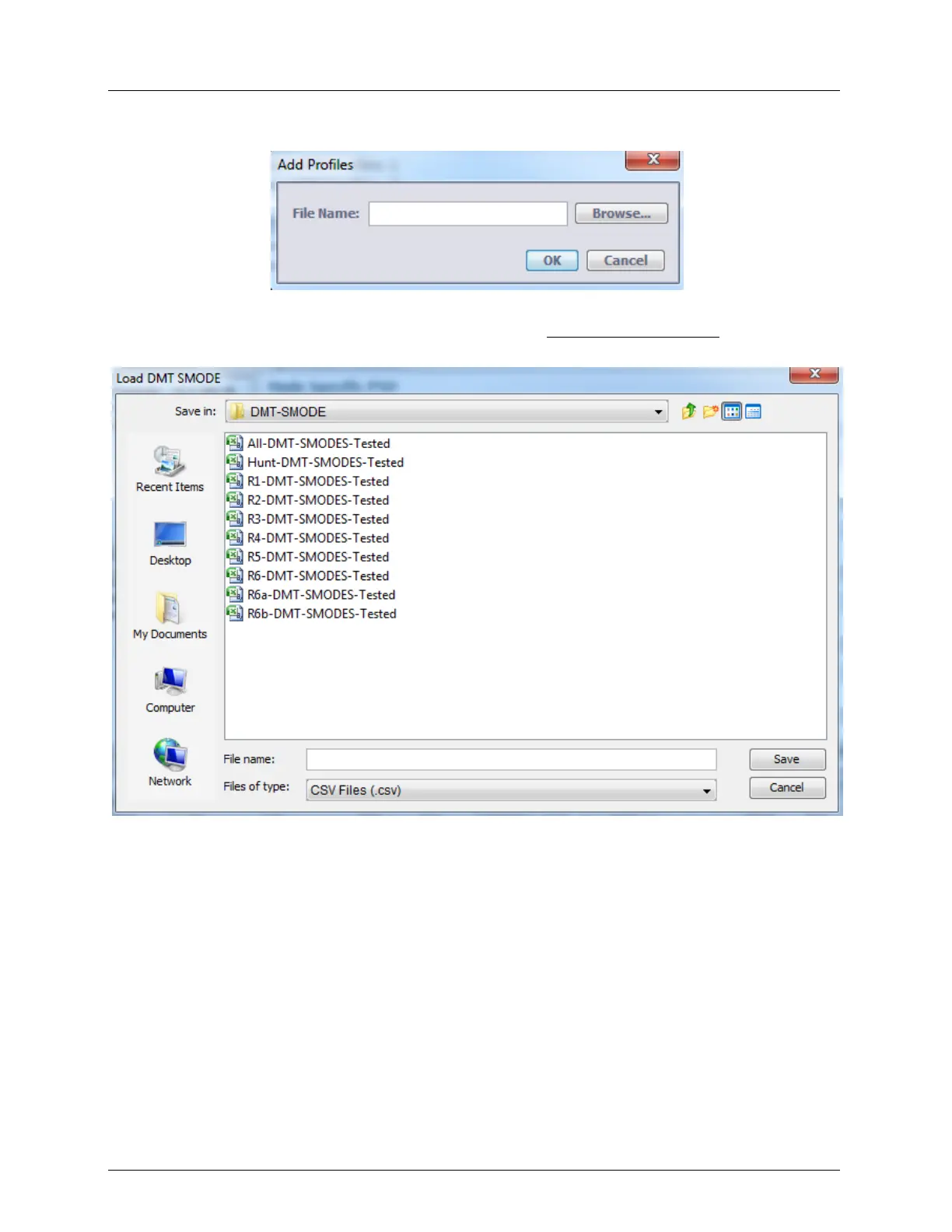
2. Click the Load DMT-SMODE. The following dialog appears.
3. Click Browse. The available files are displayed (see the example below).
Contact Actelis Networks customer support at techsupport@actelis.com for details on the
appropriate SMODE for the region.
4. Select the desired file, click Save and OK.



 To Next Page