MetaASSIST View Workplace Getting Started
Table 5: Window area options
Provides a range of management options, some of which are Group management
options that can be simultaneously applied to a group of NEs
Shows the CO to which a session was opened, and all its CPEs. This area has two
tabs:
Physical - shows the CO and CPEs
Connectivity - provides a range of connectivity analysis options
Provides all the management options for the element selected in the Topology
area
Shows alarms for ALL elements (CO and CPEs) available in the Topology are
Menu Bar
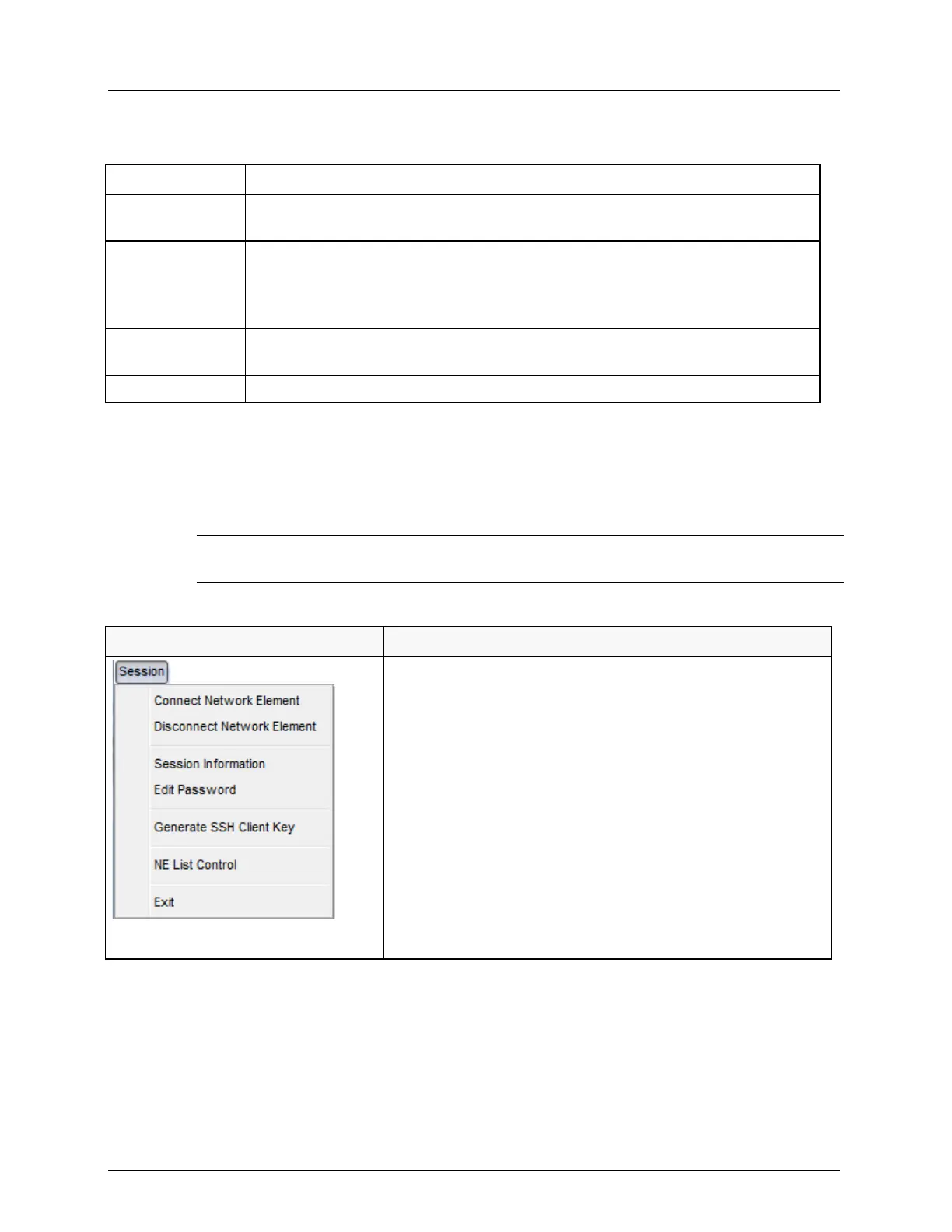
The menu bar provides you access to the functions as described in the following table.
NOTE: For a description of the terms 'Directly Connected' and 'Indirectly Connected", refer to
Opening a MetaASSIST View Session.
Table 6: Menu Bar Options
Session menu. Provides options for element connection,
password and SSH key generation.
Disconnect Network Element - disconnects the currently
connected element and removes it from the NE list
Connect Network Element - invokes the Connect dialog
with the list of available NEs
Session information - invokes a summary of the session
parameters
Edit Password - change the password of the current user.
Generate SSH Client Key - used to generate new keys for
secure connection with ML device (SSHv2) with or without
a passphrase
NE List Control - used to maintain updated list of NEs to
which sessions have been opened.
Exit - closes the application.



 To Next Page