Ethernet Operation, Administration and Management Y.1731 Ethernet OAM
FD Monitor is enabled by default. Set Off to disable. Originate unicast ETH-DM
messages and control ETH-DMR messages replied to make Frame Delay (FD) and
Frame Delay Variation (FDV) calculations.
10. Click OK to complete the procedure. The MEP is added under the relevant MEG. If the
MEP item is selected in the tree, the dedicated MEP pane appears.
Y.1731 RMEP Configuration
To complete Ethernet OAM configuration, create MEPs on at least two points of Ethernet
connection to two neighbor NEs. Each MEP configured on a neighbor NE is considered a
Remote MEP (RMEP) by the MEP of the NE.
In Y.1731 mode, RMEPs are manually specified for each configured local MEP. The
procedure is used to control NE monitoring resources (do not allocate them for any
discovered RMEP, but to RMEP committed to be controlled ).
RMEPs can be manually defined or auto-discovered.
Manually Defining RMEPs
To manually define RMEPs
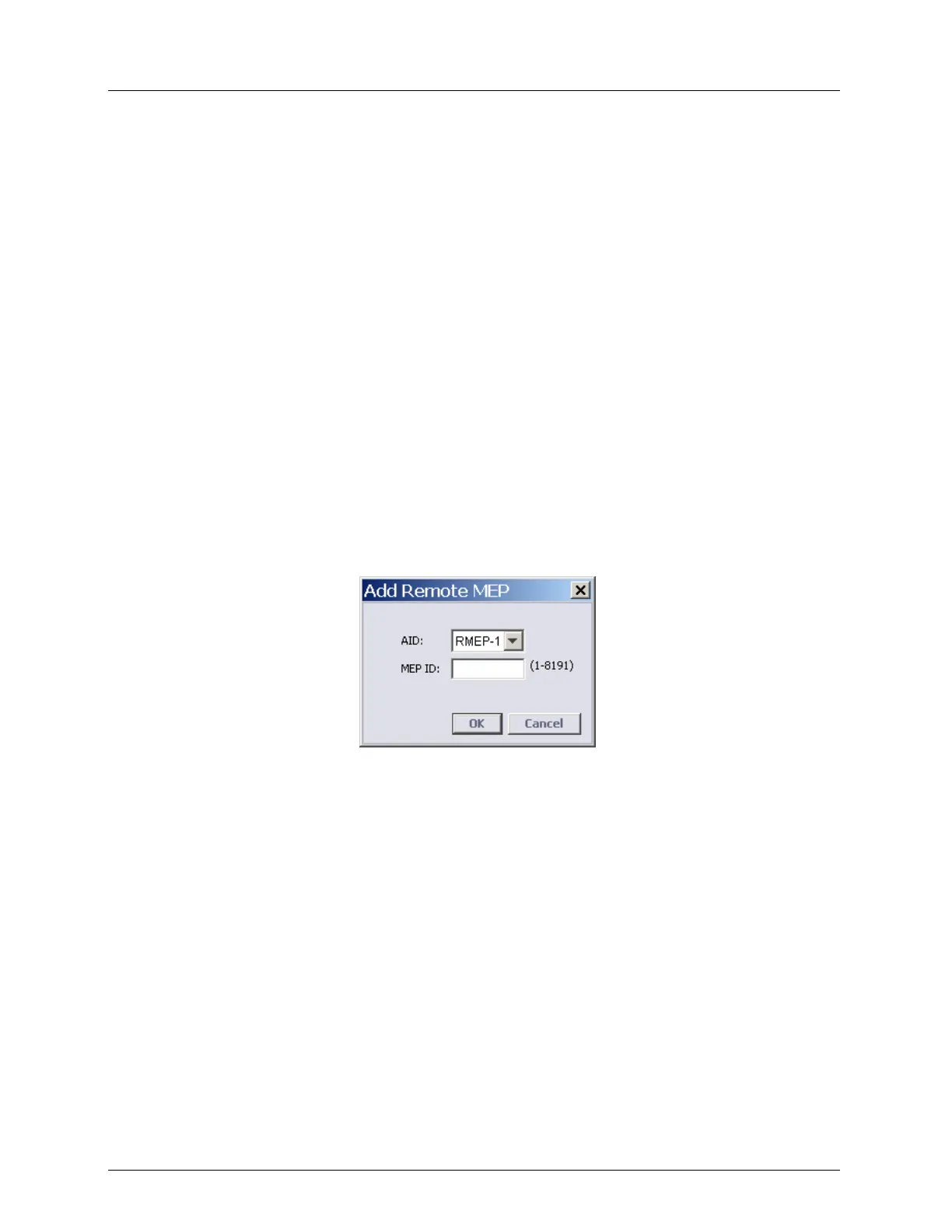
1. In the MEP Pane, click the Add RMEP button. The Add Remote MEP dialog appears.
2. Enter the MEP ID - a unique network identification of remote MEP.
The MEG ID, MEG level and VID of the RMEP should match that of the MEP.
These parameters are configured on the remote NE on which the remote MEP is created.



 To Next Page