HSL Link Monitoring Monitoring
HSL Link Monitoring
Detailed information on HSL can be viewed via the following tools:
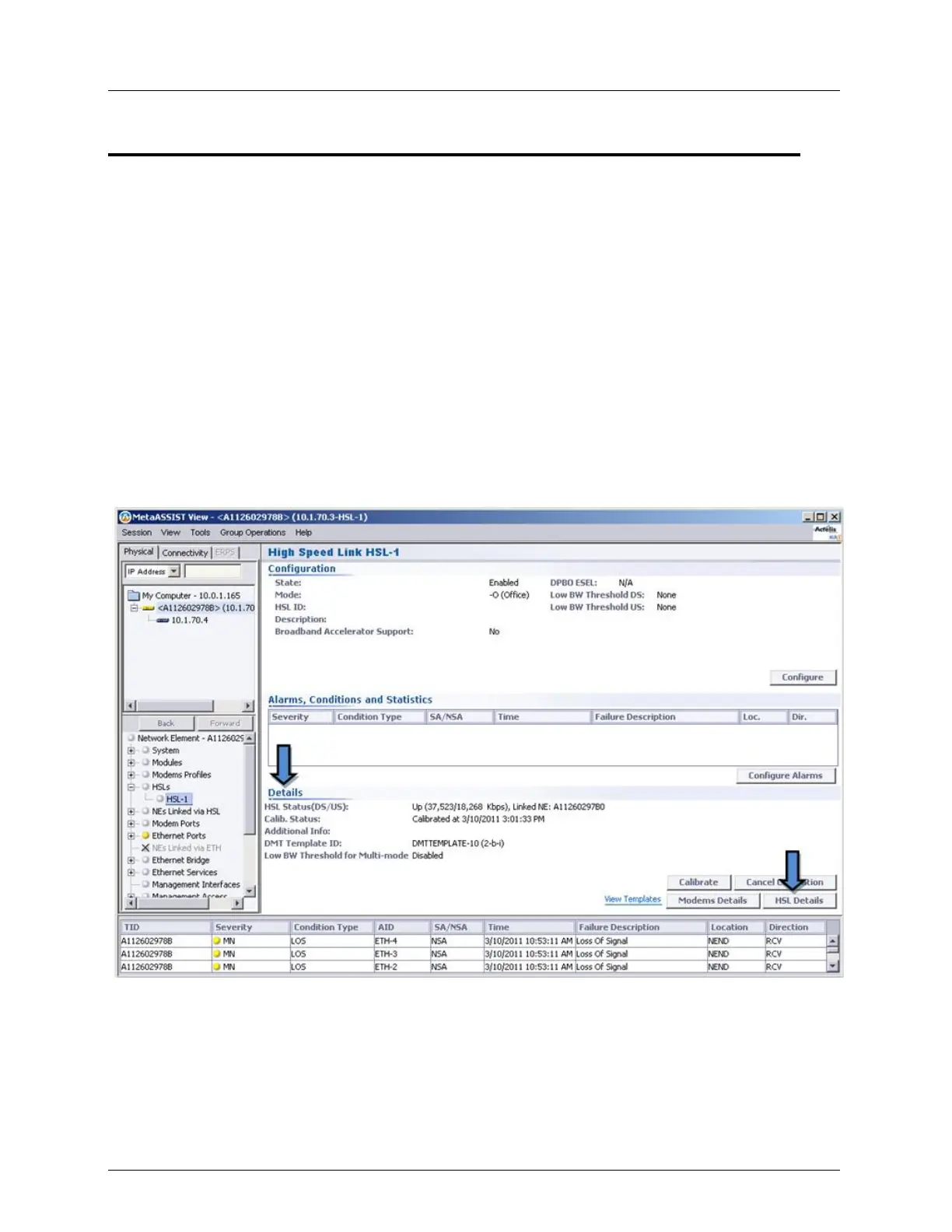
HSLs Details area in the HSL pane - shows basic information
HSL Details pane - shows detailed information on each parameter
HSL connection glance view - displays the configuration of the HSLs and Modems, and
provides a range of monitoring tools
Information on modem ports allocated to the HSL: rates, synchronization status, etc.
HSL Details Area
The Details Status area in the HSL pane, provides detailed information on HSL Status,
Modem Ports and Calibration Parameters. Before the HSL is calibrated, only some of the
information is displayed. During calibration, a progress bar is displayed in the Status area.



 To Next Page