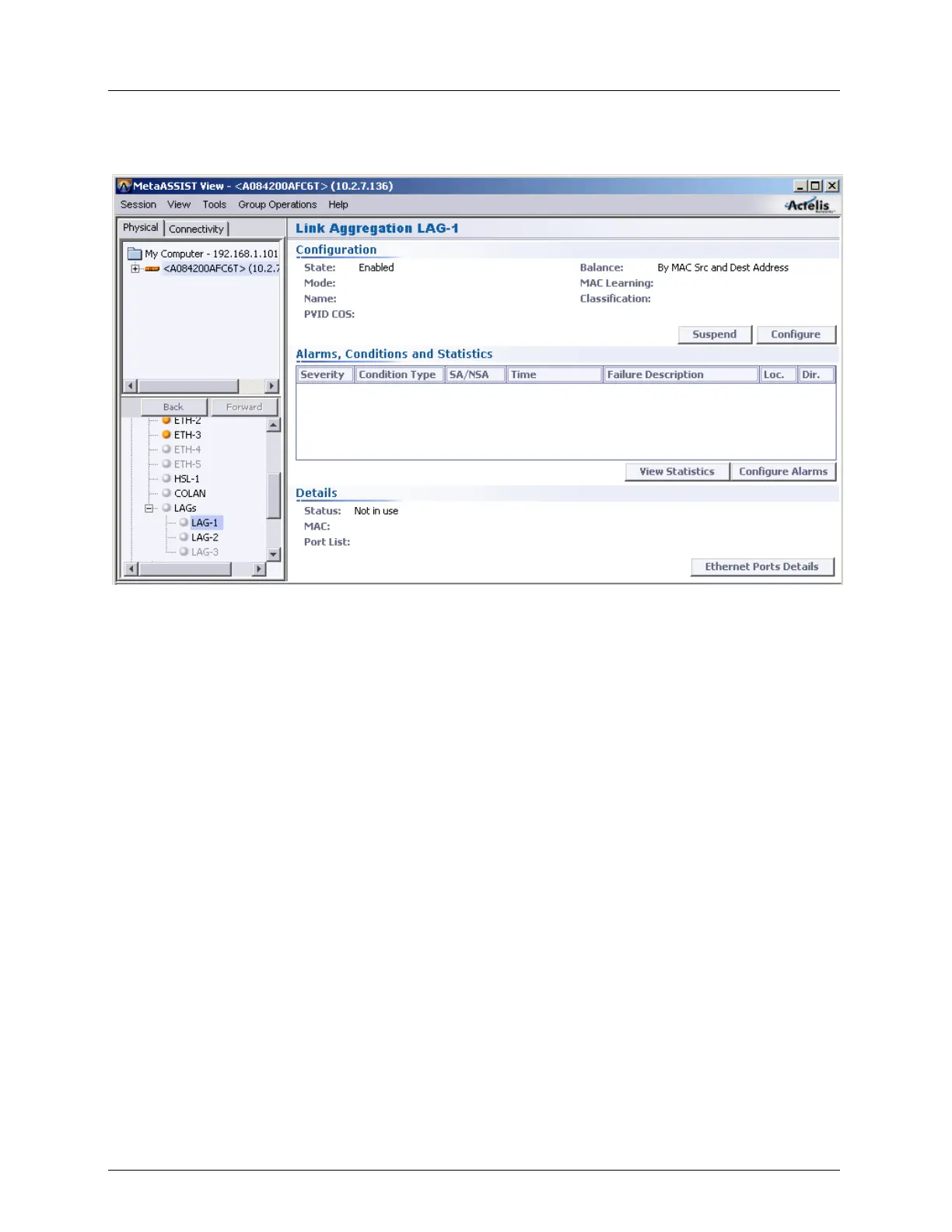
Static Link Aggregation (LAG) Equipment and Port Configuration
Ethernet Port Details - a report on alarms, Ingress Rate Limit, Flow Control, etc., for
the port.
Overview of the LAG Configuration Procedure
To configure LAGs
1. Determine the number (1, 2 or 3) of LAGs you will need and the speed you will require
on each LAG.
2. Review the Configuration Considerations below.
3. Enabling and Configuring each LAG (on page 4-42).
4. Configure each of the Ethernet ports assigned to a LAG according to given criteria, and
assign each port to the relevant LAG.
LAG Configuration Considerations
STP is always disabled on the LAG (and participating ports); therefore the LAG cannot
be auto-disabled by STP decision, and continuously provides forwarding. It is strongly
recommended to avoid configurations where ML ETH-x ports or other LAG have a
duplicate connection with the LAG.
It may take up to 50 msec (and cause some traffic disruption) to recognize operational
failure of a port (LAG member) and switch over to another port (LAG member).
Ingress/Egress Rate limiting is supported per port (in the LAG).
A LAG takes on the VLAN definitions of the first port assigned to the LAG.



 To Next Page