Security Management IP Access Control List (ACL)
Updating the ACL
To add or edit an allowed IP address to the ACL table
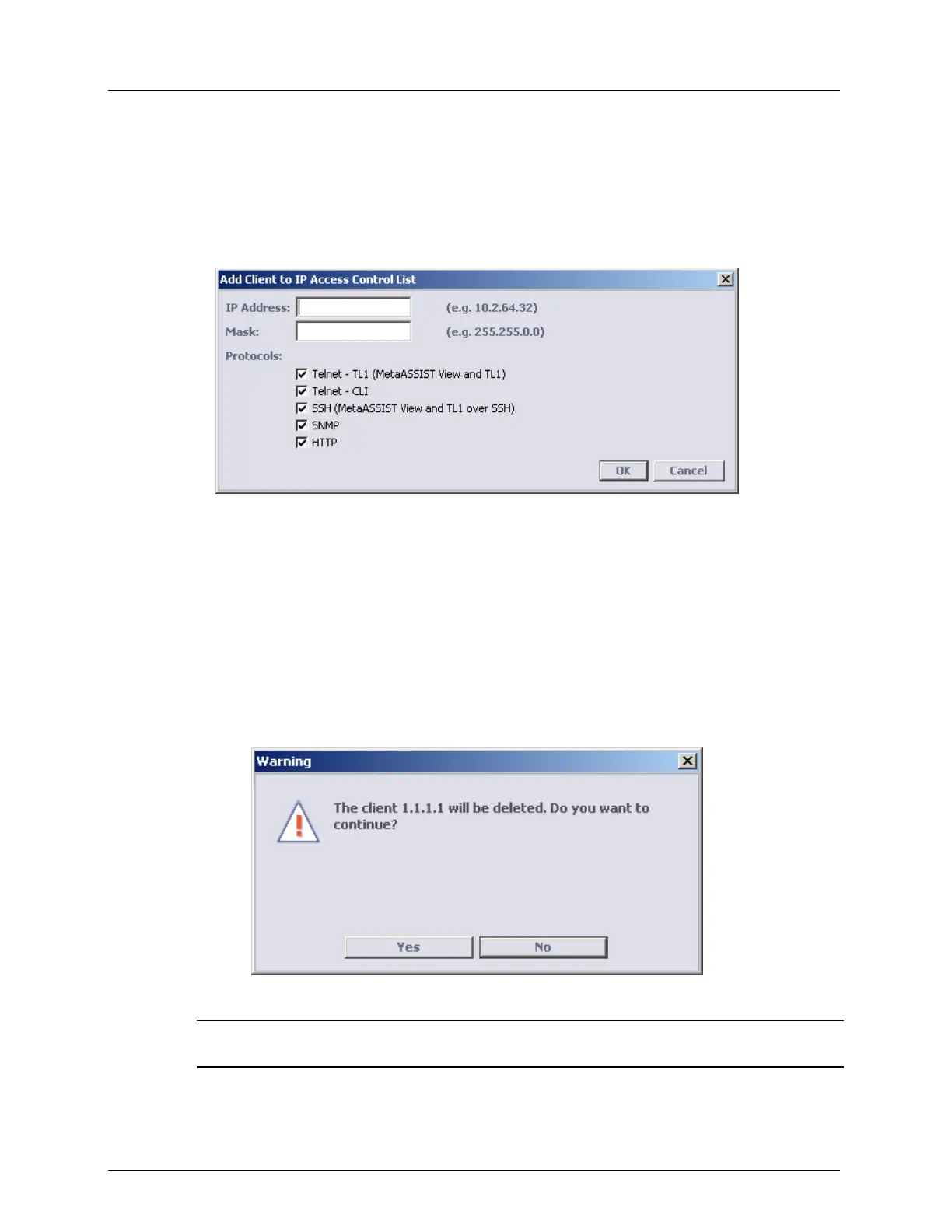
1. In the IP Access Control pane click the Add button. The Add Client to IP Access Control
List dialog opens.
2. Enter the required data of the new IP address and its allowed protocols as follows:
IP Address of the client.
MASK of the IP Address (for a group of IP addresses).
Checkmark the allowed protocols for the new IP address.
3. Click OK.
To delete an existing IP address from the ACL table
1. In the IP Access Control pane, choose the relevant row (of the IP that is to be updated)
and click the Delete button. The delete confirmation dialog opens.
2. Click Yes.
NOTE: For each deleted client, all ongoing sessions from that client are aborted (if IP Access Control
is enabled).



 To Next Page