Management Configuration System Name Configuration
System Name Configuration
Each ML system is assigned the Serial Number identification supplied on a sticker on the
device. This number is also reported, by factory default, as the System ID (TL1 TID) and
System Name (SNMP) ( SNMP Agent Configuration (on page 3-15)). This serial numerical
value can be changed to a logical system name.
To assign a logical system name
1. In the Network Element tree, select System. The System pane opens in the work area.
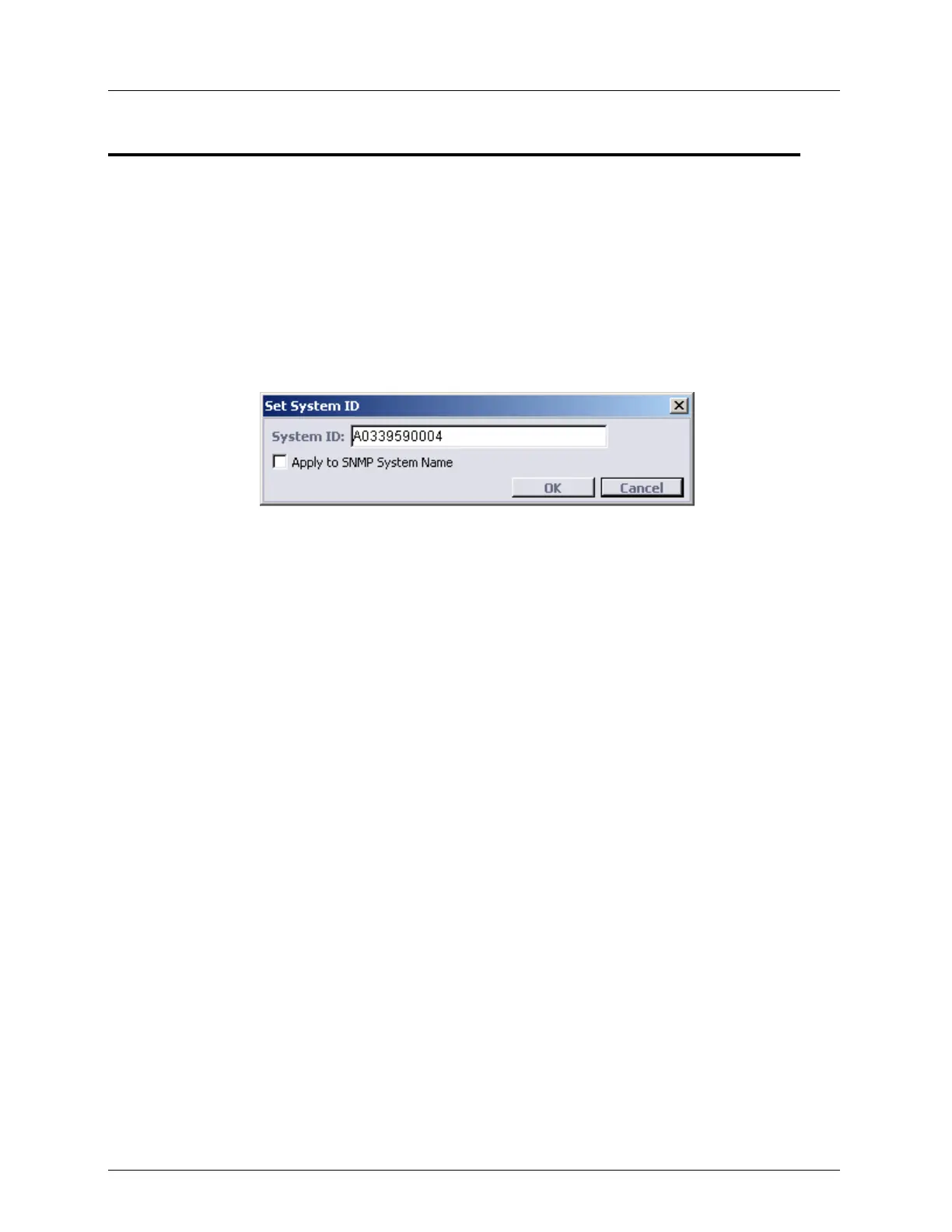
2. In the Configuration area, click Set System ID. The Set System ID dialog appears.
3. In the System ID field, type the new system name. This will be the TL1 TID. Range: up
to 20 alphanumeric characters.
4. To assign the logical name to the system in SNMP, enable Apply to SNMP System
Name. Unless this box is enabled, the SNMP System Name will be displayed as the
serial number.
5. Click OK.



 To Next Page