Monitoring Copper Line Monitoring
To view Line Performance details:
In the Network Element tree, under Modem Ports, select the modem port of interest (i.e.
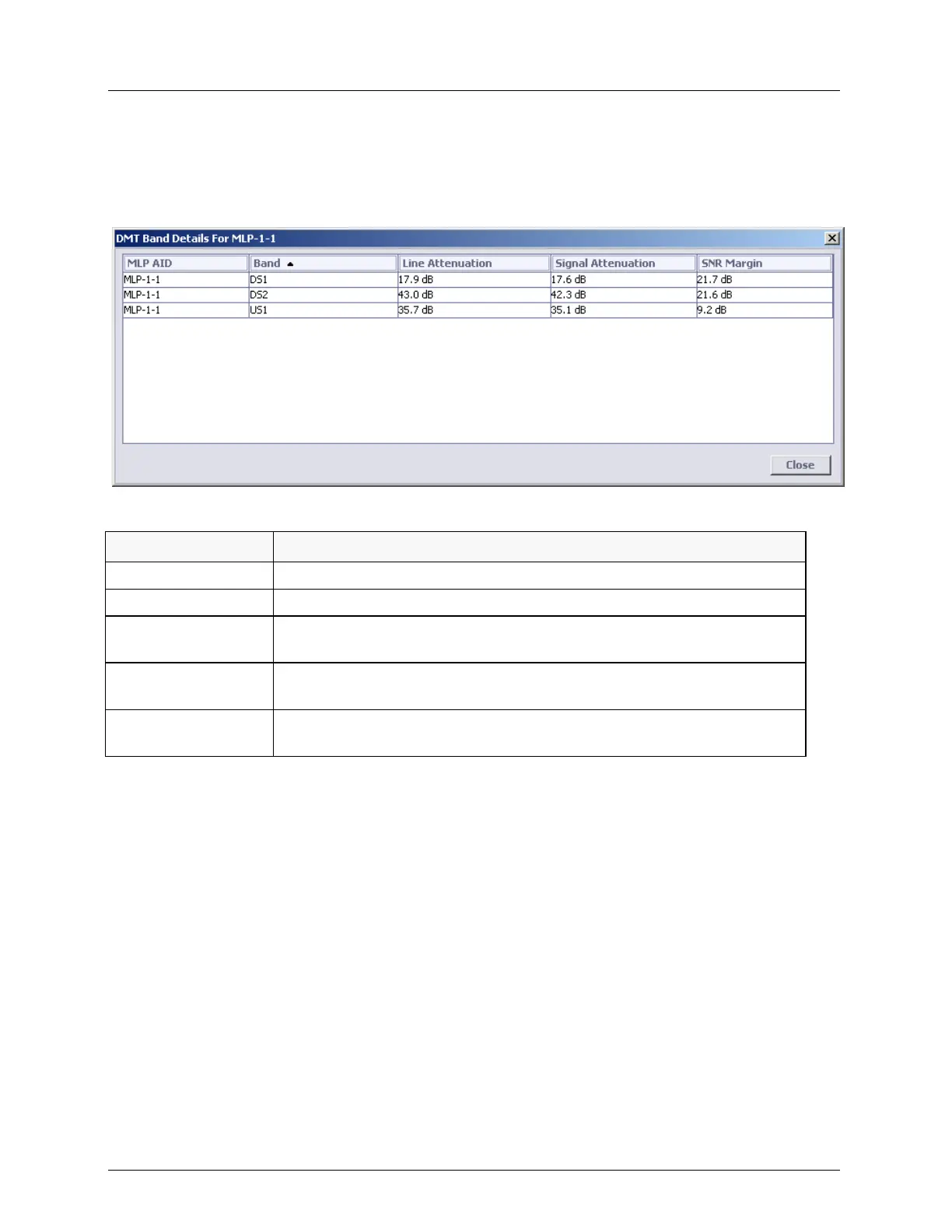
MLP-1-1) and in the displayed pane Details area, click the View Band’s Details button. The
following information appears.
Table 82: Line Performance details
Copper pair identification.
Line attenuation per band (LATNds and LATNus) – loop attenuation over
all subcarriers of this band during loop diagnostic mode and initialization.
Signal attenuation per band (SATNds and SATNus) - loop attenuation
over all subcarriers of this band during show time.
Signal to Noise Ratio Margin (SNRMds and SNRMus) – scalar value
(overall band)
View Rate Details
To view Rate Details
In the Network Element tree, under Modem Ports, select the modem port of interest (i.e.
MLP-1-1) and in the displayed pane Details area, click the Rate Details button. The
following information appears.



 To Next Page