IP Access Control List (ACL) Security Management
Enabling the ACL
When ACL is disabled - all clients can connect to the ML device using any of the above
supported protocols.
When ACL is enabled - only clients specified in the Access Control List can connect to the
ML device using the above supported protocols. Incoming access attempts from other IP
addresses are denied. In addition, ongoing sessions from client IP addresses not specified in
the Access Control List or through non-permitted protocols specified in the list are aborted.
If the used protocol is not defined in the IP Access Control List for the accessing IP client, a
time out is sent and no connection is established.
NOTE: When enabled, ML device allows to access the system through craft port from any PC.
At least one Client with any permitted access protocol must be configured before Access
Control can be enabled.
In addition, the user cannot delete the last entry in the list while the Access Control is
enabled. The Configure button is disabled if the Access Control List does not contain any
active entry (this prevents the possibility of IP access locking).
NOTE: If no client with permitted Telnet access protocol is defined, the ML device cannot be
configured and monitored remotely via Telnet only via the craft port.
To Enable the ACL mechanism
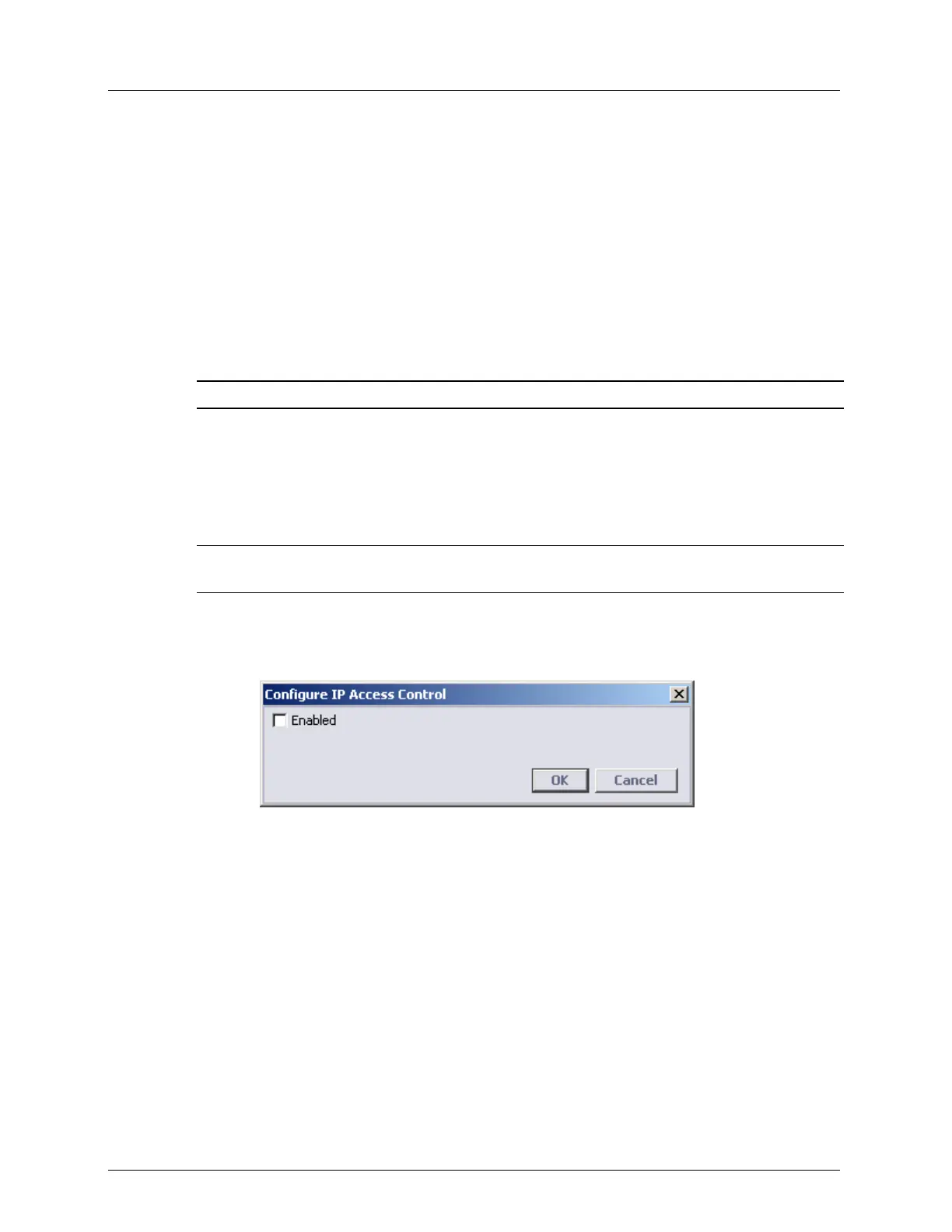
1. In the IP Access Control pane click the Configure button. The Configure IP Access
Control dialog opens.
2. Check the Enabled box.
3. Click OK.



 To Next Page