Administration Using Web Browser
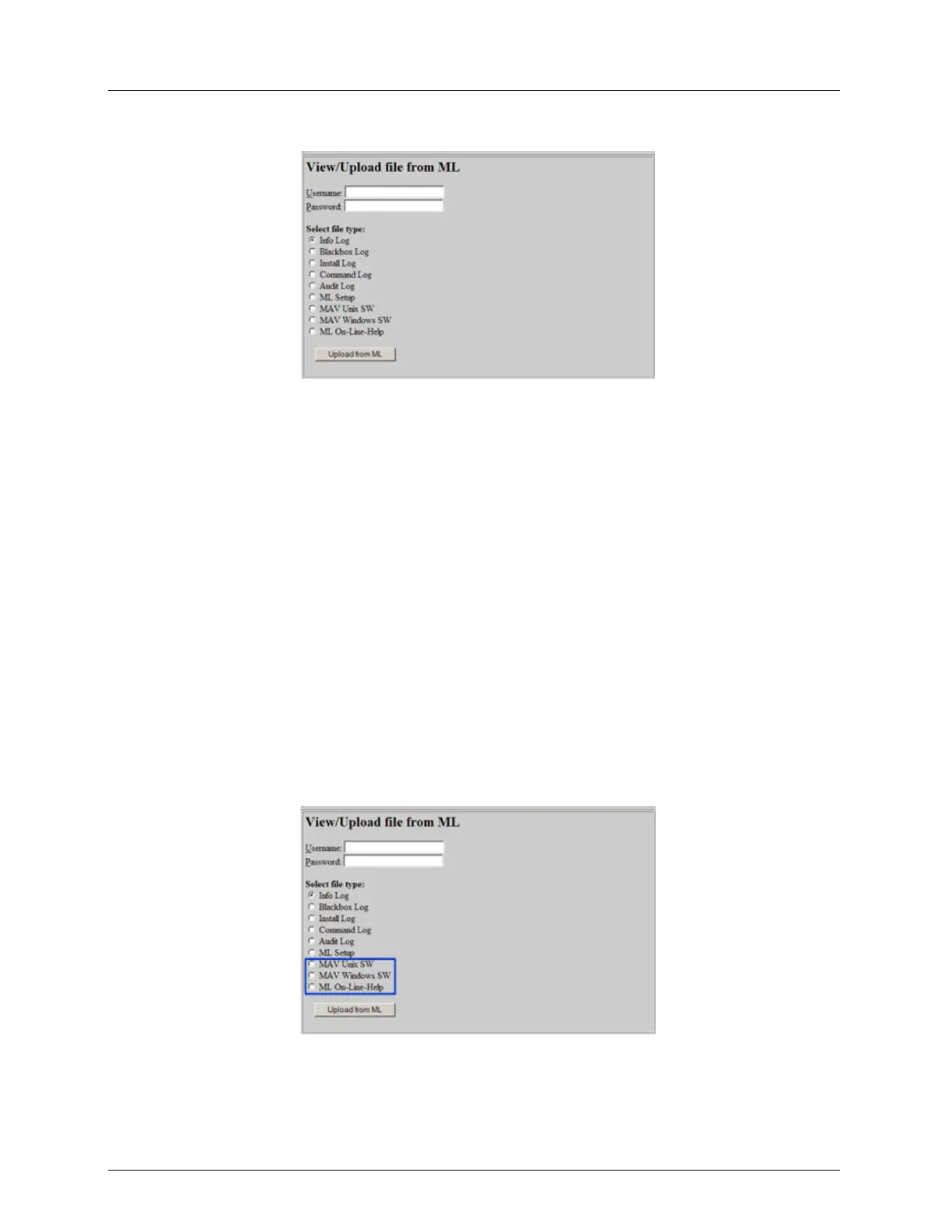
2. Select a log option by checking its bullet.
3. Click the Upload from ML button. The relevant log will be displayed.
For more details about the available logs and their content, see Support Log File
Management (on page 14-10).
Retrieving Files
The MetaASSIST view running files and an OLH version of the system user manual are
stored on every ML system.
These files can be retrieved and saved on your PC or other storage location and later be
downloaded to other devices of the same model.
To retrieve a file
1. In the Actelis System Support page, under View / Upload file from ML, type the
Username and Password.
2. Select a file by checking its bullet. The available files are:
MAV Unix SW - a MetaASSIST view version for UNIX
MAV Windows SW - a MetaASSIST view version for Windows
ML On-Line-Help - an On Line Help file of the system User Manual
3. Click the Upload from ML button. A Save window will appear.
4. Select the location where the file will be saved and name it. It is recommended to select
an indicative name as explained in Backup ML Device Configuration . Click Ok.



 To Next Page