Monitoring Control of Alarmed Conditions
Managing Element Specific Alarms
For each Network Element item, the alarm severity can be customized and the alarms can be
disabled for maintenance.
Modifying Alarm Severity
ML products generate alarms of various severities according to the entity and alarm type. The
alarm severities can be modified according to the service provider's network servicing
requirements. For example, the severity of the alarm may correspond to the required response
time.
The alarms may also be disabled for maintenance.
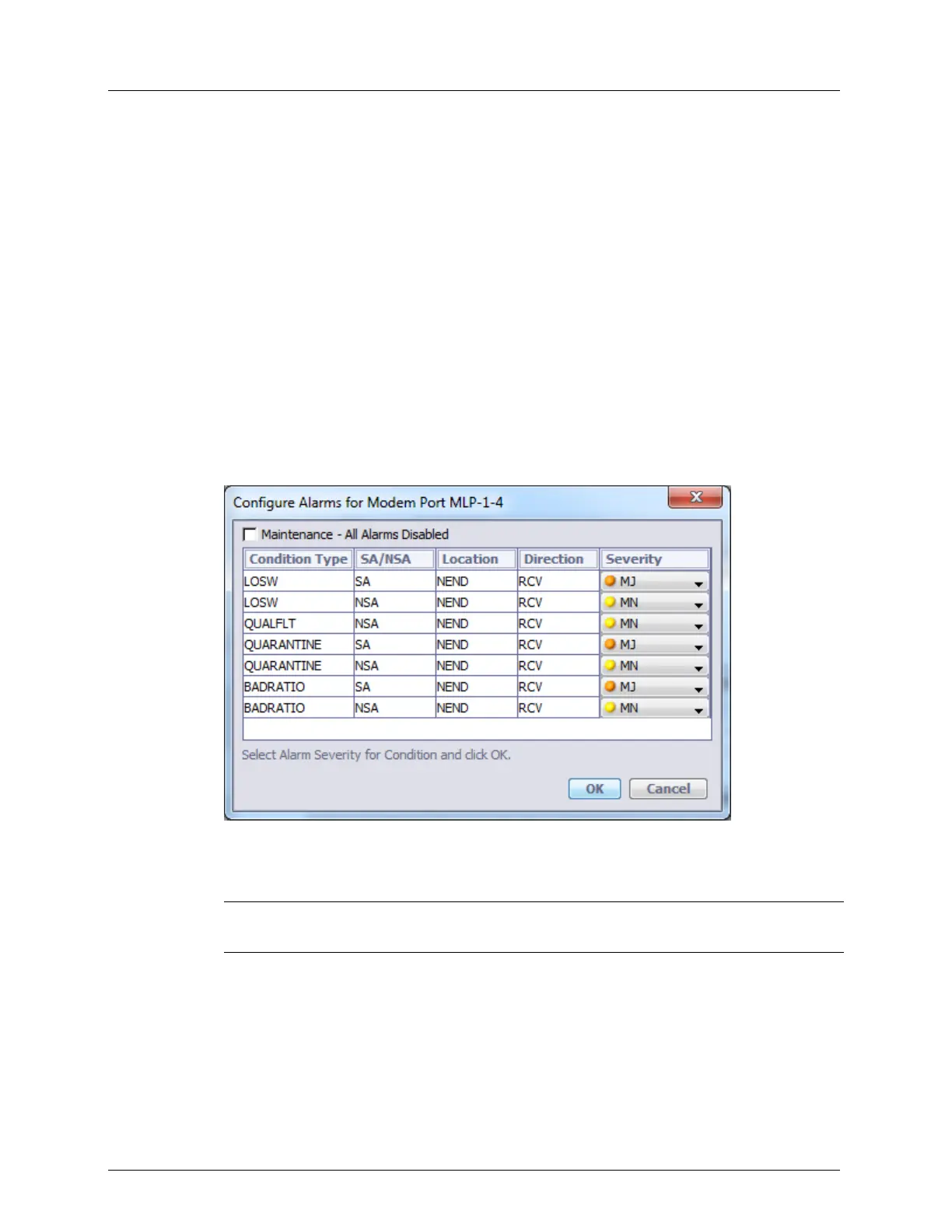
To modify alarm severity
1. Click on the item in the Network Element tree (i.e. HSL). The corresponding Configure
Alarms dialog opens (i.e. Configure Alarms for the HSL).
2. Every condition type is displayed along with pre-configured information describing the
condition and its default severity. See About Alarm Severity and Conditions (on page
13-8). The severity for any of the displayed conditions can be modified.
NOTE: To disable all alarms, check Maintenance - All Alarms Disabled. See Disabling
Alarms for Maintenance (on page 13-11).
3. Click OK to save changes.



 To Next Page