HSL Link Monitoring Monitoring
HSL Details Pane
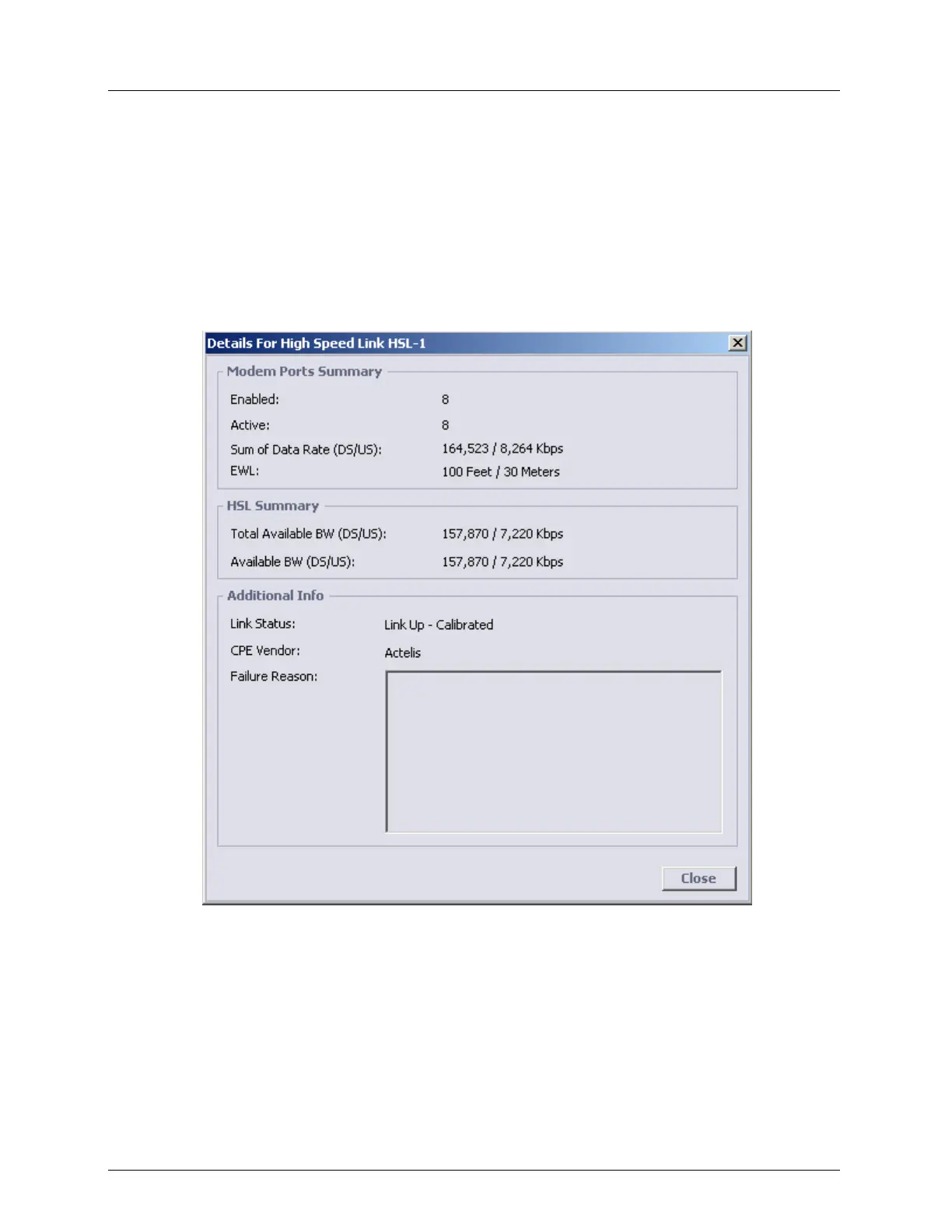
The HSL Details pane provides information on the modem ports, calibration parameters and
calibration status/results.
To view the HSL Details pane
In the Network Element tree, click HSLs, HSL-<ID> and then click on the HSL Details
button. The HSL Details pane appears. Individual area parameters are described in the
following sections.
The HSL Details pane is divided into the following areas:
Modem ports Summary- shows information on the number of enabled modems, active
modems, sum of data rates (i.e. without bonding overhead) and EWL.
HSL summary - BW values and general status of selected HSL.
Additional Info - Link status



 To Next Page