SNMP Agent and Trap Parameters Management Configuration
SNMP Agent and Trap Parameters
Each ML device can be configured to send traps up to four defined trap destinations. The
SNMP agent parameters and trap destinations can be defined on an individual element level
or for a Group of elements.
By default all traps are enabled for every system. However, irrelevant traps may be filtered
out on an ML system levels and configuring destinations to which traps will be sent.
SNMP Agent Configuration
NOTE: SNMP settings can be configured for a single selected element, or simultaneously for a group
of selected network elements.
To define identification parameters and disable irrelevant traps
1. To invoke the SNMP pane:
In the Network Element tree, expand the Management Access item and select
SNMP.
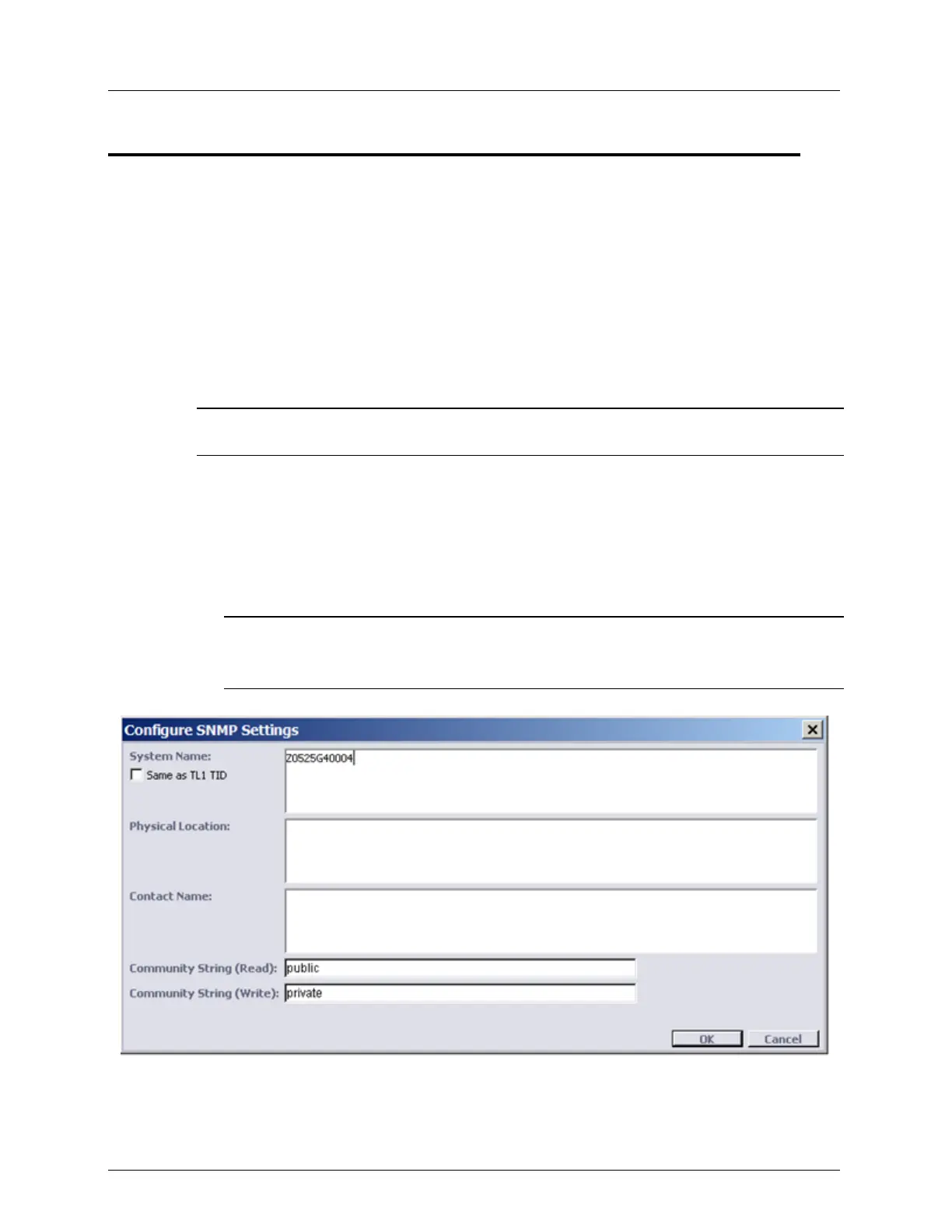
In the invoked pane, Configuration area, click Configure. The SNMP Settings pane
opens.
NOTE: To invoke the dialog for a selected Group: in the Network Topology tree select
the Group item, in the Menu bar, select Group Operations, SNMP Configure. The
SNMP Settings pane opens.



 To Next Page