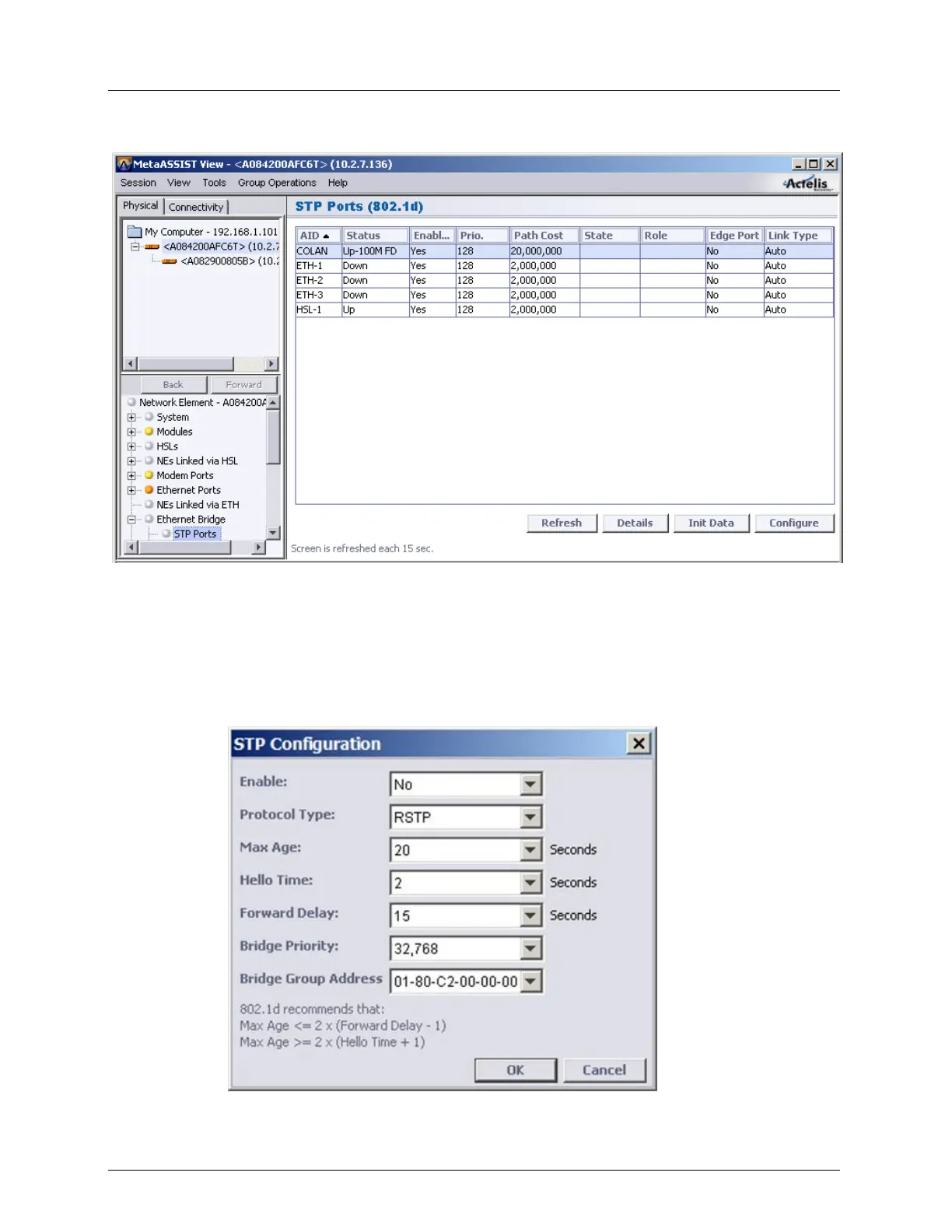
STP/RSTP and Provider Bridge Configuration Ethernet Bridge, STP/RSTP
Configure (on page 5-23) - invokes the STP configuration dialog
STP/RSTP Bridge Configuration
To Configure STP global parameter (per Ethernet Bridge):
1. In the Network Element tree, open Ethernet Bridge. The Ethernet Bridge pane opens.
2. In the STP area, click Configure. The STP Configure dialog appears.
3. Configure the parameters according to the definitions in the table below and click OK.



 To Next Page