Monitoring Error Counters, Measurements and Threshold Alerts
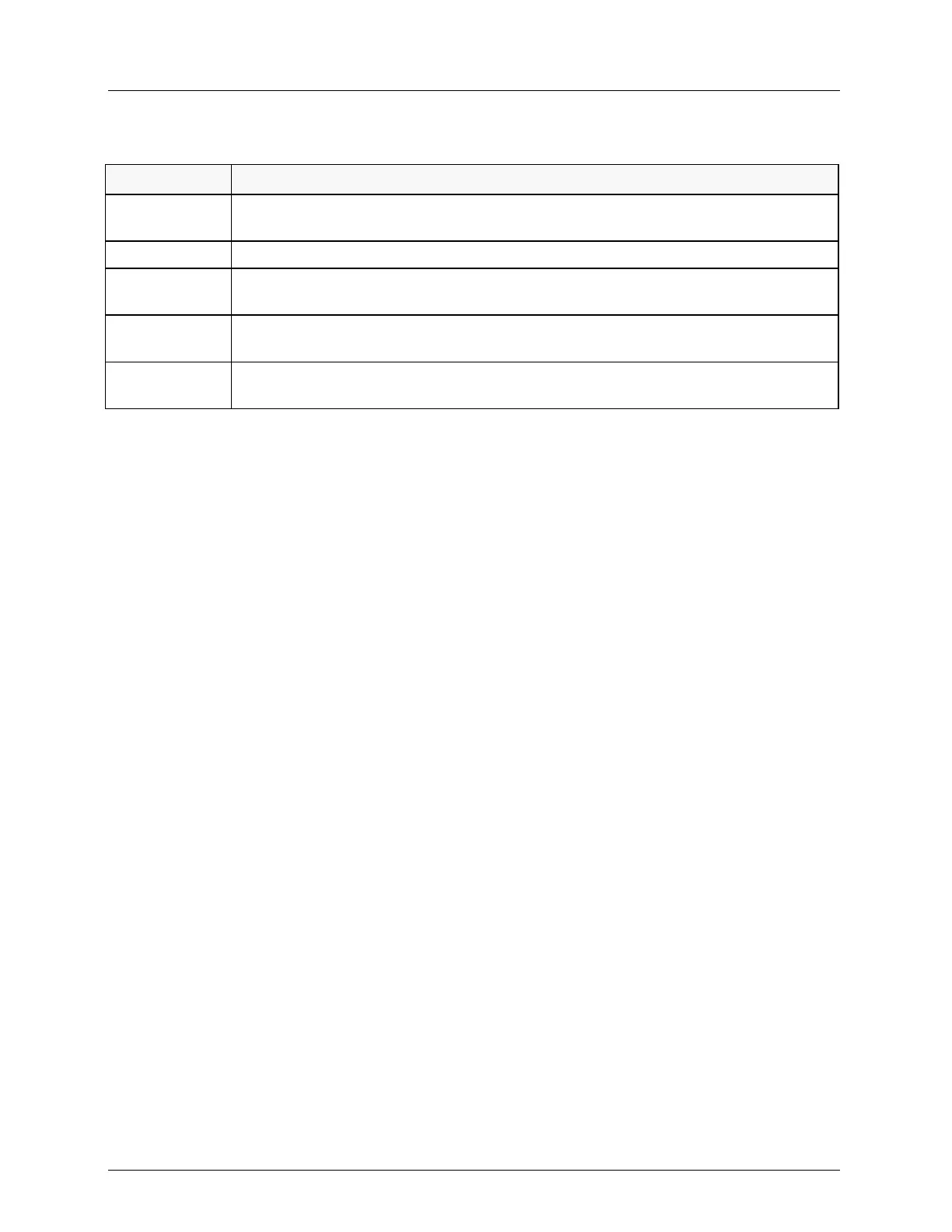
Table 64: PM Options
Accesses a dialog for resets the selected PM counter and setting the counter
acquisition intervals.
Resets all PM counters without an authorization prompt.
Displays the PM counters data, data may be filtered in advance (to shorten the time
the operation takes).
Used to disable PM on irrelevant line segments. By default, PM is enabled on all line
segments.
Configures the Thresholds for PM crossing alert, fields may be filtered in advance (to
shorten the time the operation takes).
Viewing the Counters and Filtering the Display
In general, performance parameters are raw counts derived by the processing of performance
primitives within 1 second intervals. At the end of each second, the data in the current second
counter is nominally moved to the current period counters, unless some other action is
warranted. At the end of each accumulation interval, the current value of the performance
parameter counter is saved in a corresponding "previous period" counter, and the "current
counter" is reset to zero.
Performance parameters are accumulated over pre-determined accumulation periods (15-
minutes and 1-day) and maintained in designated storage counters. Additional counters are
provided to maintain a recent history of the parameter on modem as follows:
Up to 32 (15 minute) Historic counters are supported (in addition to the current 15 min
counter)
Up to seven (single day) Historic counters are supported (in addition to the Current single
day counter)



 To Next Page