Monitoring Error Counters, Measurements and Threshold Alerts
Setting PM Start Time
Use the steps described in this section to set the time in the day when the PM starts.
To set the PM time:
1. In the Network Element tree, under System Administration, select Date and Time. The
Date and Time pane opens.
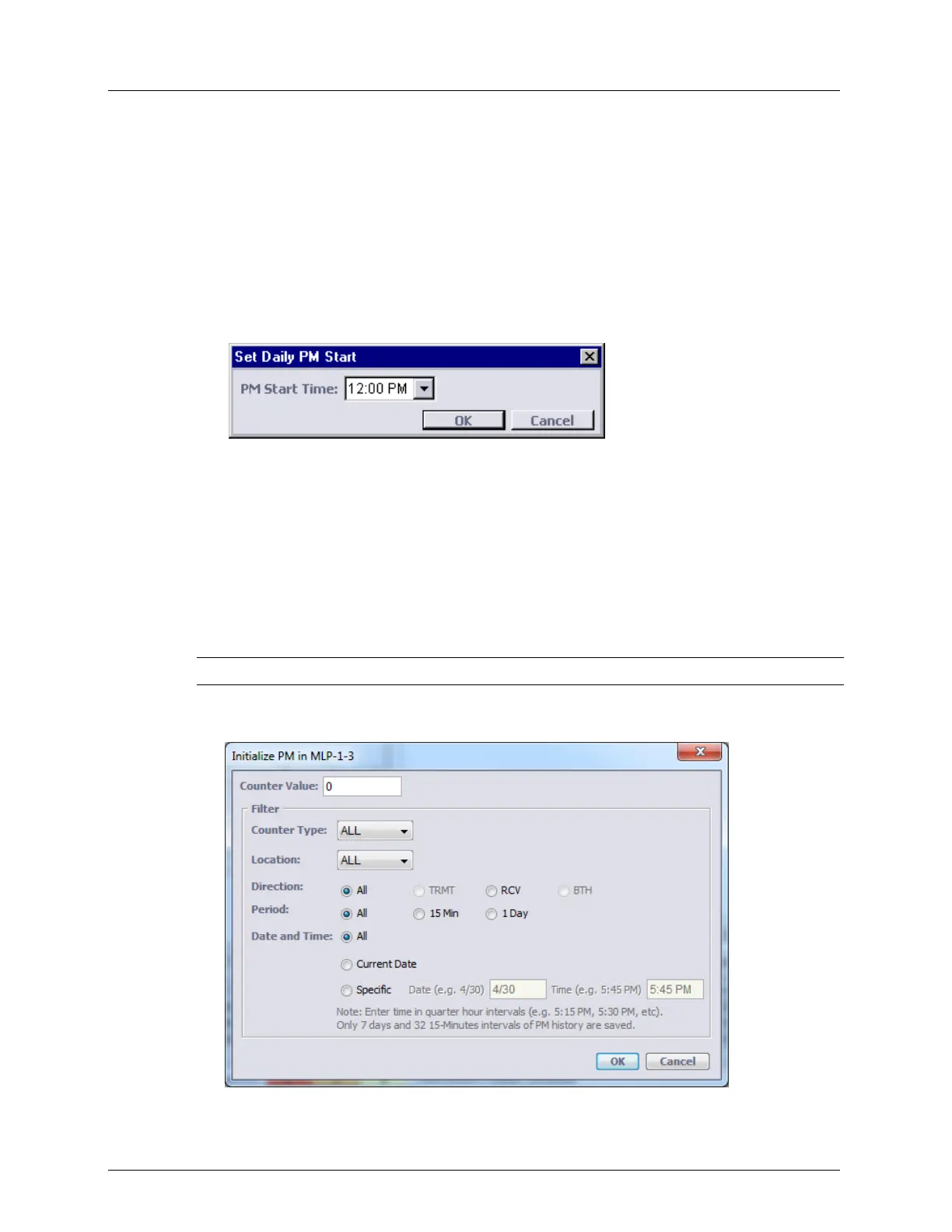
2. In the invoked pane, under Local Time, click Set PM Time. The Set Daily PM Start
dialog appears.
3. From the PM Start Time list box, select the start hour when the PM counter
accumulation begins. Click OK.
Initializing PM Counter
The initialization resets or sets a specific value to the PM counter selected by the filter. ALL
the counters can be reset at once by clicking the Init PM ALL button in the PM Operations
pane (on page 13-13).
To configure the PM counters collection
NOTE: The procedure described below is the same for all counters.
1. From the appropriate pane (see PM Operations Pane (on page 13-13)), click Init PM.
The Initialize PM in MLP dialog appears.



 To Next Page