Ethernet Operation, Administration and Management Y.1731 Ethernet OAM
3. Under Ports, select the MIPs (or MIPs) participating in the domain and use the arrows to
allocate them to the MEG or remove them from the MEG.
4. Click OK. The new definitions will be applied to the MEG. .
Y.1731 MEP Definitions and Management
Maintenance End Points (MEPs) define the boundaries of the corresponding MEG. MEP in a
network is identified uniquely by MEG (Name, level), MEP ID , VLAN tag VID and COS
bits value provided in each frame. To provide this uniqueness , MEP is configured on ML
unit using Port , Direction (always toward wire), VID, MEPID.
In addition, MEP connectivity control and performance monitor parameters can be
configured.
Note that each MEG allows up to 8 MEPs, where the maximum number of MEPs supported
by each system may vary according to the ML model.
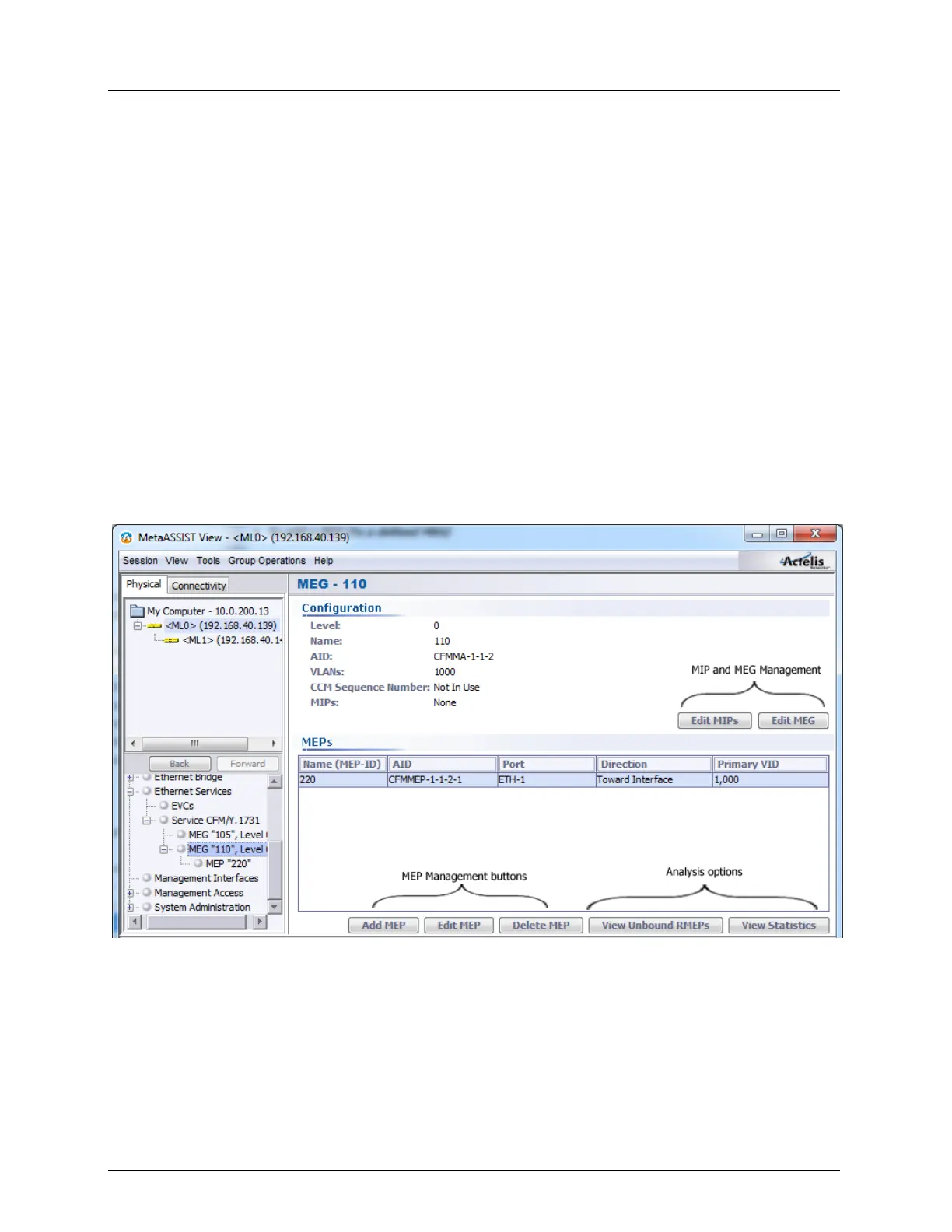
To add a MEP (to a defined MEG)
1. In the Network Element tree, select Service CFM and click on the MEG to which
MEPs will be allocated. The dedicated MEG pane appears.



 To Next Page