Monitoring Ethernet Performance Monitoring
Port Statistics
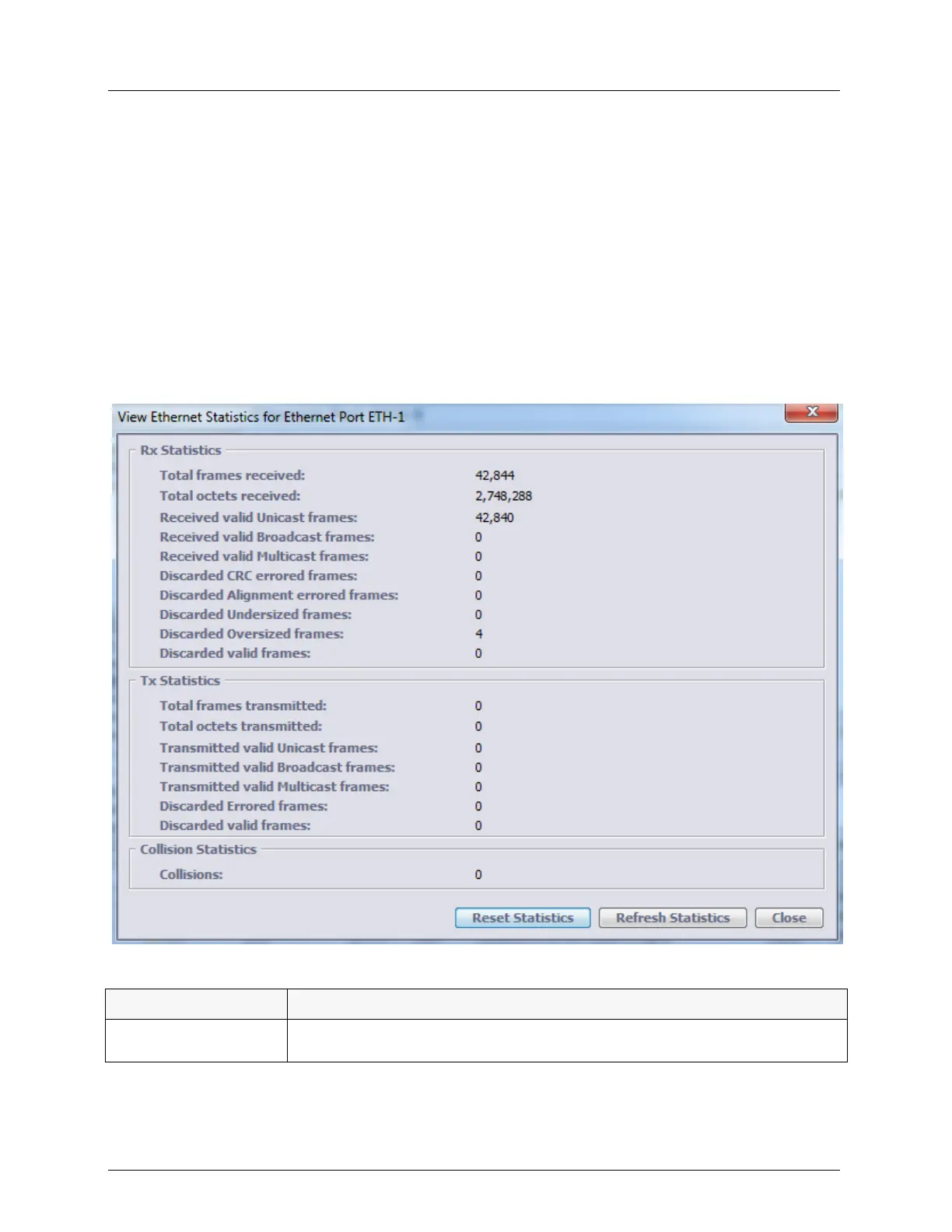
For each Ethernet port, statistics on the traffic can be displayed. For example, Rx and Tx
frames, discarded frames, valid and invalid frames, etc.
Ethernet statistics counters can be manually reset. These counters are also automatically reset
when Ethernet port (ETH <ID>, COLAN (MGMT), HSL<ID>) is deleted or reverted to
factory setup. All counters support 64 bits.
To view statistics for a selected Ethernet port
Invoke the pane of the individual Ethernet port (The Ethernet Port Workspace) and click the
View Statistics button. The Ethernet Statistics dialog appears. Use the Reset and Refresh
buttons to initialize and update the statistics values.
Table 68: Rx Ethernet Statistics
The total number of frames received by this interface.
Counts all frames before sanity validation (errors, MFS size, etc.)



 To Next Page