Equipment and Port Configuration System-wide Settings
System-wide Settings
System level attributes such as alarm behavior, etc. that apply to the ML as a unit, are
configured via the System pane.
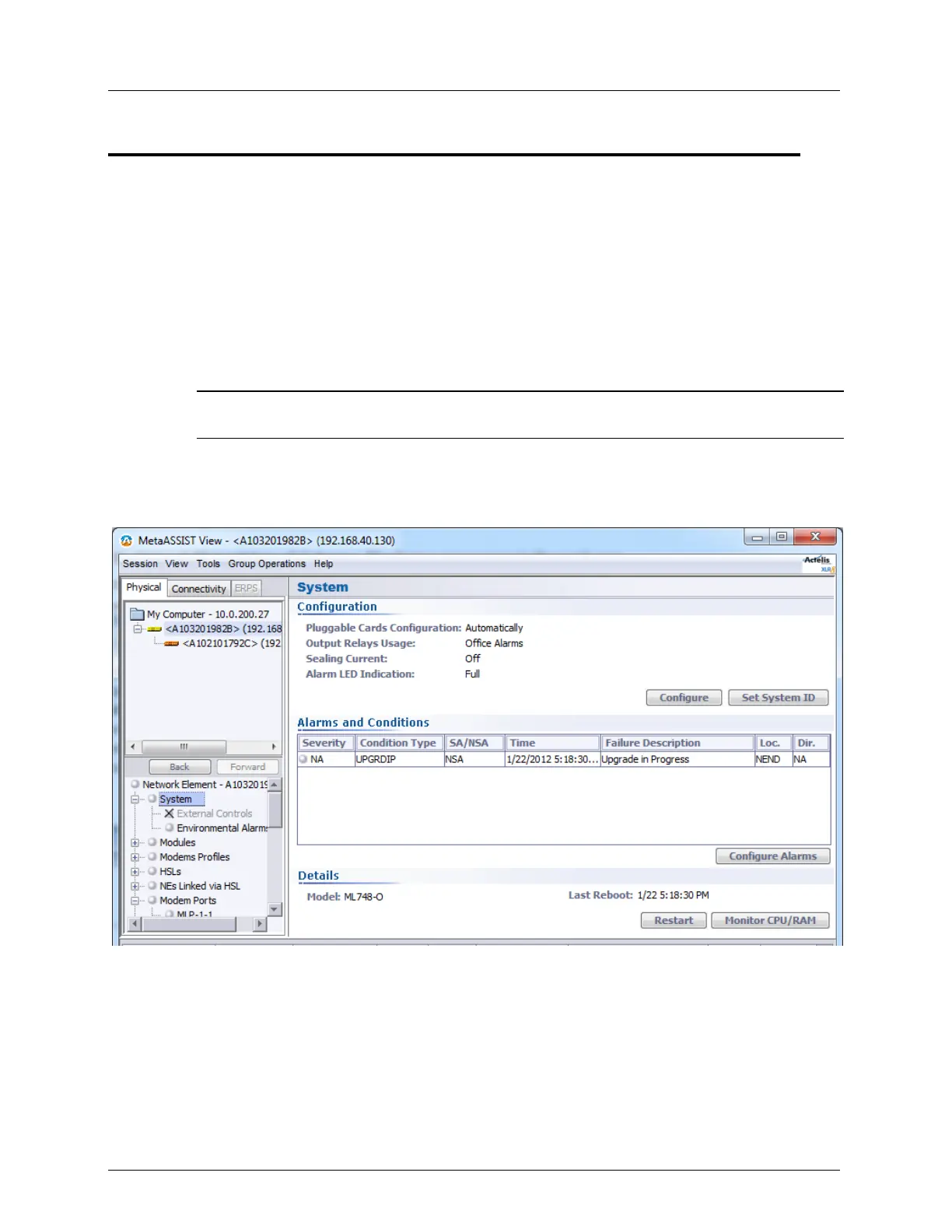
System Pane
The System pane displays the current system level settings and provides access to the
configuration, control and resource monitoring options.
NOTE: In models with SFP pluggable module, Auto-configuration feature is available and appears on
the System pane.
To access the System pane
In the Network Element tree, click System. The System pane opens in the work area.
The pane is divided into three areas: Configuration, Alarms and Conditions and Details.



 To Next Page