Security Management Configuring Session Access Warning Text
Configuring Session Access Warning
Text
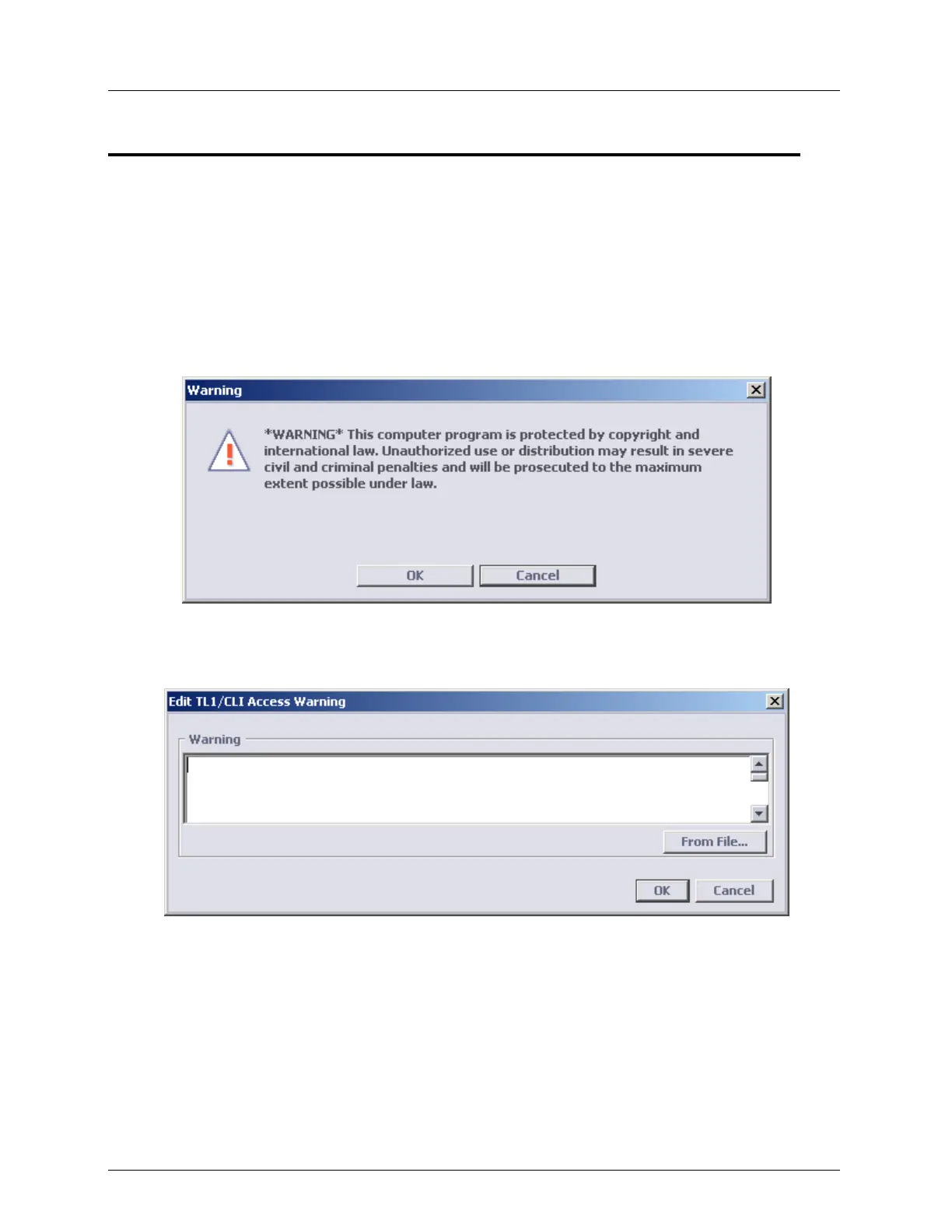
The system administrator can configure a security message to appear each time a new CLI,
TL1 or MetaASSIST View session is opened. This is done by configuring the warning text,
according to the site security needs or regional requirements. If text is not configured, the
message will not appear, and the session will be directly accessed. The warning session
appears in the following format:
To configure the session access warning
1. In the Network Element tree, choose Management Access and press the Edit Warning
button. The Edit Warning dialog appears.
2. Enter the warning text by either:
Using the dialog to type the text (use <Enter> for new line) .
Selecting the text from a file by clicking the From File button to attach a file with
Warning text (in ASCII format) prepared in advance.
3. Click OK. The Warning text will now be displayed in the Management Access screen
under the TL1/CLI Access Warning. The warning will now be displayed whenever a user
opens a session.



 To Next Page