Ethernet Bridge, STP/RSTP IGMP Snooping
IGMP Pane
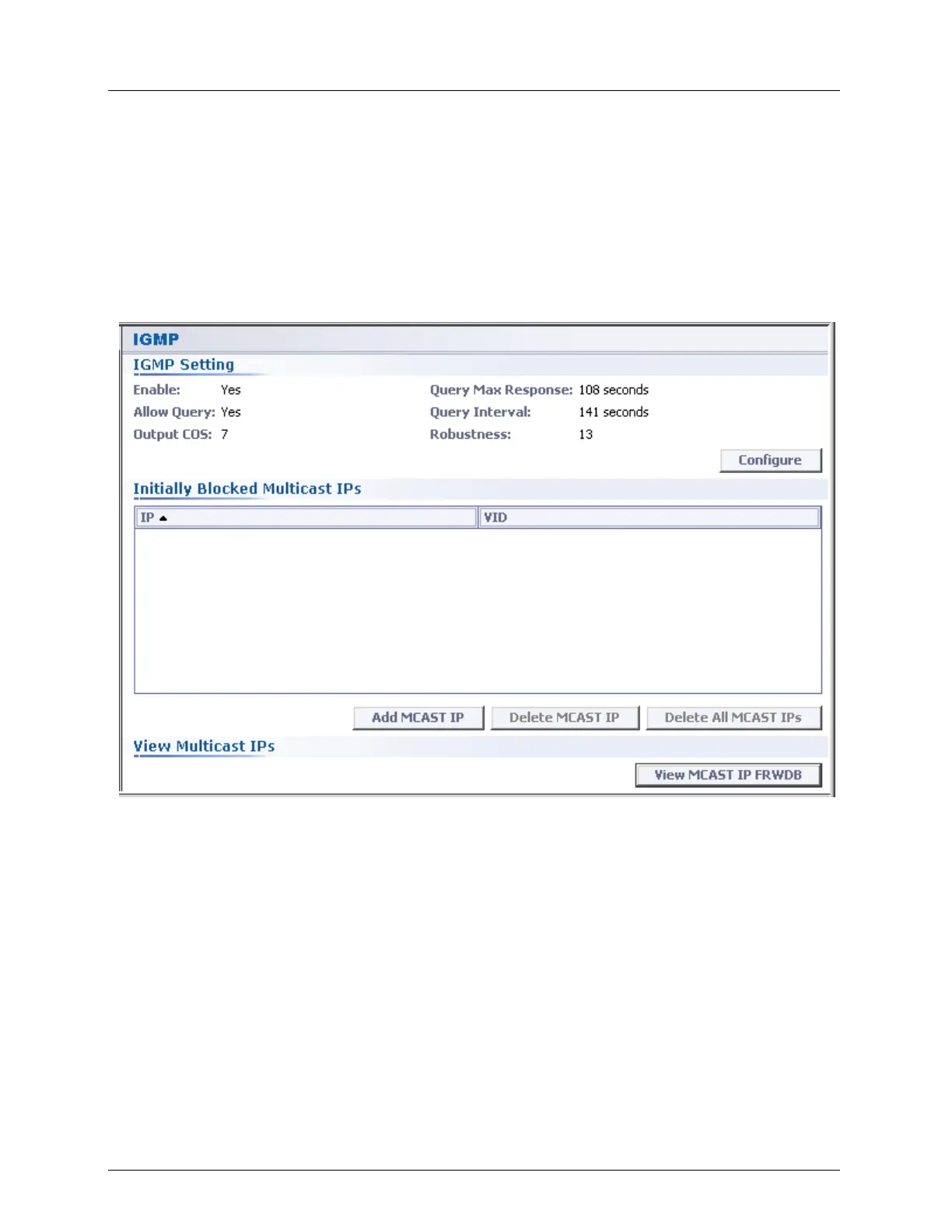
The IGMP pane provides access to IGMP Snooping configuration and monitoring options.
To navigate the IGMP pane
Access the IGMP Snooping pane as follows:
In the Network Element tree, under Ethernet Bridge select IGMP. The IGMP
pane appears.
The pane provides the following options:
IGMP setting - displays the current settings and provides access to setting
configuration options (Configure button).
Initially Blocked Multicast IPs - used for blocking specific IP sources of stream video
until they are relevant so they do not load the network.
View Multicast IPs - enables monitoring selected IPs



 To Next Page