Equipment and Port Configuration Static Link Aggregation (LAG)
Enabling and Configuring LAGs
LAG links are configured by enabling the available LAG and defining its parameters.
Ethernet ports are then added to the LAG. The following parameters are automatically
defined by the first port that is allocated to the LAG: Mode and LLCF.
NOTE: See Configuring Ethernet Ports for a description of these parameters.
To configure LAG links
1. In the Network Element tree, click Ethernet Ports, and under LAGs click the relevant
LAG.
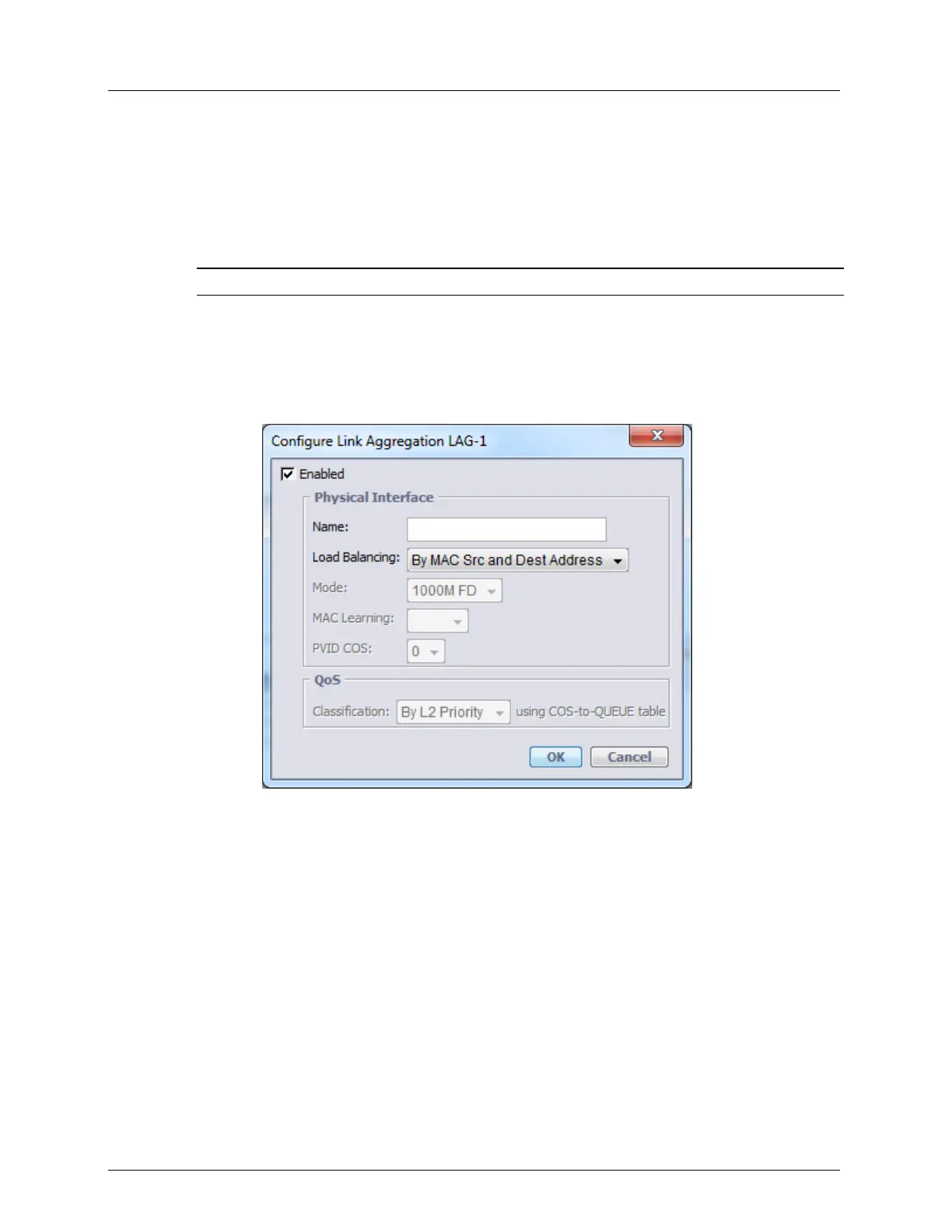
2. In the Link Aggregation pane, Configure area, click Configure. The LAG
Configuration dialog appears.
3. Activate the LAG by selecting the Enable box. The available LAG configuration
parameters will become activated.
The following parameters are automatically defined by the first port that is allocated:
Mode - the speed supported by the LAG, and LLCF - Link Loss Carry Forward. .
4. The ML operates according to the Load Balancing Policy - MAC Source and
Destination. In this policy, packets are matched with given MAC source and destination
addresses.
5. Allocate Ethernet ports to the LAG.



 To Next Page