Spectral Profiles Modem Profiles Management Model
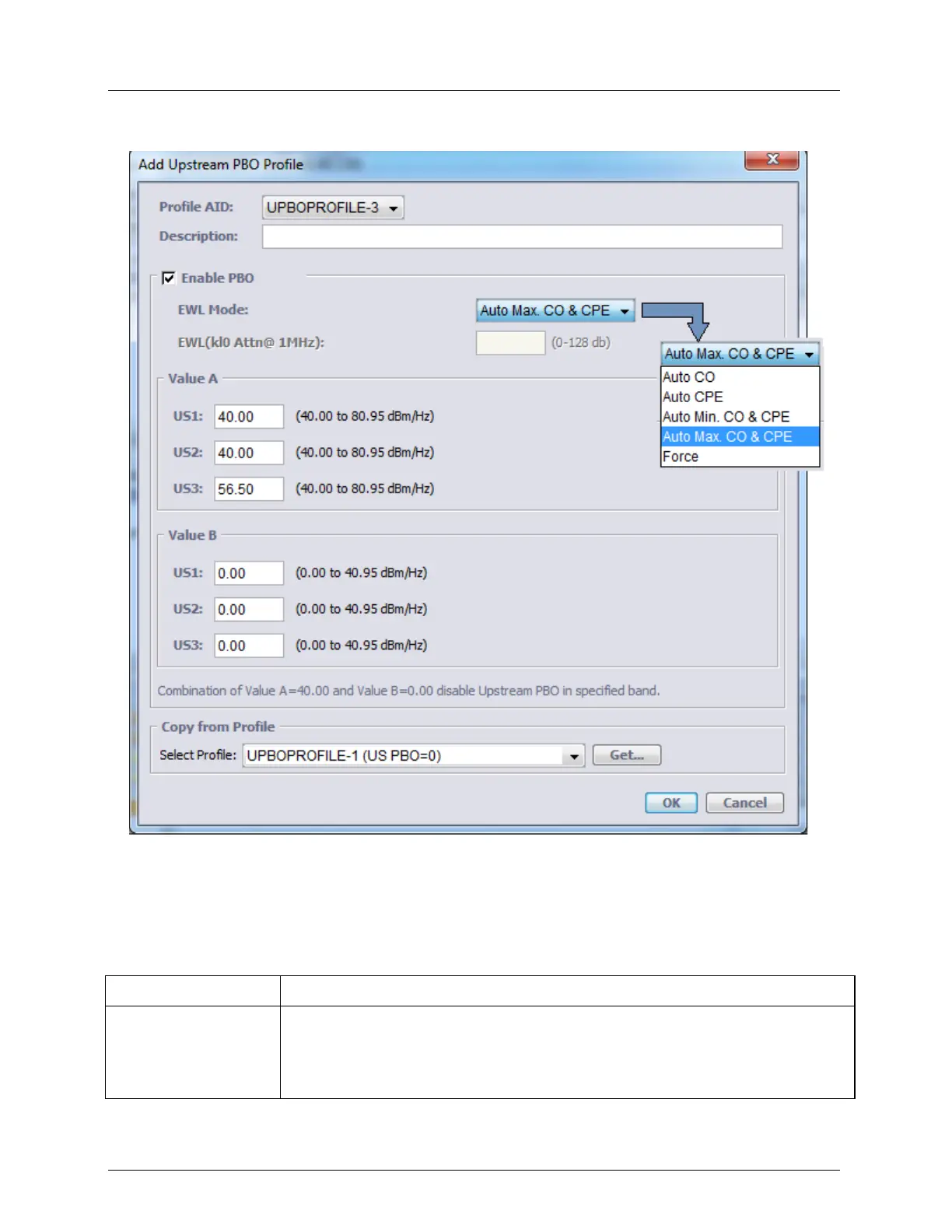
2. In the displayed pane, click Add Profile. The Upstream profile definition dialog appears:
3. Define the profile according to the following table descriptions. Click OK to save. The
new profile will be listed in the glance pane. It will also be removed from the list of
available profile AIDs and added to the available profile for use as templates under the
Copy from Profile option.
Table 28: Configuring UPBO Profiles
Choose from the available Profile AIDs.
Assign the profile an identifiable Description (i.e. ADSL2 Plus...)
Do one of the following: either upload values from an existing file and modify them
according to the following step, or define each parameter as described in the next
steps.



 To Next Page