Security Management Locking Out Users
NOTE: For group operations, open the Configure User Settings dialog box via the menu
bar: Group Operations, Users, Configure.
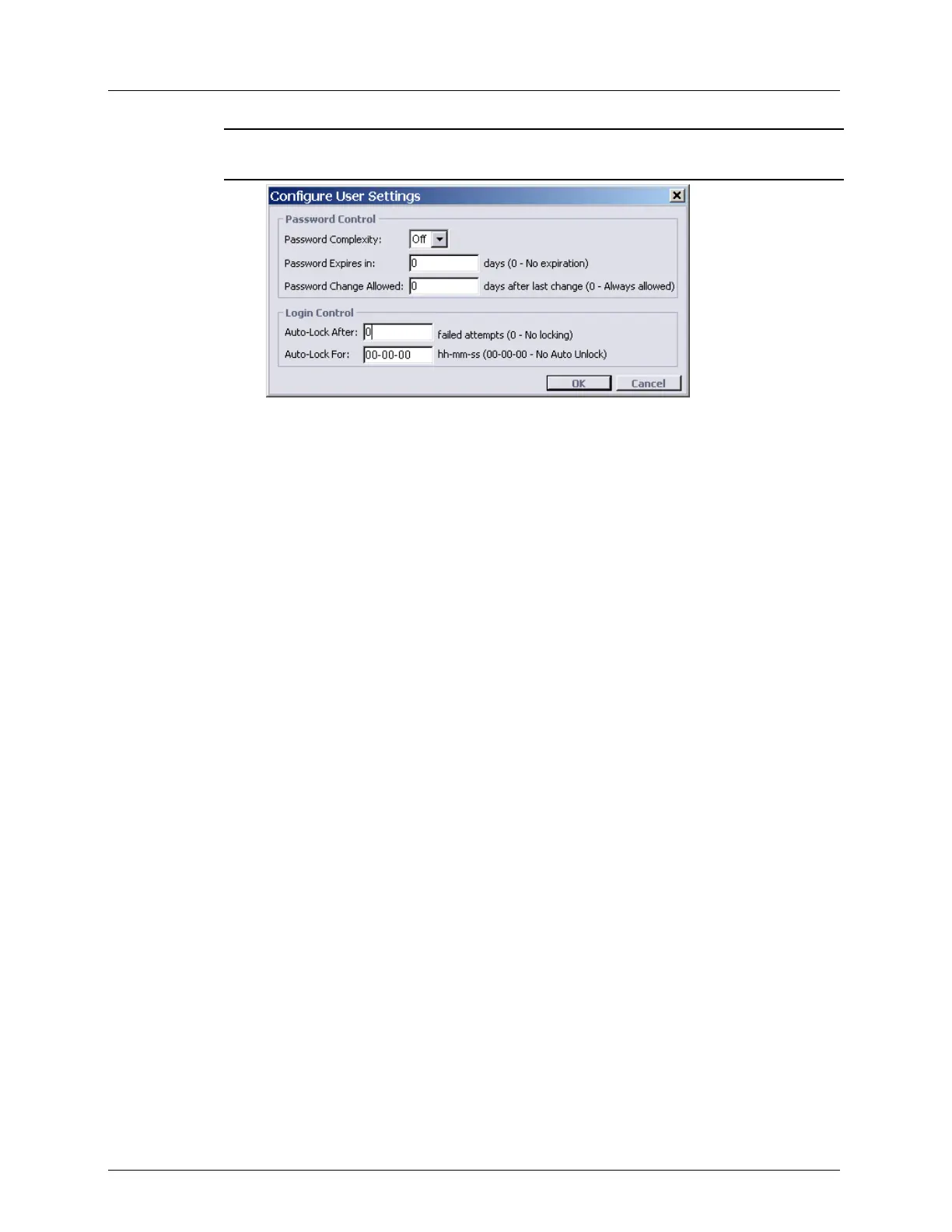
3. Set the lockout behavior as follows: Under Login Control set:
Auto-Lock After: The system can automatically lock users after a certain amount of
failed attempts. Locked users cannot log in to the system via MetaASSIST View, a
TL1 session or the support page for a configured amount of time. Both the number of
allowed incorrect attempts and the time for account locking are configurable as a
system-wide parameter controlled by the administrator only.
Auto-Lock for: By default, the lock out time period is 0 (no automatic unlock). In
this case, only a user with admin privileges can unlock the account before it can be
used again.



 To Next Page