Administration Using MetaASSIST View
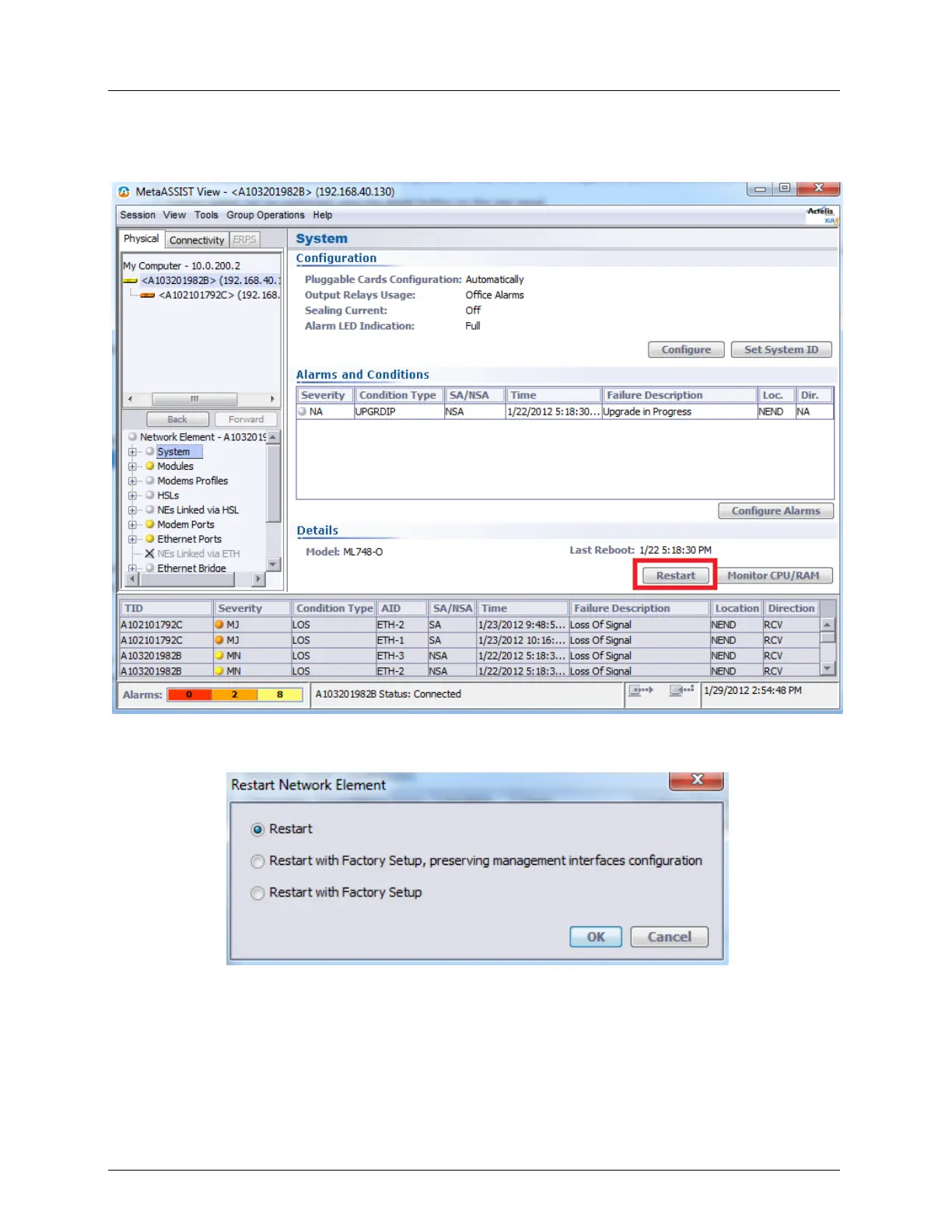
To apply restart on either directly or indirectly accessible ML device:
1. From the Network Element tree, select System
2. In the Details section click the Restart button. The Restart Network Element dialog
appears.
3. Select a Restart option.
4. Click OK.
5. A warning message appears. Click Yes to restart.



 To Next Page