Troubleshooting Copper Line Troubleshooting
Troubleshooting copper mismatch connections (COPPERMIS) is allowed from ML device
system with HSL in -O (Office) mode only.
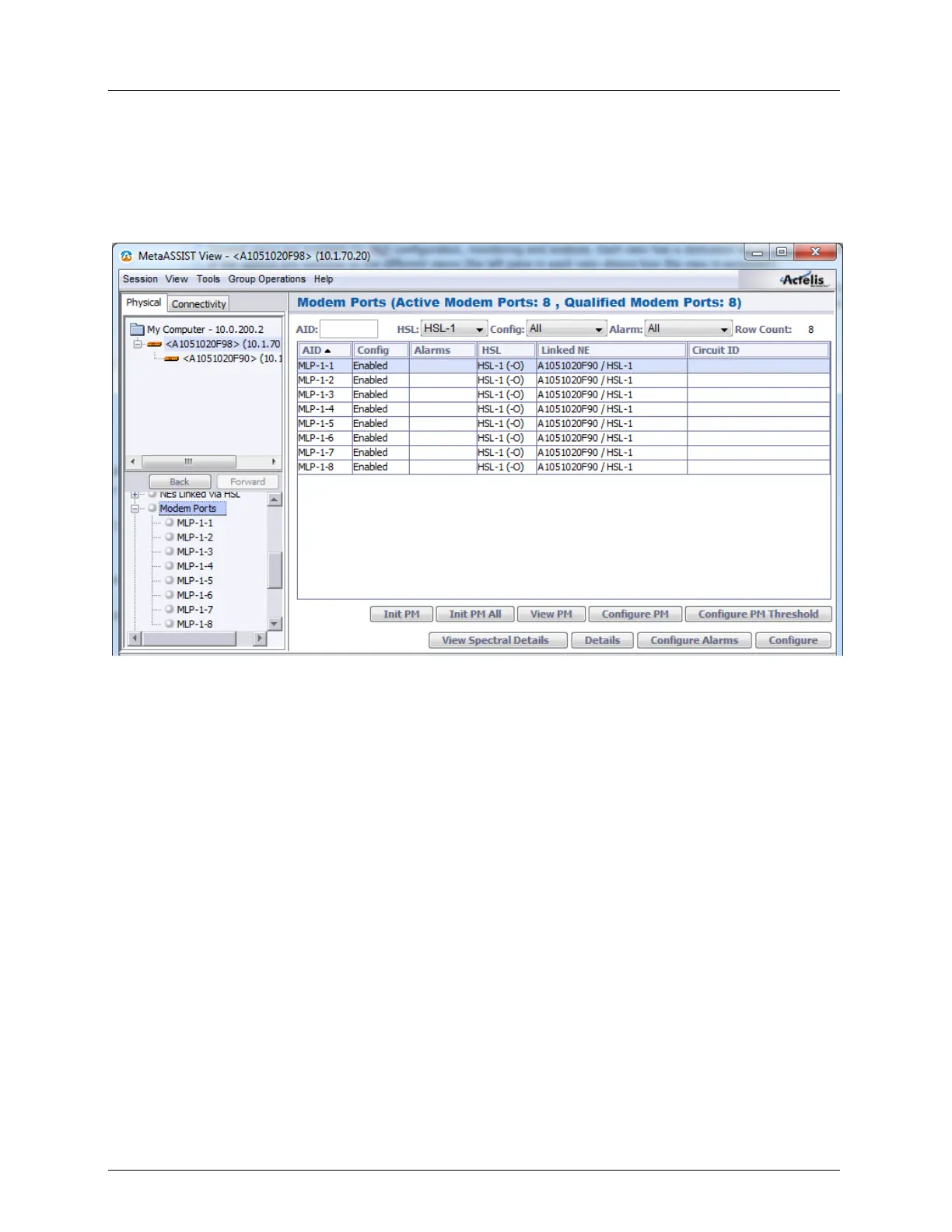
The table in the Modem Ports pane provides unique identification (Serial Number) of each
copper line termination. The table column - "Linked NE" provides Serial Number(s) of the
discovered linked by HSL ML device system(s).
To resolve the HSL COPPERMIS problem
Reconnect each copper line with a different Serial Number discovered on distant end. The
MLP provides Serial Number discovery immediately after synchronization.
To work around the HSL COPPERMIS problem
1. Reconfigure the HSL (on local side) to exclude the incorrectly terminated copper lines.
2. Cancel HSL Calibration.
3. Delete the MLPs from the HSL.
4. Re-calibrate the HSL.



 To Next Page