Ethernet Service Troubleshooting Troubleshooting
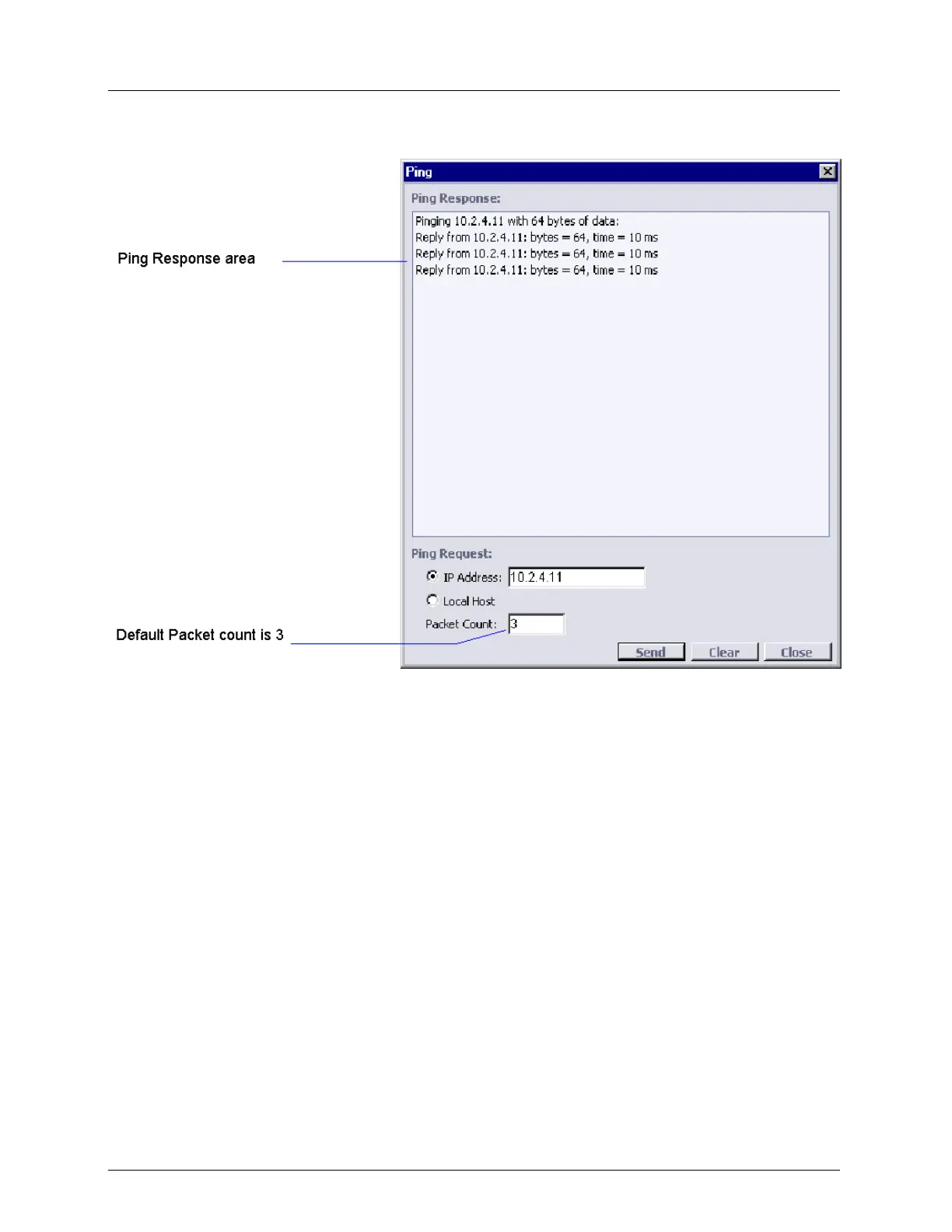
7. Click Clear to erase the results from the Ping Response area.
Troubleshooting using Ping
To check if IP stack works properly on ML device system itself
8. Click Ping.
9. Select the Local Host option.
10. Click Send.
11. Check that Ping successfully replied 3 times.
12. Click Close.
To check IP connectivity between ML device system and Remote Management
Network:
13. Click Ping.
14. Select the IP Address option.
15. Type in the IP address (any known IP in Management Network).
16. Click Send.
17. Check that Ping successfully replied 3 times.
18. Click Close.



 To Next Page