IP/LAN Connectivity on Indirectly Connected NE Management Configuration
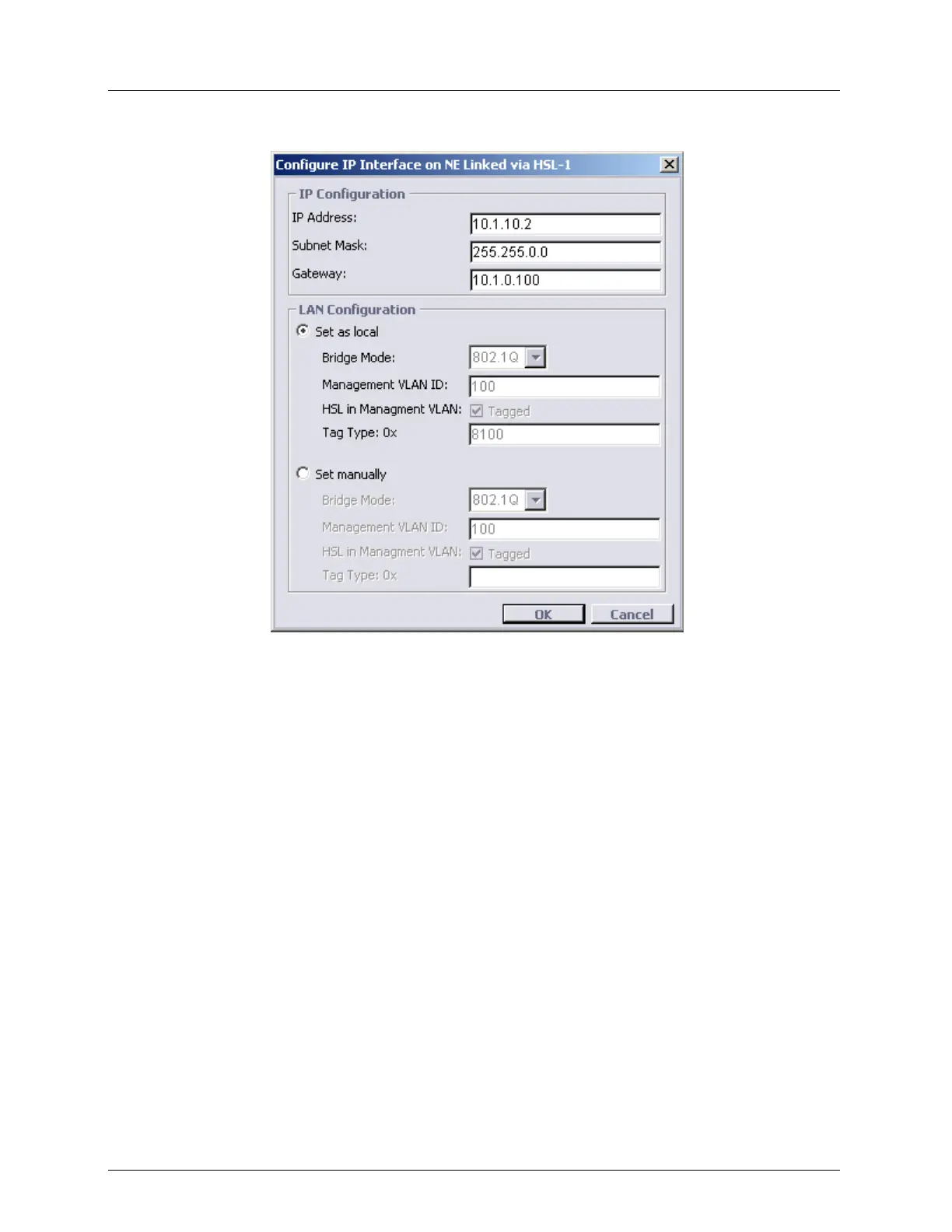
3. Click Configure button. The Configure NEs Linked via HSL dialog appears.
4. In the IP Configuration area define the following:
IP Address
Subnet mask
Gateway
5. Set the LAN Configuration parameters using one of the following options:
Set as local - Read only - sets the LAN parameters to the same values as those of the
host CO.
Set manually - initially displays the configuration of the remote NE. The parameters
can be modified.
Click OK.



 To Next Page