Equipment and Port Configuration Alarms and Indications Control
Selecting External Controls
You can perform the following on GPO represented by CC-{1}:
Select Operated/Release
Select Control Type (Air conditioner, Fan, General, Sprinkler, etc.)
To set Output Relays to External Controls:
1. In the Network Element tree, open System. The System pane opens in the work area.
2. In the Configuration section, click Configure. The Configure System (on page 4-3)
dialog appears.
3. From the Output Relays list box, select External Controls.
4. Click OK.
Configuring External Controls
To configure external controls
1. In the Network Element tree, open System.
2. Open External Controls. The External Controls pane opens in the work area.
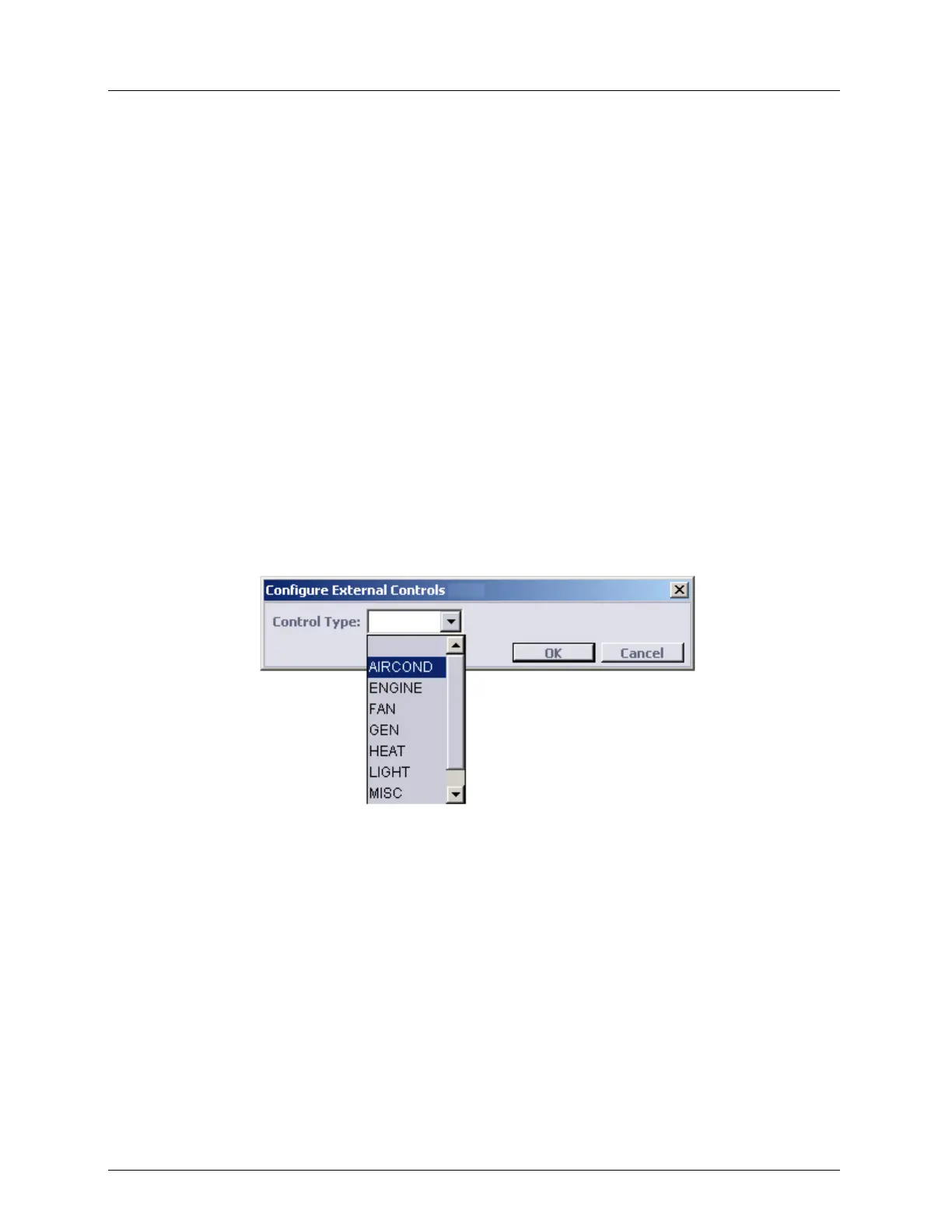
3. Select a row in the table and click Configure. The Configure External Controls dialog
appears.
4. From the Control Type list box, select a control type (AIRCOND, ENGINE, FAN,
GEN, HEAT, LIGHT, MISC or SPKLR).
5. Click OK.
Operating External Controls
To operate external controls
1. In the Network Element tree, open System.
2. Open External Controls. The External Controls pane opens in the work area.
3. Select a row in the table and click Operate. The relay contact closes and "yes" appears in
the Operated column.
4. To release the contacts, click Release. The Operated column is cleared and the relay
contact opens.
5. Click OK.



 To Next Page