Modem Line Ports (MLP) Equipment and Port Configuration
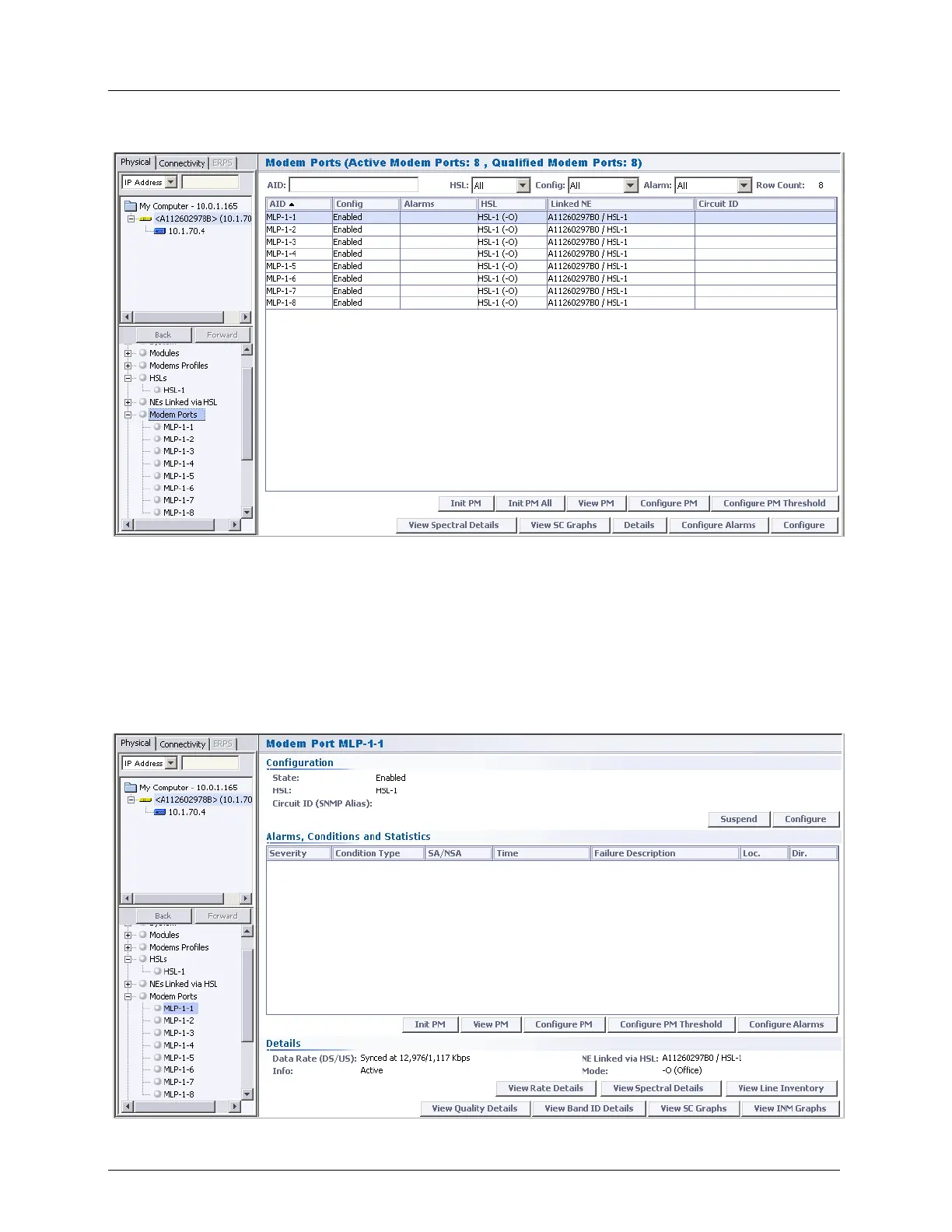
Configure - displays the MLP configuration dialog.
MLP Specific Pane- details and attributes of the individual MLP view. In addition to the
Alarms display and configuration options that are standard in this type of display, the
pane contains the following areas:
Configuration - shows the current parameter definitions and provides access to the
MLP configuration (Configure button) and analysis options.
Details - provides MLP control and analysis options. The View Line Inventory button
displays hardware and software versions as well as various identification information.
The remaining buttons are described following the image.



 To Next Page