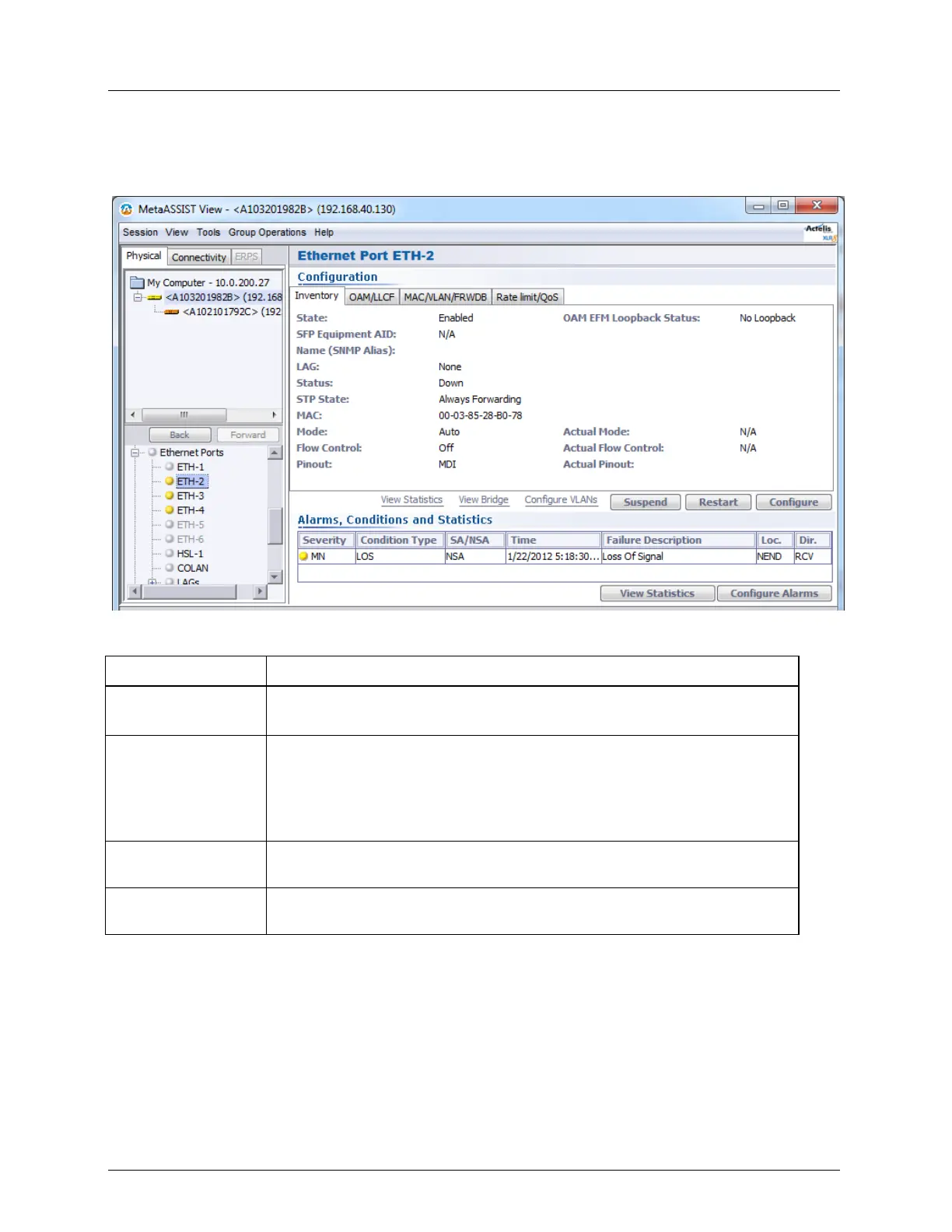
Ethernet Port Equipment and Port Configuration
Ethernet Specific Pane - shows details, configuration settings and status of the selected
Ethernet. The items are grouped in respective tabs, where the tab parameters may vary
according to the type of Ethernet port (service, HSL, etc.).
Table 15: Configuration area tabs
Summarizes the main Ethernet configuration settings and provides status
information.
Provides two types of information: EFM OAM settings and status, LLCF
status and access to Operate Loopback options. EFM OAM standard
allows troubleshooting of point-to-point Link Layer connectivity between
two attached NEs. ML devices support EFM OAM on all Ethernet (ETH-
x) and Ethernet-like ports.
Shows the bridge mode (e.g. 802.1Q) and PVID if relevant.
Shows the Ingress and Egress rate limits and speeds for the port, as well as
other QoS parameters such as Classification, Scheduler, etc.



 To Next Page