MT8852B Operation Manual PN: 13000-00205 Rev. N 9-1
Chapter 9 — Running a Script in Null
Packet Mode
9-1 Null Payload Mode (Not available on MT8852B-043)
Null packet mode is used to enable indicative measurements to be made on EUTs that do not
support test mode. The MT8852B connects to the EUT and maintains the link by sending
Poll packets. The EUT returns Null packets containing preamble, access code, trailer, and
header, but no payload.
9-2 Supported Tests
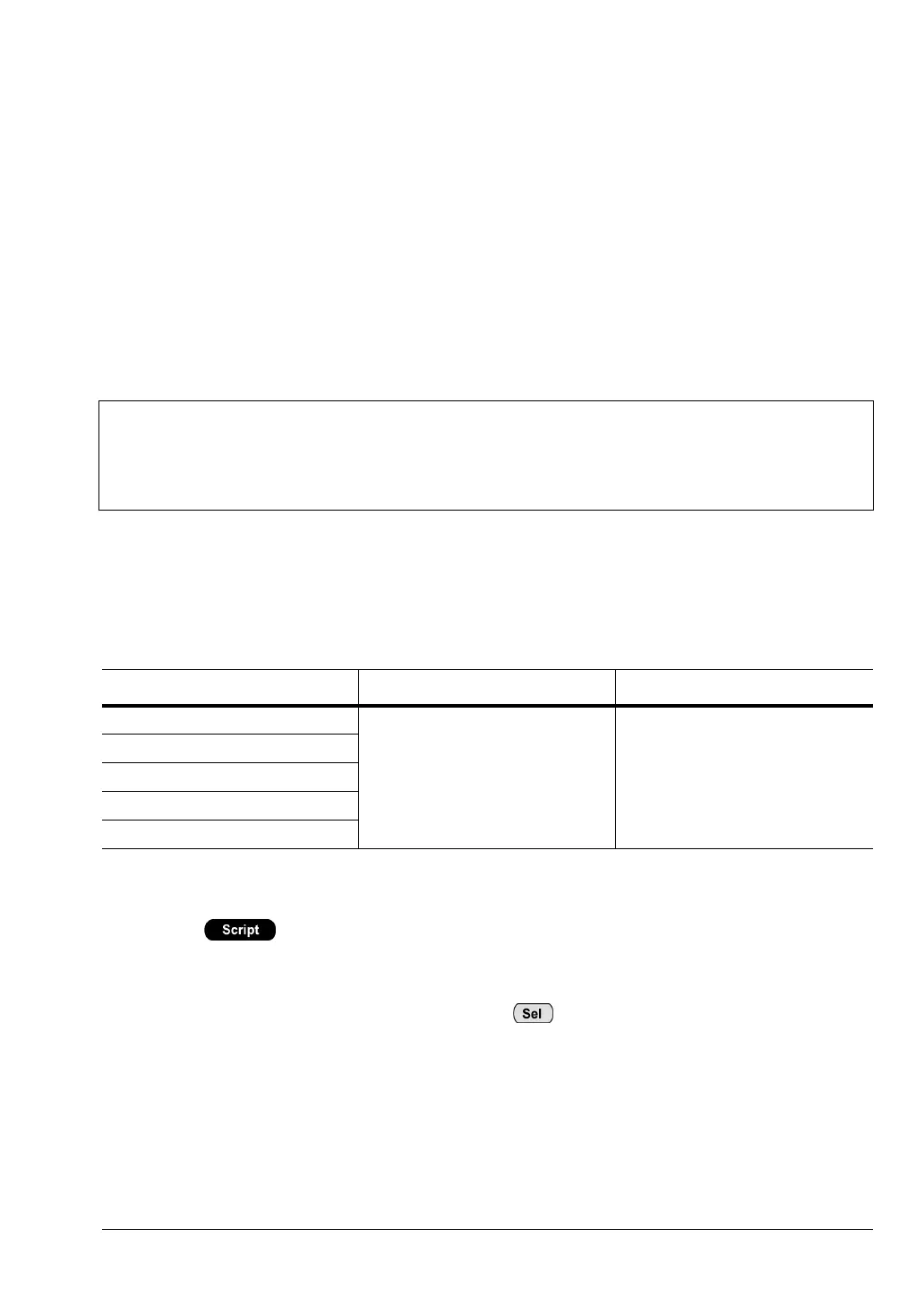
The table below lists the tests that are supported in Null packet mode for each of the
Bluetooth test types.
9-3 Testing in Null Packet Mode
1. Press to display the script entry page.
2. Move the cursor to the script number and press the [Setup] soft key to display the setup
pages.
3. Move the cursor to ”Script mode” and press to toggle the script mode setting to
"NULL PACKET”.
Note
In Null packet mode the MT8852B does not use test mode signalling and tests are
not performed in accordance with the Bluetooth test specification.
When Null packet mode is selected, a message to this effect displays on the
uppermost line of every screen.
Table 9-1. Tests Supported in Null Packet Mode
Basic Rate Tests Enhanced Data Rate Tests Low Energy Tests
Output Power
EDR tests are not supported in
null packet mode
Low energy tests are not
supported in null packet mode
Power control
Init carrier
Carrier drift
Modulation index














 To Next Page