Assessing AFH Adaptive Frequency Hopping (Option 15)
15-8 PN: 13000-00205 Rev. N MT8852B Operation Manual
Audio Measurements
1. Press > “MT8852B” > “Audio”.
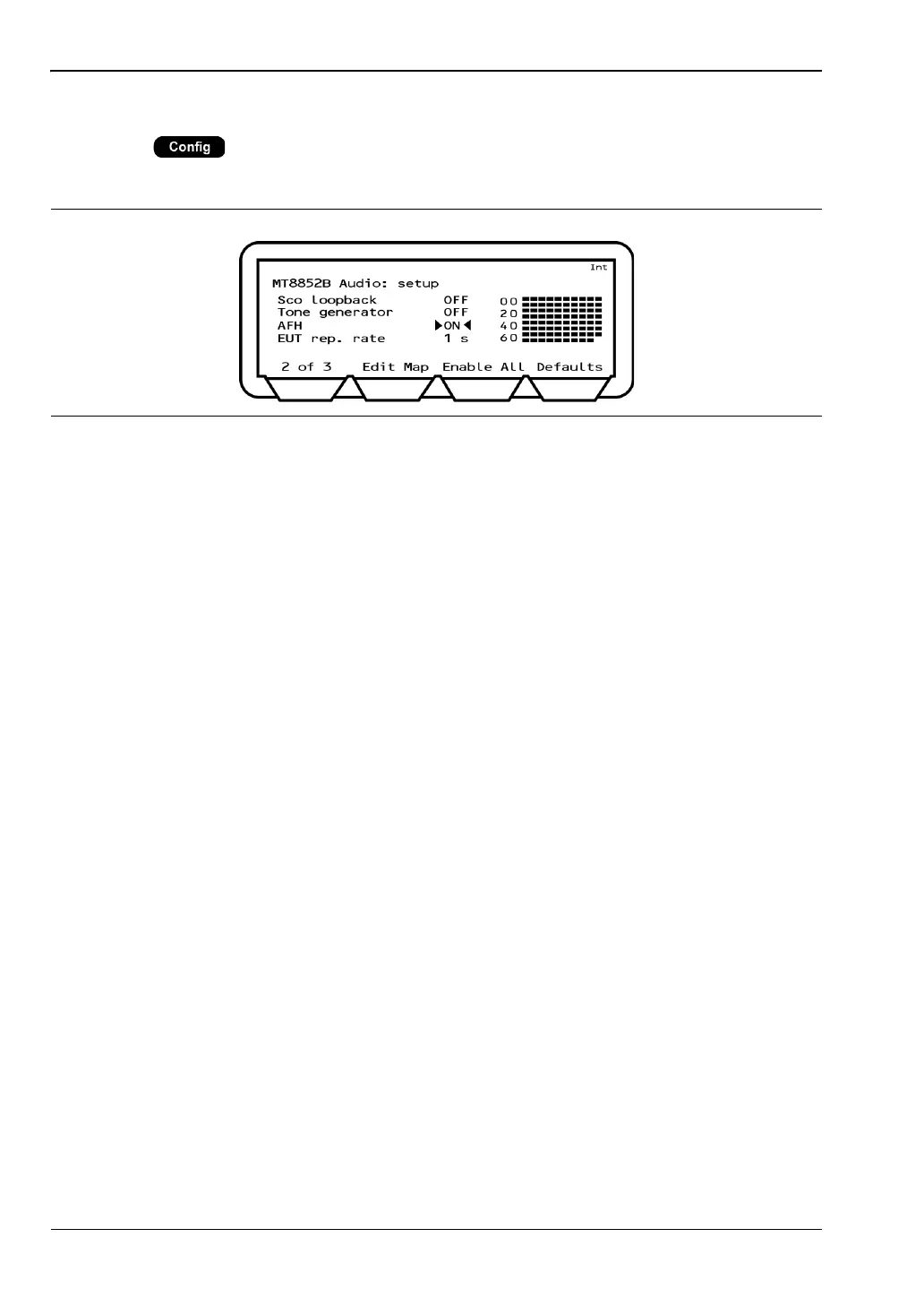
2. Press the [1 of 3] soft key to display page 2 of the audio section as shown below.
3. Set up an audio connection as detailed in chapter 14 of this manual.
4. Introduce an interferer to add noise to the audio channel.
5. Verify the EUT's performance by turning on AFH (on the page shown above) and
listening to the decrease in noise as channels identified with interference are blocked.
Figure 15-9. MT8852B Audio Setup














 To Next Page