Configuring a Script Test Scripts
5-4 PN: 13000-00205 Rev. N MT8852B Operation Manual
Selecting Tests within a Test Group
Scripts can be configured to run all or any of the tests within the selected test groups. Tests
can be turned on or off as explained below.
1. Use the arrow keys to move the cursor to one of the test groups selected for inclusion in
the script.
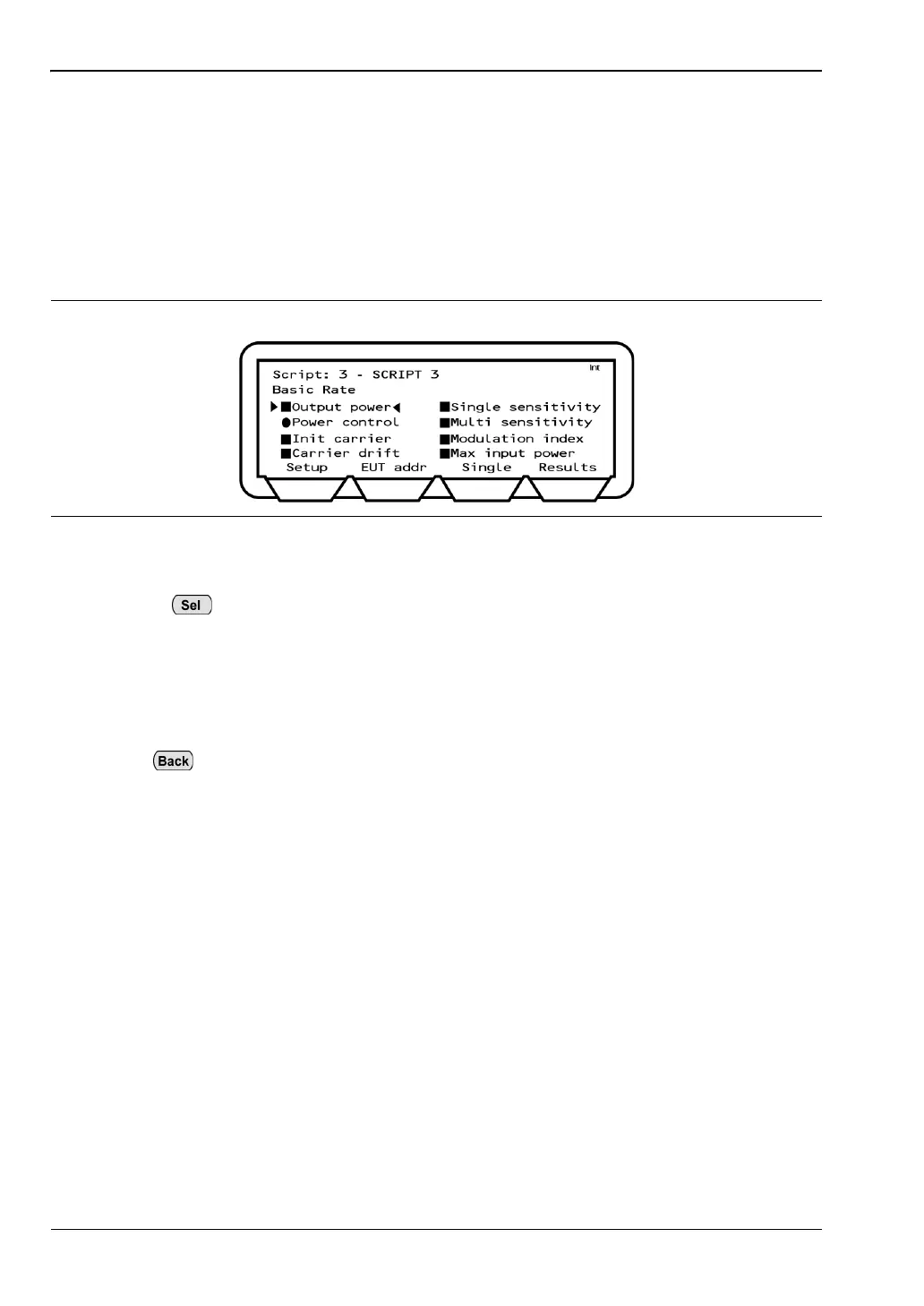
2. Press the [Setup] soft key to display a page showing the tests within the selected test
group.
3. Use the arrow keys to navigate through the tests.
4. Use the key to select or deselect each test as required.
• Tests displaying a solid square are run when the script is executed.
• Tests displaying a solid circle are run when the script is executed if the test is
supported by the EUT.
• Tests displaying a hollow square or hollow circle are not run when the script is
executed.
5. Press and repeat steps 1 to 4 for any further test groups selected for inclusion in
the script.
Figure 5-4. Basic Rate Test Group














 To Next Page