MT8852B Operation Manual PN: 13000-00205 Rev. N 10-1
Chapter 10 — Running a Single Test
10-1 Running a Single Test
Tests can be selected and run individually if it is not necessary or desirable to run an entire
test script. The user can decide whether or not any changes made to the test conditions and
limits are saved to the script.
1. Configure the EUT address settings as required (as outlined earlier in chapter 6).
2. Press .
3. Use the arrow keys to position the cursor at the required test group and press [Setup].
4. Use the arrow keys to position the cursor at the test to be run and press [Single].
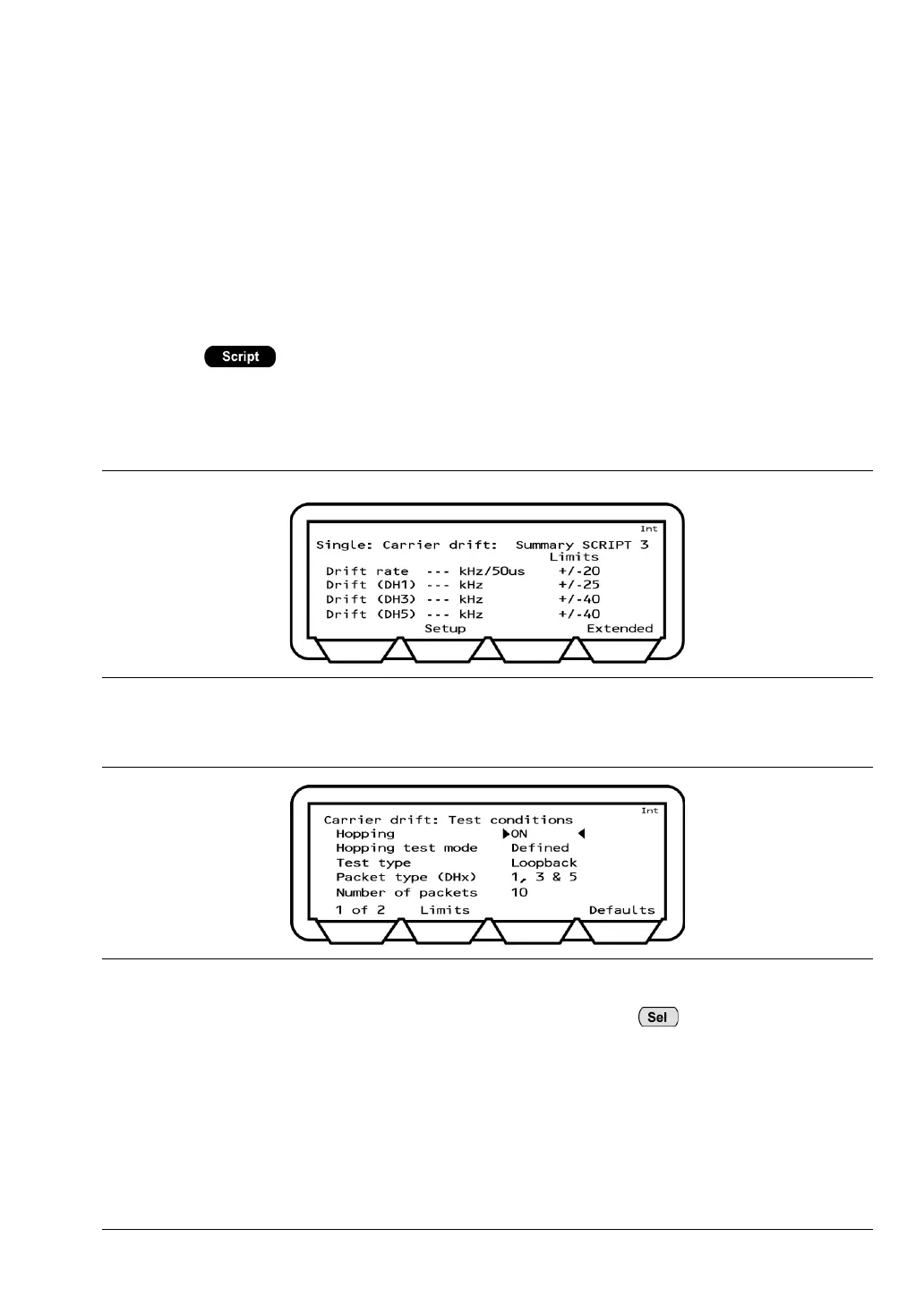
A summary page, such as that shown below, displays for the selected test.
5. Press the [Setup] soft key to display the test conditions for the selected measurement.
6. With the cursor on the uppermost test condition, press the key to toggle through
the available settings for that item.
Figure 10-1. Carrier Drift Results
Figure 10-2. Carrier Drift Test Conditions














 To Next Page