Configuring the Equipment Under Test (EUT) Configuration Reference
11-14 PN: 13000-00205 Rev. N MT8852B Operation Manual
11-3 Configuring the Equipment Under Test (EUT)
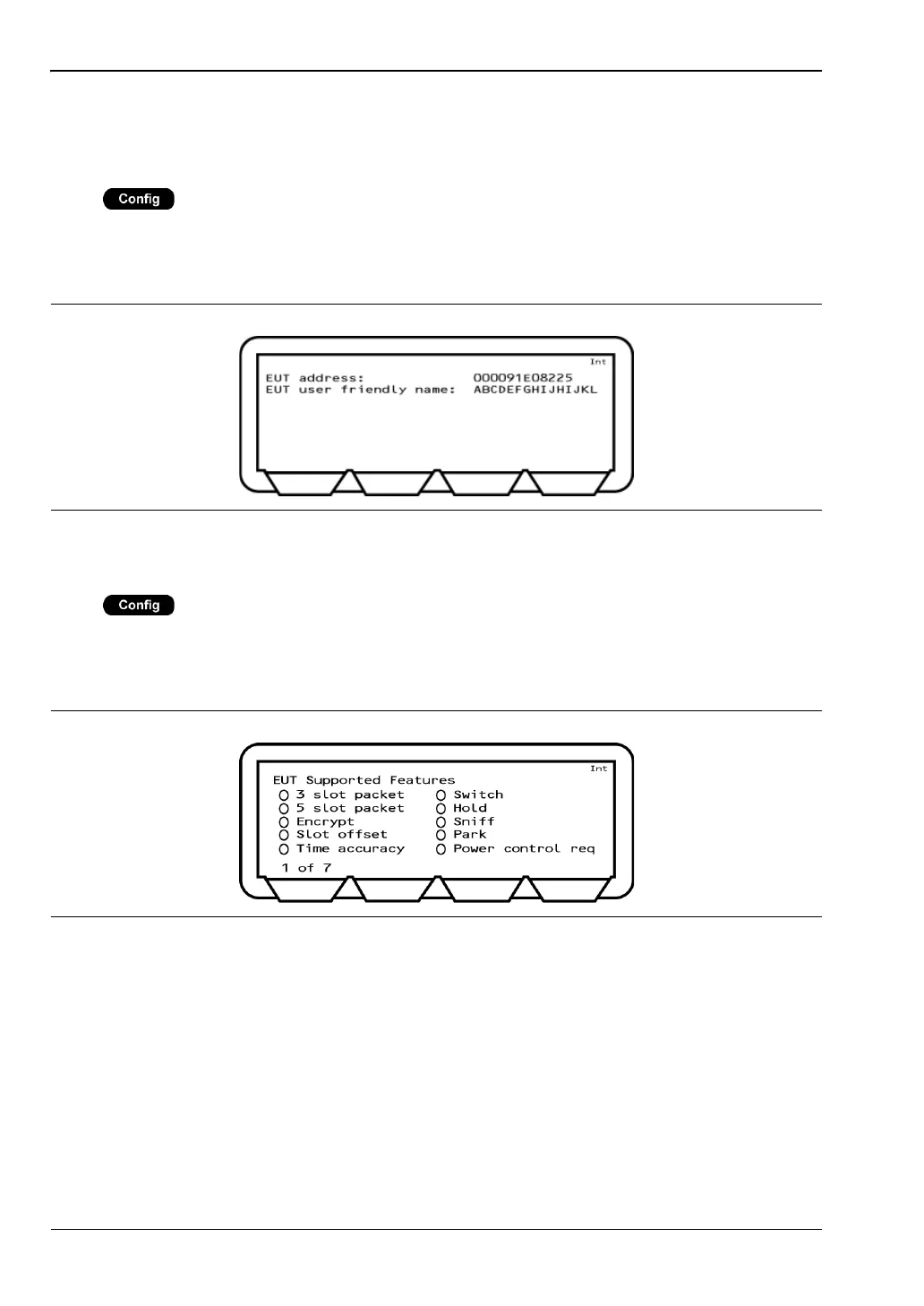
View User Friendly Name
Press > “Equipment Under Test (EUT)” > “View user friendly name”
Each item of Bluetooth equipment has a unique 12 character hexadecimal address.
Equipment can also be given a meaningful name. The user-friendly name can be up to 248
characters in length but is truncated on the page at 177 characters.
View Supported Features
Press > “Equipment Under Test (EUT)” > “View supported features”
This page allows the user to view which optional Bluetooth features are supported by the
EUT. A solid circle indicates a supported feature; a hollow circle indicates an unsupported
feature. Press [1 of 7] to move through the pages in this section.
Figure 11-14. EUT Address and User Friendly Name
Figure 11-15. EUT Supported Features














 To Next Page