Locking a Script Test Scripts
5-14 PN: 13000-00205 Rev. N MT8852B Operation Manual
5-5 Locking a Script
Scripts 3 to 10 can be locked (password protected) to prevent unwanted changed.
1. Press the key.
2. Press the key to position the cursor next to the script number.
3. Press the [List] soft key.
4. Use the key to move the cursor to the script to be locked.
5. Press [Passwd], enter the password from the keypad and press [Enter]. The default
password is 1234.
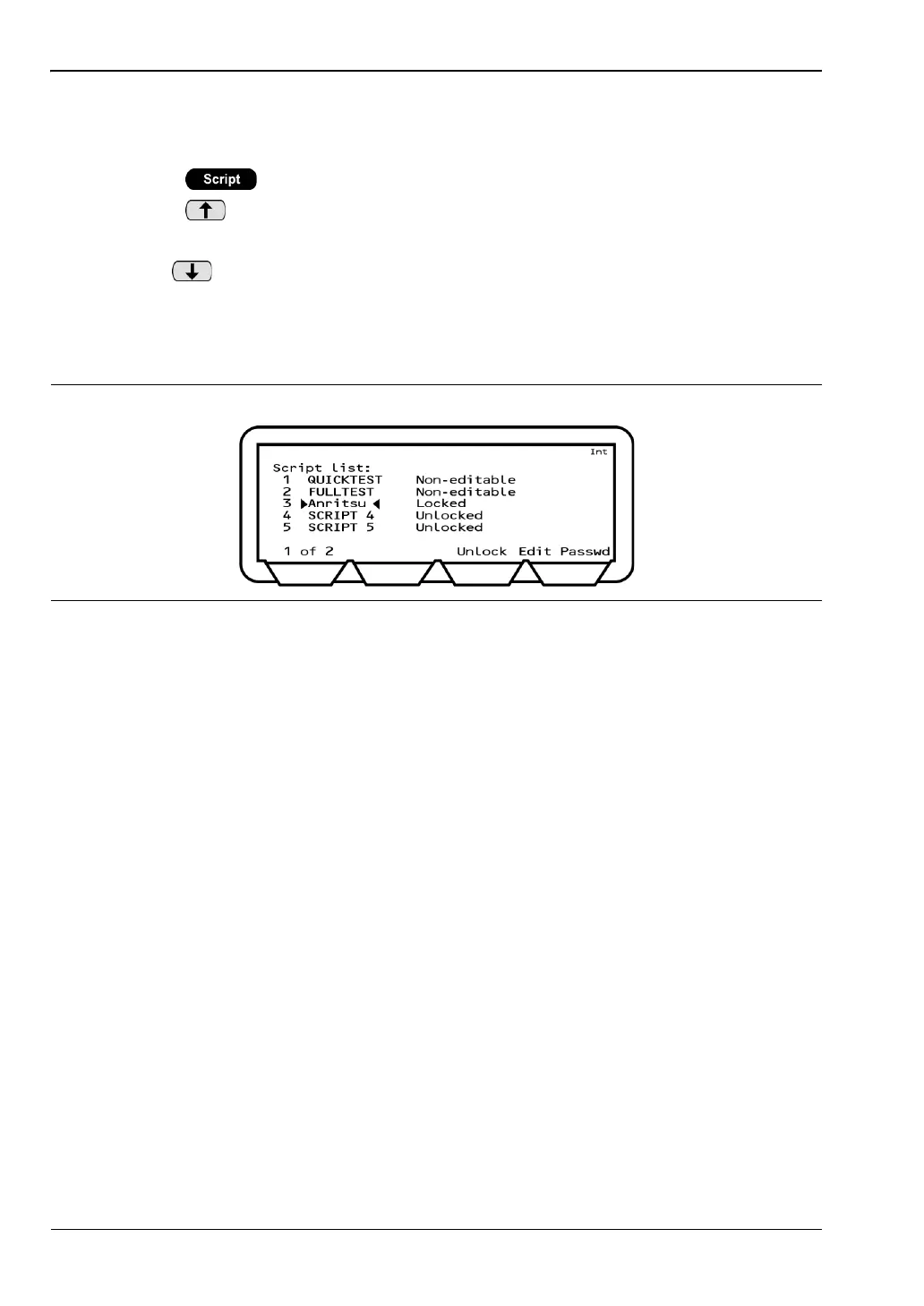
6. Press the [Lock] soft key. The status of the script in the list changes to “Locked”.
Figure 5-16. Locked Script














 To Next Page