About this Manual General Information
1-2 PN: 13000-00205 Rev. N MT8852B Operation Manual
Notification of Software Release
The MT8852B software is periodically updated as new features are added to meet market
demands. To receive automatic notification of software releases, send a blank e-mail with the
subject heading of "MT8852B Software Notification Request" to
bluetooth.support@anritsu.com. You will receive an e-mail when new software is available to
download.
Associated Documentation
In addition to this manual, the following document is also available on the product CD
shipped with the MT8852B Bluetooth Test Set.
The pdf file listed above can be viewed using Adobe Reader
TM
, a freeware program that can be
downloaded from http://www.adobe.com/.
Conventions
The following conventions have been adopted in this manual.
Table 1-1. Associated Documentation
Part number Document
13000-00110 MT8852B Bluetooth Test Set Remote Programming Manual
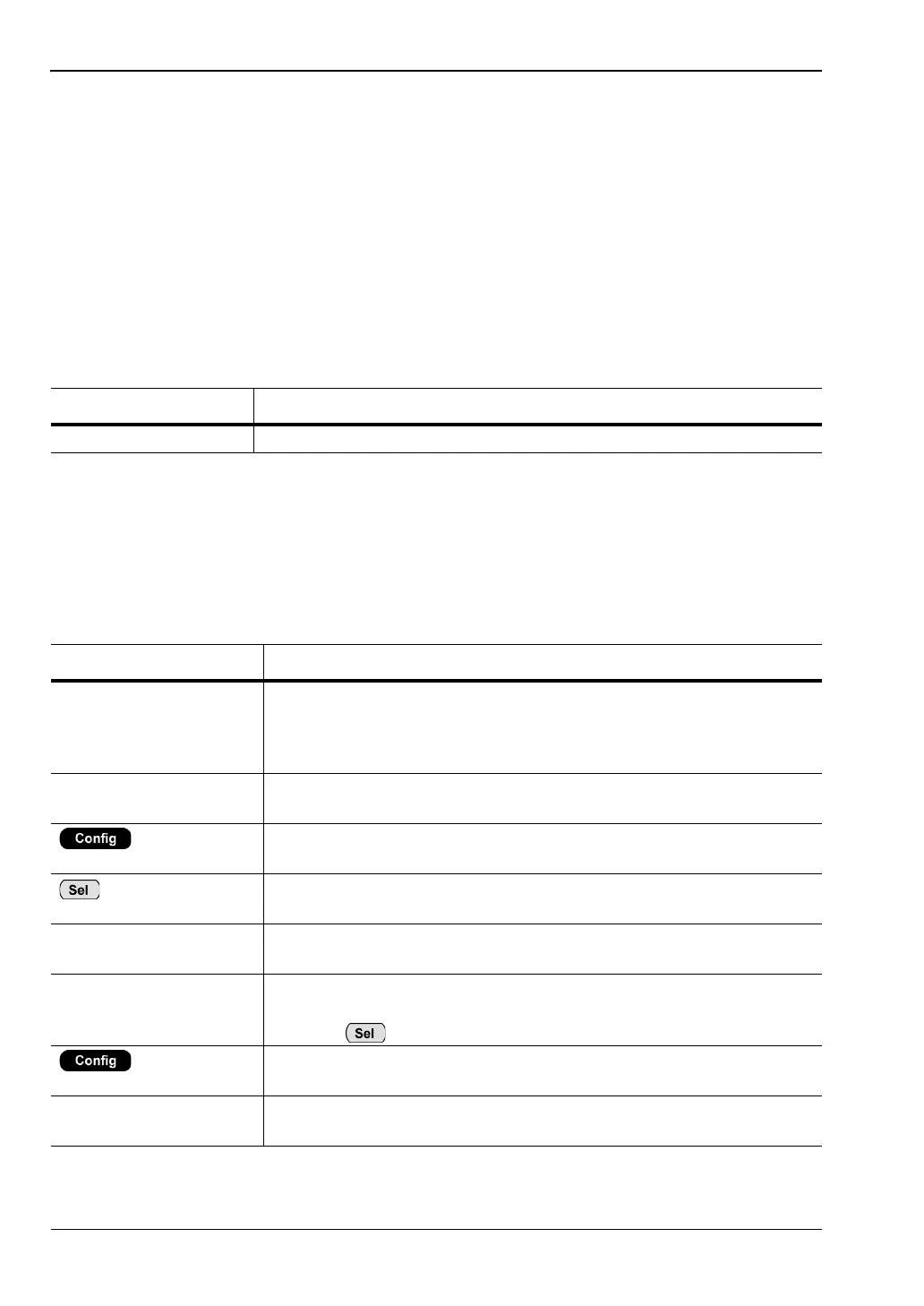
Table 1-2. Notation Conventions
Item Convention
MT8852B Unless otherwise stated, the name “MT8852B” is used generically
throughout this manual to refer to all model types of the MT8852B
Bluetooth Test Set. Refer to the table on the following page for
details of model types.
EUT The Bluetooth enabled device being tested is referred to as the EUT
(Equipment Under Test).
The five hard keys (Run, Loop/Stop, Script, Config, and Preset) are
depicted using an image of the key in question.
The keys on the numeric keypad are depicted using an image of the
key in question.
[Setup] The names of soft keys appearing on the front panel are enclosed in
square brackets.
“Output Power” Test appearing on the display is enclosed in quotation marks when
used in a body of text. Items with quotation marks are selected by
pressing .
> “MT8852B” A chevron (>) is used to indicate that the user should select the items
or keys in sequential order.
[Log Capture] The names of software windows and dialogs are enclosed in square
brackets.














 To Next Page