Preparation for Use Power On Procedure
MT8852B Operation Manual PN: 13000-00205 Rev. N 3-3
3-4 Power On Procedure
1. Connect the MT8852B to the power supply.
2. Press the “On/Standby” key.
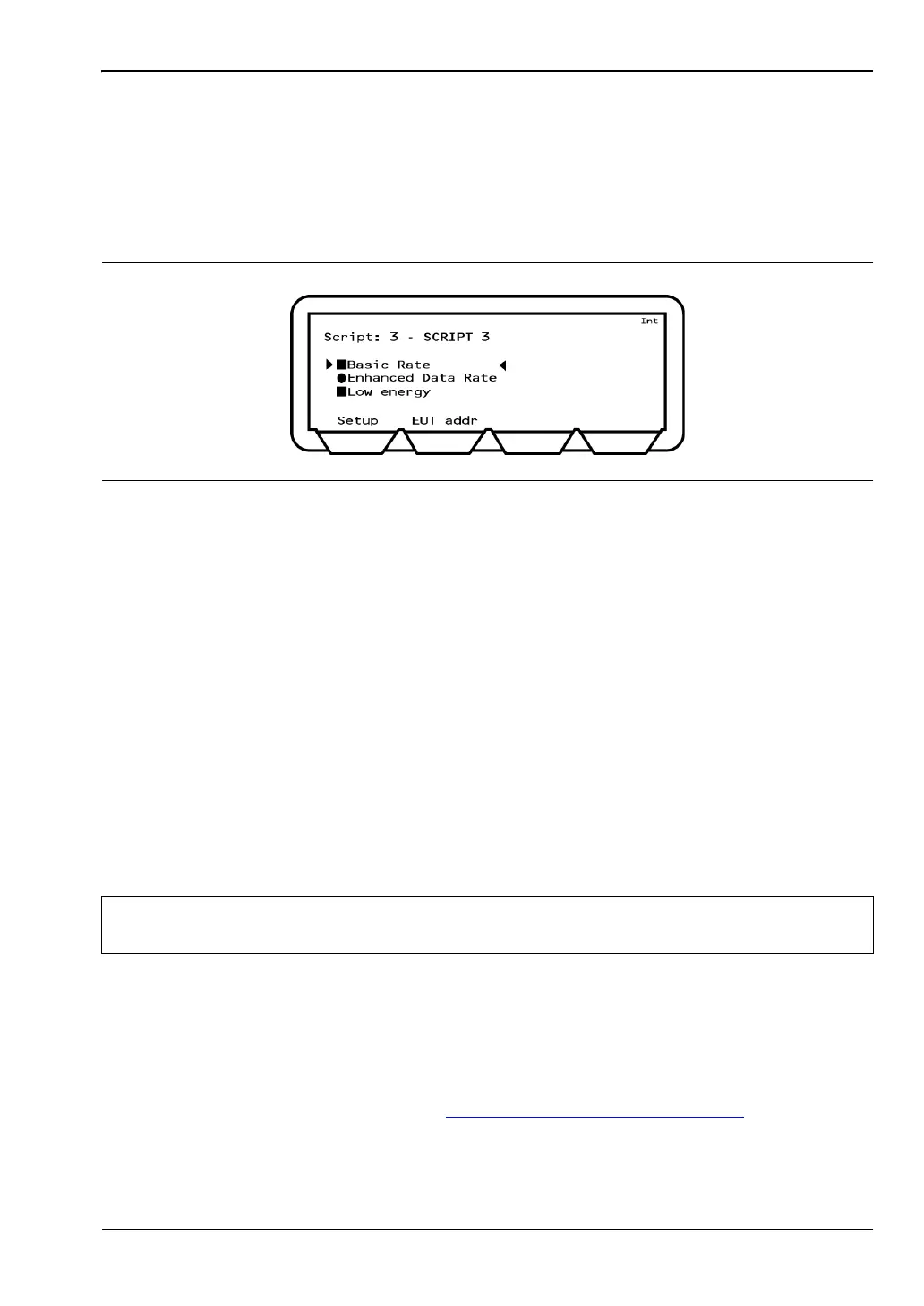
The MT8852B performs a brief power-on self test (POST) and then displays the Test
Groups menu.
3-5 Preparing for Storage
Follow the procedure below if it is necessary to pack and store the MT8852B for an extended
period.
1. Clean the MT8852B prior to storage and pack it using moisture-absorbing desiccant
crystals.
2. Store the unit in a temperature controlled environment maintained at between 5C and
40C, with a maximum humidity of 75% at 40C, non-condensing.
3-6 Preparing for Shipment
Follow the procedure below if it is necessary to return the MT8852B to Anritsu.
1. Wrap the MT8852B to protect the finish.
2. Position the MT8852B in the original shipping container.
3. Insert cushioning material between the MT8852B and the container. Pack the
cushioning material tightly in place while taking care not to put pressure on the RF
connector on the front panel.
4. Seal the container carefully; use shipping tape or an industrial stapler.
5. Return the container to the appropriate Anritsu service center. The address of your
local service center can be found at http://www.anritsu.com/Contact.asp
.
Figure 3-1. Tes t Gro ups
Note
If the original shipping container is no longer available, use a strong corrugated
cardboard container that is at least 15 cm larger than the MT8852B.














 To Next Page