Front Panel Layout Instrument Overview
4-4 PN: 13000-00205 Rev. N MT8852B Operation Manual
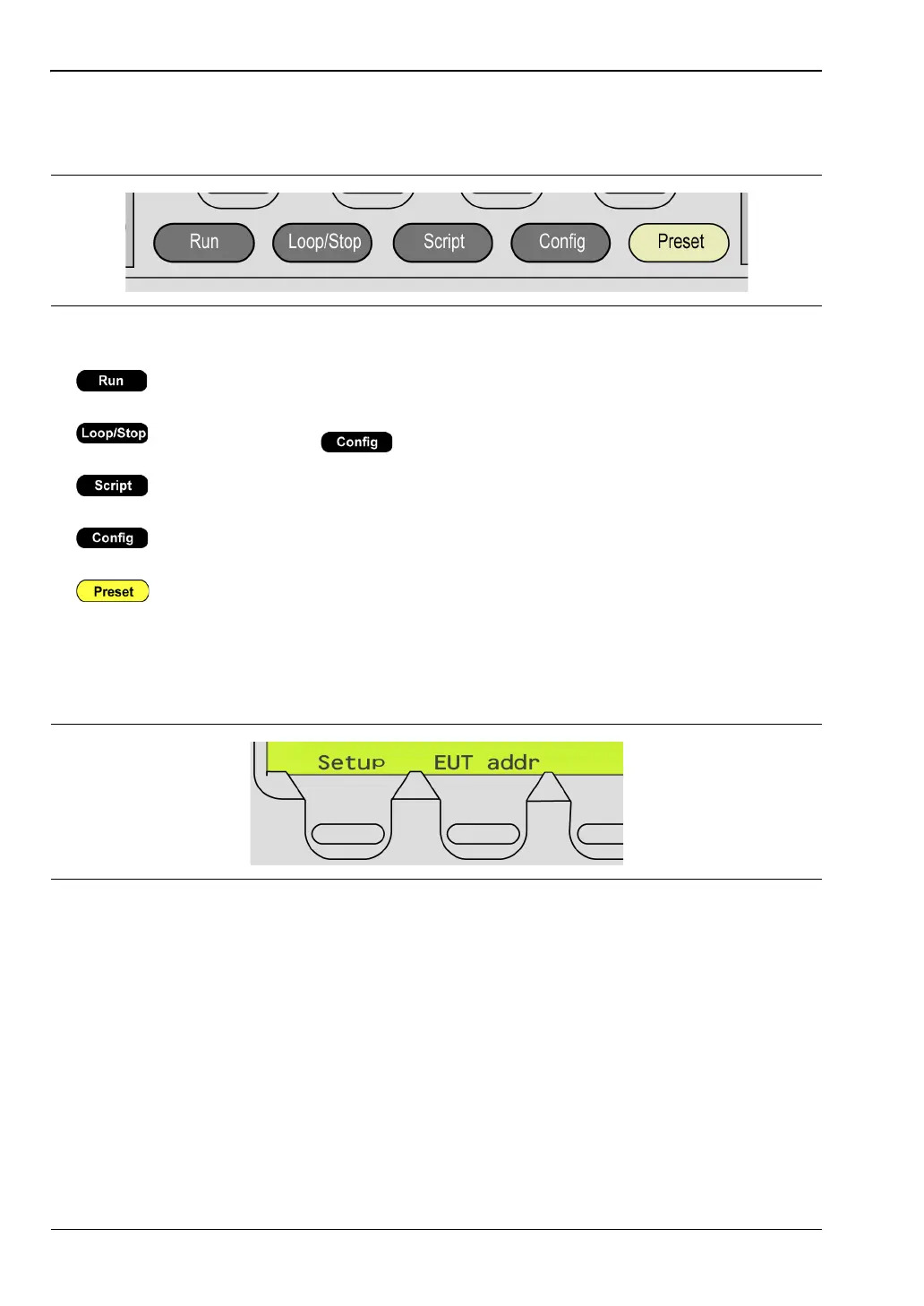
Hard Keys
There are five hard keys on the front panel.
Soft Keys
There are four soft key positions on the bottom line of the display.
The soft key positions are used only when the soft key function is active; some pages use four
soft keys, others use none. The soft keys perform two specific functions:
• They are used to directly access another menu or additional page, e.g., [Setup].
• They are used to initiate an action, e.g., [Enter].
Press the key appearing directly beneath the soft key.
Figure 4-3. Hard Keys
Executes the selected script or test once.
Executes the selected script or test in a continuous loop. The number of loops
is set by the user ( > “All scripts setup” > “Loop count: stop after”).
Allows the user to set the script, select test groups, and view the component
tests for each group.
Displays the top level configuration menu. Refer to chapter 11 for full details
of configuration.
Returns the instrument to a predefined state. Refer to Appendix C for
details.
Figure 4-4. Soft Keys














 To Next Page